Custom Widgets by Clockology

Custom Widgets by Clockology Summary
Custom Widgets by Clockology is a free, with in-app purchases iOS app in Art And Design by Clockology, LLC. Released in Nov 2021 (4 years ago). It has 4.1K ratings with a 4.66★ (excellent) average. Based on AppGoblin estimates, it reaches roughly 14K monthly active users and generates around $<10K monthly revenue (100% IAP / 0% ads). Store last updated Jun 19, 2026
Recent activity: 2.00 new ratings this week View trends →
Custom Widgets by Clockology SDKs Summary
App not yet scanned for SDKs.
4.66★
Ratings: 4.1K
Screenshots



App Description
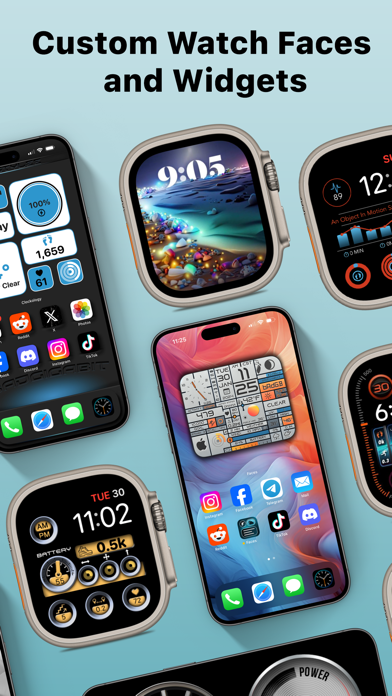
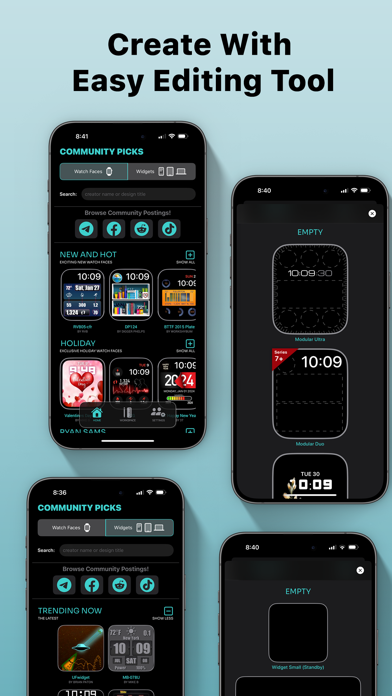
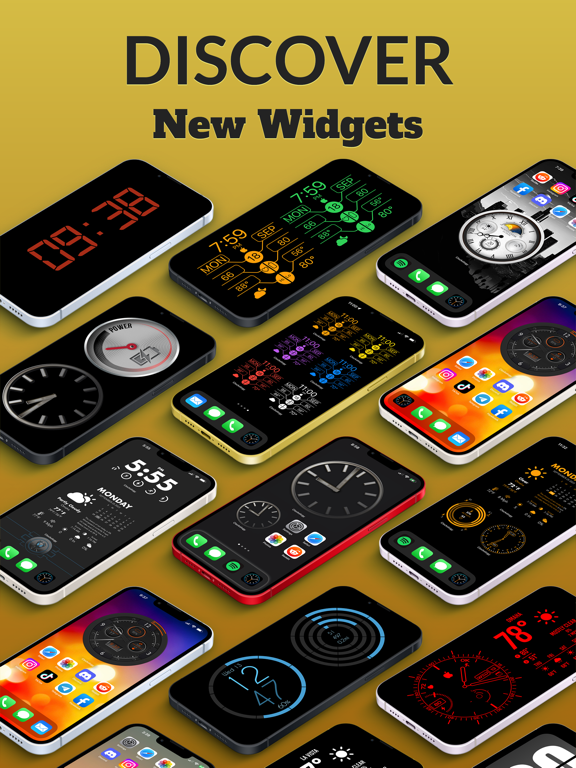
Welcome to the future of custom watch faces on your Apple Watch. The possibilities for new styles are endless! Create and view personalized, interactive watch faces that are all compatible with the Always-On display. With a powerful editor, you can tap into your creative side and make your own feature-rich faces using complications custom-tailored to the information and visuals you would like to see. Browse custom watch faces designed exclusively for Watch Faces and Widgets in the Ideas section or the Explore tab. In addition, you can share and import creations from other users around the world. Send Watch Faces directly from your Apple Watch or the iOS Watch app!
As a Faces+ subscriber, you get access to premium layer features like weather and image strips. You also gain access to spectacular watch faces designed exclusively for Faces+
Watch Faces and Widgets has support for the following layer types:
• Activity & Health: Uses Apple Health integration to show steps and activity goals. The information can be represented as rings, bars, or text
• Image: Add PNG or JPG images to your complications and preserve PNG transparency
• Date and Time: Used for displaying things like current hour, minute, or seconds with a wide variety of fonts and effects
• Icon: Add icons to your creations for visual appeal
• Shape: Create shapes to overlay or fill areas of your complications using gradients and effects
• Image Strips: Use complex images that change based on dates or time or the phase of the moon
• Weather: Using your current location, will show the weather forecast as an icon, temperature, or words
• Text: Add custom text using a plethora of fonts, colors, and gradients
• Device: Battery level and other device specific information
• Hands: Use vectors or custom images to add moving hands to any complication
Notes:
• Watch Faces and Widgets is intended for use with a paired Apple Watch which is where your configured complications will be displayed.
• Watch Faces and Widgets optionally integrates with Apple Health. This data is used during workouts to display your workout metrics to show a summary of your daily activity. Permission for Watch Faces and Widgets to access this data is controlled through the Apple Health app.
• Watch Faces and Widgets includes an optional premium Faces+ subscription. This is offered on a monthly or annual ba