LightCut - AI Video Editor

LightCut - AI Video Editor Summary
LightCut - AI Video Editor is a mobile iOS app in Photo And Video by Yue-Jie Innovations Science and Technology Co. , Ltd.. Released in Aug 2021 (4 years ago). It has 72.2K ratings with a 4.87★ (excellent) average. Based on AppGoblin estimates, it reaches roughly 29.3K monthly active users . Store metadata: updated Nov 8, 2024.
Recent activity: -1 new ratings this week View trends →
Data tracking: SDKs and third-party integrations were last analyzed on Feb 10, 2025.
Store info: Last updated on App Store on Nov 8, 2024 .
4.87★
Ratings: 72.2K
Screenshots


App Description
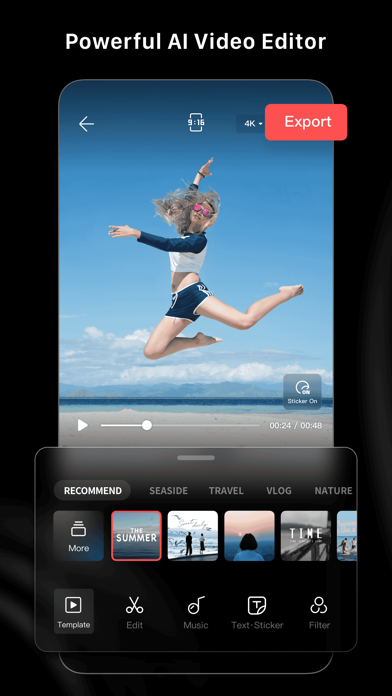
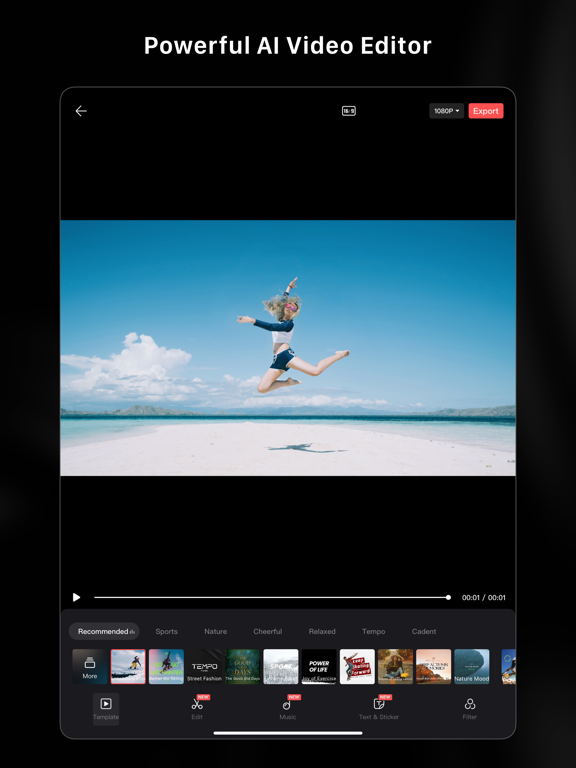
LightCut is an AI-powered video editing app with awesome templates and effects that help you create stylish videos and vlogs with ease. Try the AI video editor for unique videos with just a tap, or the Inspire Cam feature, which lets you shoot like a pro. You can also trim and merge your video clips and add text, music, stickers, effects, transitions, and more for expanded creativity. Simple but powerful, LightCut is an all-in-one video editing app that’s great for beginners, professionals, and everyone in between.
Superfast AI-powered Video Editor
-Automatic video creator to edit content in seconds.
-Simply select your favorite video clips and photos, and after analyzing them for a few moments, the AI-powered One-Tap Edit feature will turn them into share-worthy clips, even in 4K UHD.
-AI can analyze your footage and select highlight moments, matching them with suitable video templates for outstanding results.
-Supports editing drone footage from the Mavic 3 Series, Air 3, Mini 4 Pro and Mini 3 Series, as well as handheld footage from the Osmo Mobile Series, Osmo Action Series, and Osmo Pocket Series without exporting the footage, saving storage space on your smartphone or mobile device.
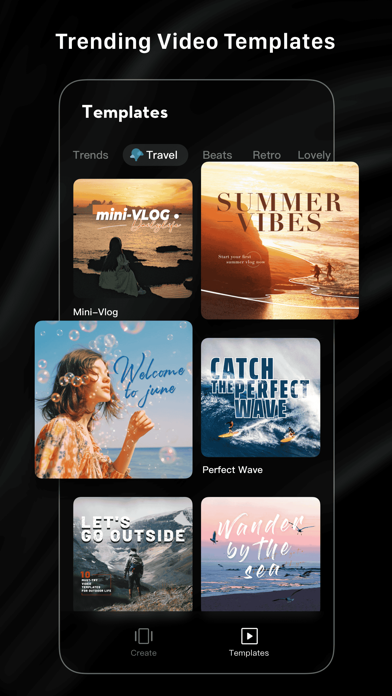
Diverse Video Templates
-Easy-to-use Templates: Just choose the template and tempo you like, and then an eye-catching video will be made automatically.
-Multiple creative template styles available: travel, road trips, nature, building & city, fashion, lifestyle vlogs, sports, aerials, and more.
Inspire Cam Shooting Modes for a Pro-level Look
-Unsure how to film or edit? No worries! Convenient tutorials give you step-by-step guides on how to get great shots in a wide variety of scenarios.
-After shooting, a super cool video will be made automatically. This gives you everything you need to shoot, edit, and share videos in one quick step.
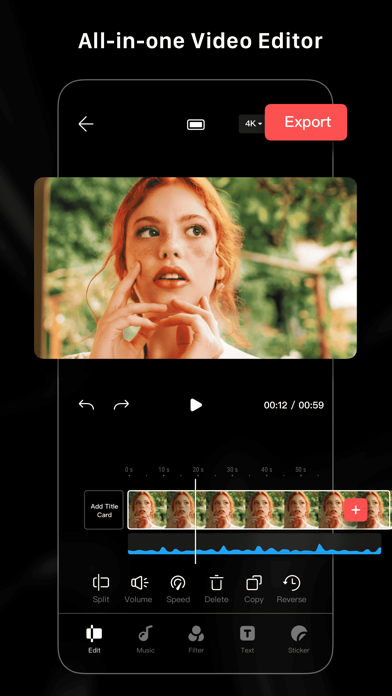
All-in-one Video Editor with Powerful Tools
- Professional editing tools and features help you make epic videos in a flash.
- Convenient features like video trimmer, video cutter, and slow/fast motion with easy adjustments make your videos instantly more attractive. You can even split videos into multiple clips.
- Multiple stickers and font styles help you get ultra-creative.
- Edit and combine videos with filters, effects, and transitions.
Tilt-Shift Effects for a Surreal Look
-Try Tilt-Shift Effects to give you