Watermark Maker: Add Logo

Watermark Maker: Add Logo Summary
Watermark Maker: Add Logo is a free, with in-app purchases iOS app in Photo And Video by Ozan AYAZ. Released in Jul 2021 (5 years ago). It has 4.00 ratings with a 3.52★ (average) average. Based on AppGoblin estimates, it reaches roughly 6.00 monthly active users and generates around $<10K monthly revenue (100% IAP / 0% ads). Store last updated Jan 1, 2026
Watermark Maker: Add Logo SDKs Summary
App not yet scanned for SDKs.
3.52★
Ratings: 4.00
Screenshots


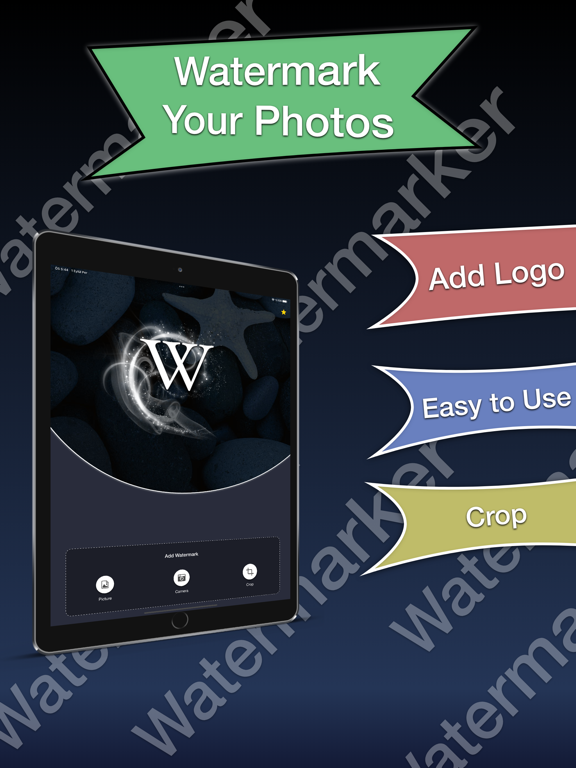

App Description
Watermark Maker – Protect Your Media
Protect your photos and videos with professional watermarks in seconds.
Watermark Maker lets you add logos, signatures, text, and QR codes — individually or in bulk — with full control and zero hassle.
Whether you’re a content creator, photographer, business owner, or just protecting your work, Watermark Studio keeps your media safe and branded.
KEY FEATURES
• Custom Watermarks
Add logos, signatures, text, or QR codes to your photos and videos.
• Batch Watermarking
Apply the same watermark to up to 100 photos or videos at once.
• Signature Studio
Create, save, and reuse handwritten-style signatures anytime.
• QR Code Watermarks
Embed links, profiles, or websites directly into your media.
• Resize & Convert Tools
Resize images and change formats without quality loss.
• Timestamp & Text Tools
Add date, time, or custom text overlays easily.
• Simple & Fast Workflow
Choose your media, apply your watermark, and export in seconds.
PERFECT FOR
Content creators & influencers
Photographers & videographers
Small businesses & brands
Social media posts & marketing assets
Anyone who wants to protect their content
WHY WATERMARK MARKER?
-Clean & modern interface
-Powerful batch processing
-No complicated setup
-Designed for speed and simplicity
Auto-Renewable Subscription Terms:
- The payment will be charged to your Apple ID Account at confirmation of purchase.
- The subscription renews automatically unless the auto-renew is turned off at least 24 hours before the end of the current billing period.
- Your account will be charged for renewal within 24 hours before the end of your selected subscription.
- Your subscriptions can be managed, and auto-renewal can be turned off by going to your App Store Account Settings.
Terms of Use:
https://sunshine-dev.com/?page_id=98