New ToDo List & Tasks & Photo

New ToDo List & Tasks & Photo Summary
New ToDo List & Tasks & Photo is a ad-supported, with in-app purchases iOS app in Tools by Hikaru Satomi. Released in Sep 2021 (4 years ago). It has 2.00 ratings with a 5.00★ (excellent) average. Based on AppGoblin estimates, it reaches roughly 12 monthly active users and generates around $<10K monthly revenue (27% IAP / 73% ads). Store metadata: updated Sep 19, 2025.
Store info: Last updated on App Store on Sep 19, 2025 .
5★
Ratings: 2.00
Screenshots

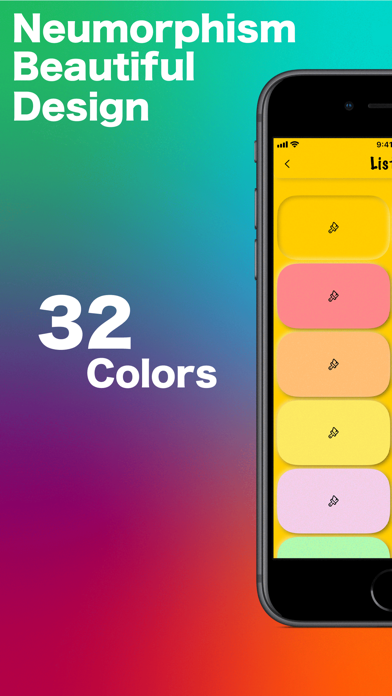


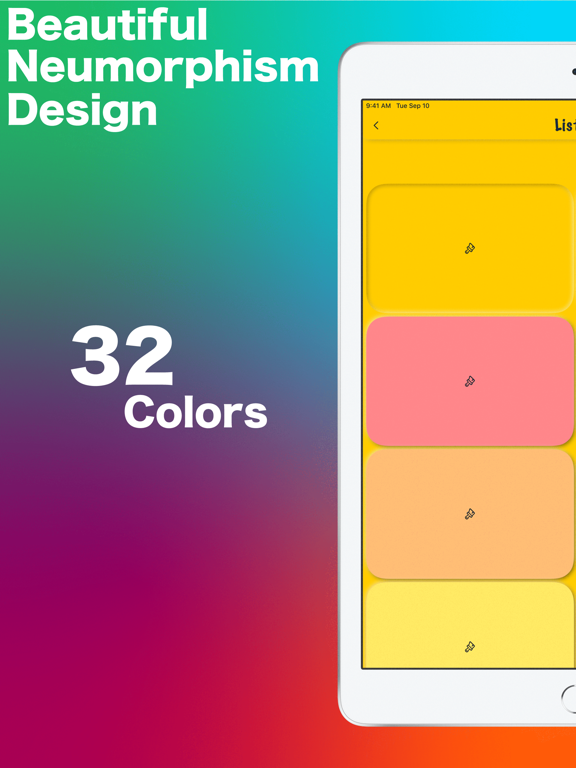

App Description
New ToDo allows you to switch between 5 lists instantly.
It's colorful, stylish, and supports image registration and silent camera.
It is a new experience ToDo list.
【New ToDo features】
◉ Five lists! Instant switching
◉ Silent camera
◉ Switch from normal camera⇄silent camera with a long tap or single tap!
◉ 32 colors for each list
◉ Beautiful Neumorphism design
◉ Add, move, and delete lists freely
◉ Long tap to move between lists
◉ Rename lists name
◉ Swipe right to done checkmark!
◉ Swipe left to delete
◉ There are three ways to register. From Title, Photo, Calendar
◉ Has 32 different app icons
◉ Compatible with iPhone and iPad
■■ Paid version ■■
▲The paid version has no ads▲
●Restore Your Purchases
You can restore your purchases when you changed your iOS devices or reinstalled the app from [Restore Purchases] in the Settings -> Upgrade. Please note that you need to login to your iTunes settings in the iOS -> iTunes with the same Apple ID you used before.
●Manage or Cancel
Go to Settings > [your name] > iTunes & App Store.
Tap your Apple ID at the top of the screen.
Tap View Apple ID. You might need to sign in or use Touch ID.
https://support.apple.com/en-us/HT202039
●Payment will be charged to your Apple ID account at the confirmation of purchase.
●The subscription automatically renews unless it is canceled at least 24 hours before the end of the current period.
●Your account will be charged for renewal within 24 hours prior to the end of the current period.
●You can manage and cancel your subscriptions by going to your App Store account settings after purchase.
●You will not be able to cancel the subscription once activated.
●Privacy Policy and Term of Use
https://www.satomic.net/home/new-todo/terms-conditions
We have also created a pattern-themed calculator called Patterns Calc, so you can choose the one you like best.
More info
◉ satomic apps web site
https://satomic.net