SnapTk - Videos Saver

SnapTk - Videos Saver Summary
SnapTk - Videos Saver is a free, ad-supported, with in-app purchases iOS app in Tools by Muhammad Junaid Khalid. Released in Aug 2021 (5 years ago). It has 75K ratings with a 4.56★ (excellent) average. Based on AppGoblin estimates, it reaches roughly 211K monthly active users and generates around $10K+ monthly revenue (25% IAP / 75% ads). Store last updated Mar 30, 2026
Recent activity: 21 new ratings this week View trends →
SDK intelligence: AppGoblin detected 4 ad networks(e.g. Google),and 1 business tools integrated into SnapTk - Videos Saver. View full SDK list →
SnapTk - Videos Saver SDKs Summary
SnapTk - Videos Saver was last scanned for SDKs on 2026-07-12. Below is the overview of third-party companies detected in the app. The full list of SDKs, permissions and unknowns is available here.
 Google
 Facebook
 AppLovin
 AdMob
AdMob Adapty
4.56★
Ratings: 75K
Screenshots

App Description
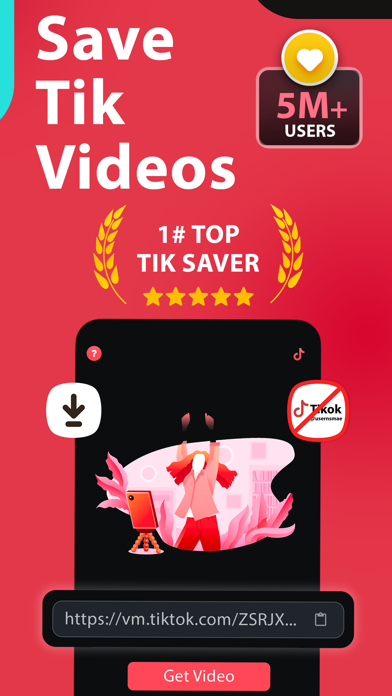
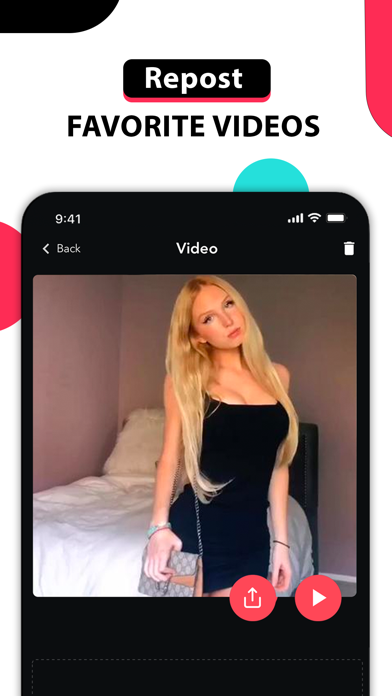
This App is made to introduce a unique and new concept where fans can share, repost and bookmark their favorite videos to watch them later also they can find their own space to discuss and share idea about their trending and viral videos .
App features includes :
- bookmark Profiles and manage videos
- Share and repost videos
- Video Tags Space
- Add a note to your tracked videos
- Write about your favourite videos on our user space and tell users what you think about it
Subscription Terms and Pricing:
You can subscribe to Pro Version to remove ads.
SnapTik - sssTik offers one auto-renewing subscriptions priced as follows:
* Weekly Subscription ($4.99USD / Week)
-This price is for United States customers. Pricing in other countries may vary and actual charges may be converted to your local currency depending on the country of residence
- Payment will be charged to your Apple ID account at confirmation of purchase.
- Subscription automatically renews unless unless it is cancelled at least 24 hours before the end of the current period
- Your account will be charged for renewal within 24 hours prior to the end of the current period, and identify the cost of the renewal
- You can manage and cancel your subscriptions by going to your account settings on the App Store after purchase
- You may cancel a subscription anytime. This must be done 24 hours before the end of the subscription period to avoid being charged. Please visit http://support.apple.com/kb/ht4098 for more information
By using our app, you accept our Privacy Policy and Terms of use.
Terms of use: https://sites.google.com/view/ssstik-tos
Privacy Policy: https://sites.google.com/view/ssstik