ShowTime Simple Clock Display

ShowTime Simple Clock Display Summary
ShowTime Simple Clock Display is a mobile iOS app in Health And Fitness by HamiltonsApps. Released in Sep 2021 (4 years ago). It has 5.00 ratings with a 5.00★ (excellent) average. Based on AppGoblin estimates, it reaches roughly 12 monthly active users . Store last updated Jul 15, 2025
ShowTime Simple Clock Display SDKs Summary
App not yet scanned for SDKs.
5★
Ratings: 5.00
Screenshots
App Description
Do you, or a loved one, ever get confused when you wake up and are not sure if it is morning or night? This app will help you with that.
ShowTime will help seniors, people with dementia or anyone really who needs a quick and easy way to work out what time of day it is.
With that in mind, it has been written to be extremely simple to use.
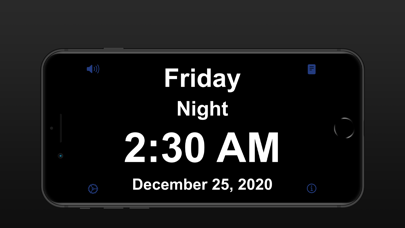
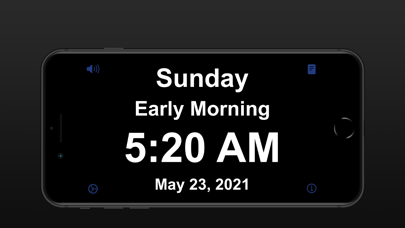
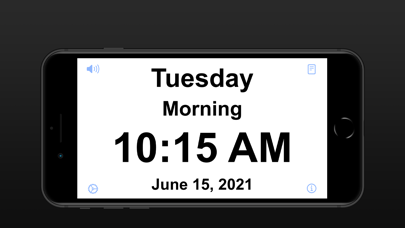
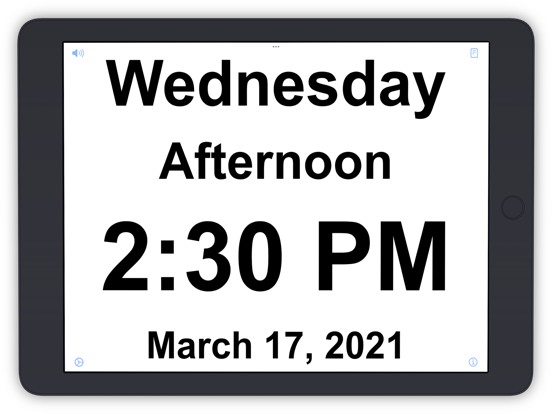
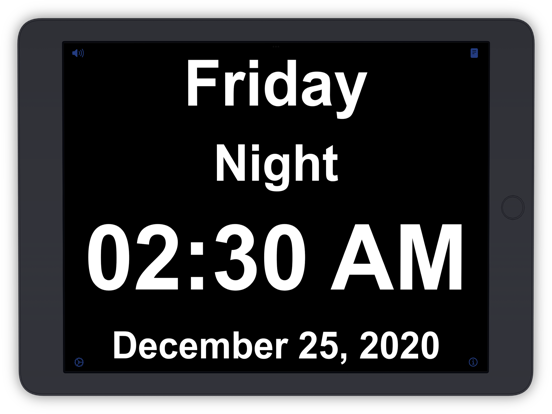
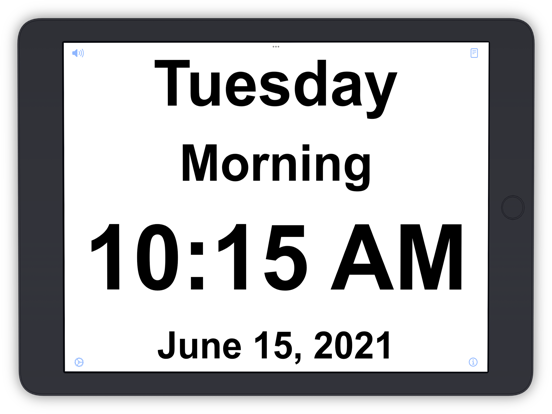
In essence, it is a digital clock, with very clear text showing the time. In the default operation, the background will be black at night and white during the day. So if you wake up at say 1:23, and are not sure if it is 1:23 at night, or 1:23 in the afternoon, then the background will help with this confusion. if it is black, then it is 1:23 at night. If it is white, then it is 1:23 in the afternoon.
As well as the background, there is an AM/PM indicator beside the time, again helping you work out what part of the day you are in.
If you prefer, or find it less confusing, the Settings can be changed to display the time in 24-Hour format.
There is also a description, clearing indicating if it is "Night". "Morning" etc.
The text is very large and clear, but should you need to, tap on the speaker button to have the time read out to you.
By the way, it is also possible to change the settings such that the background is black between sunset and sunrise, and white between sunrise and sunset.
NOTE: so that the app continues to display the time, without any interaction, it runs in an "always-on" mode i.e. does not automatically switch to the Lock Screen after a timeout. Because of that, it might be a good idea to keep the device plugged in.