EV Charging Time Calculator

EV Charging Time Calculator Summary
EV Charging Time Calculator is a mobile iOS app in Maps And Navigation by homechargingstations GbR. Released in Oct 2021 (4 years ago). It has 2.00 ratings with a 4.50★ (excellent) average. Based on AppGoblin estimates, it reaches roughly 9.00 monthly active users . Store metadata: updated Oct 6, 2023.
Store info: Last updated on App Store on Oct 6, 2023 .
4.5★
Ratings: 2.00
Screenshots


App Description
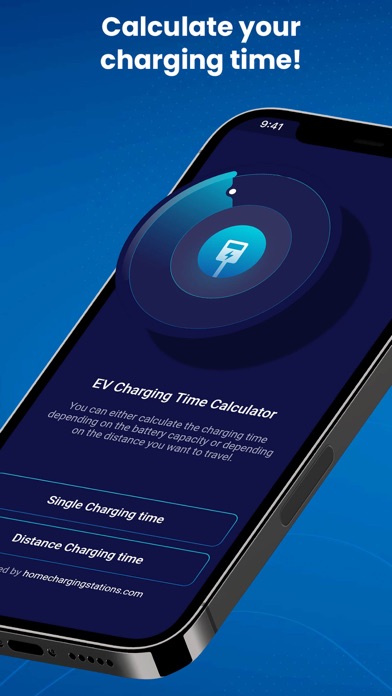
Calculate charging time for your electric car easily with our EV Charging Time Calculator! Whether you are a proud owner of Tesla, Nissan, BWM, Chevrolet, or other brands, you can use our app to calculate charging time easily.
Our charging app also works for various charging stations, including if you want to charge your EV at home. It’s very simple, precise, and lightweight. Download and use EV Charging Time Calculator for FREE now!
Unlike gas-powered vehicles, you need time to charge your electric car and it may take from minutes to hours depending on your charging power outlet and your car’s battery. Our app helps you calculate the time needed to charge your car’s battery for a certain distance or up to a certain percentage. That way you can plan your activity or route based on how much time it takes to charge your car in any situation.
=== FEATURES OF EV CHARGING TIME CALCULATOR: ===
Calculate the time needed to charge your electric vehicle.
Works on all-electric cars/ vehicles brands.
Works for various types of charging stations or home charging.
Calculate time by Daily Distance traveled.
Calculate time by battery percentage.
Great UI/ UX for excellent app experience.
Available in km or miles unit.
Simple adjust existing values and get the number you want.
Step by step guide on how to use EV Charging Time Calculator:
Determine your electric car’s battery capacity and charging power capacity.
Determine the charging station power in kW. Please note that the real charging power will be determined by the station’s charging power outlet, cable, and your own battery. Always choose the lowest number when you enter the value to our charging time calculator.
Choose whether you want to calculate the time based on battery percentage or distance.
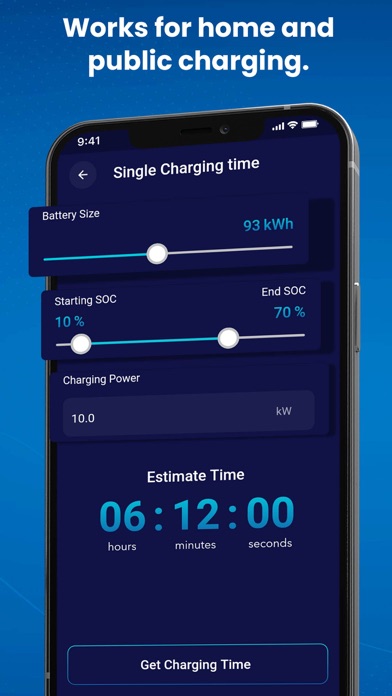
In Single Charging Time mode, you can charge your car’s battery to a certain percentage value.
Enter the current battery power percentage. If you are completely out of power, the starting SOC is 0%.
If you want to charge your car’s battery to full capacity, please adjust the end SOC to 100%.
View the Estimate Time and start the timer.
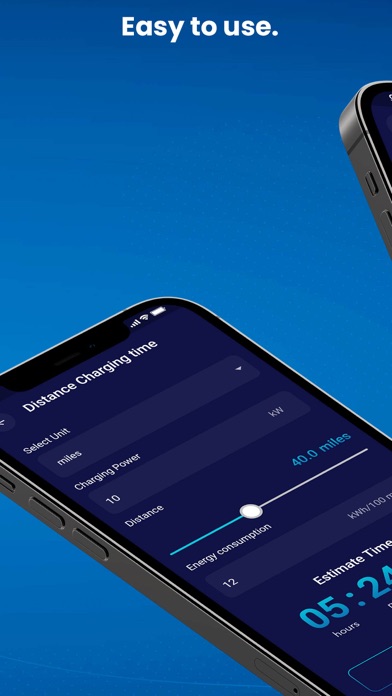
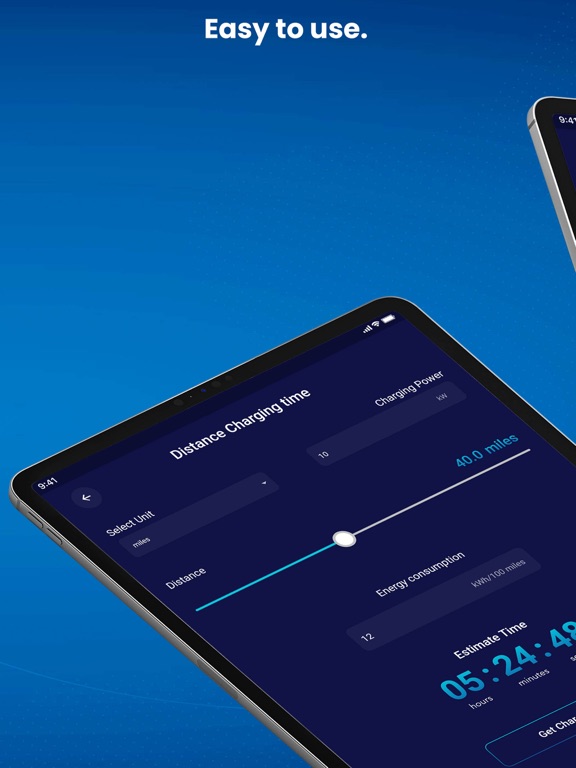
The Distance Charging Time mode allows you to calculate the time needed to charge your car based on the distance you plan to travel. In this case, you should know your total daily distance and add some additional km or miles just in case.
Select the unit, w