Forms: Spreadsheet Integration

Forms: Spreadsheet Integration Summary
Forms: Spreadsheet Integration is a free, ad-supported, with in-app purchases iOS app in Productivity by Pratheesh Bennet. Released in Sep 2021 (4 years ago). It has 10 ratings with a 4.00★ (good) average. Based on AppGoblin estimates, it reaches roughly 23 monthly active users and generates around $<10K monthly revenue (27% IAP / 73% ads). Store last updated Apr 11, 2026
Forms: Spreadsheet Integration SDKs Summary
App not yet scanned for SDKs.
4★
Ratings: 10
Screenshots



App Description
Benefits of Falcon Forms:
AI-Powered Form Creation: Instantly generate ready-to-use forms with the built-in AI Form Builder, designed for Google Sheets and Excel workflows.
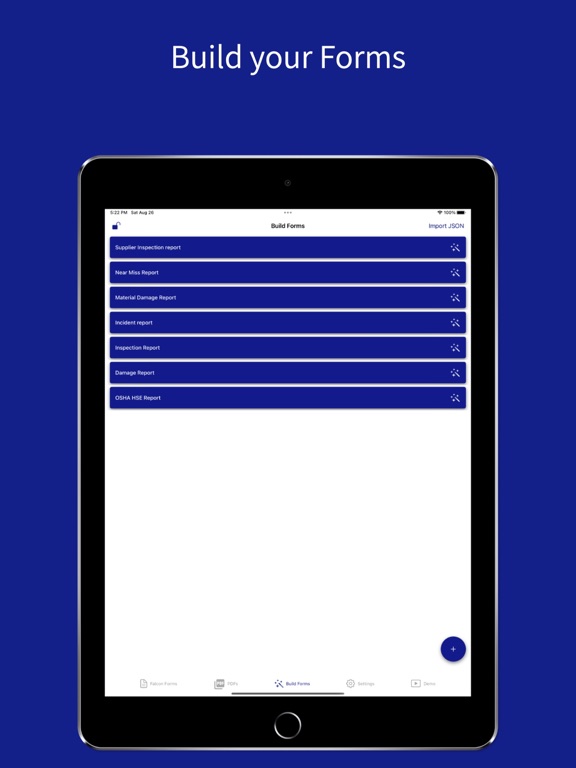
Build and Customize Forms: Create unlimited templates and export data directly to Google Sheets, Microsoft Excel, or PDFs with seamless spreadsheet integration.
Multiple Export Options: Send responses to Google Sheets, Excel, or generate professional PDFs. Ideal for users looking for apps with Google Sheets integration.
Digitize Paper Forms: Scan and convert paper forms into digital data and export to Google Sheets, Excel, or PDFs.
No Account Required: Build, fill, and export forms offline with full control over your data.
User Friendly: Simple interface for fast form creation and easy data entry built for spreadsheet users.
Boost Brand Value: Add letterheads, watermarks, and logos to your PDF exports.
Core Features:
AI Form Builder: Create forms instantly and connect data to Google Sheets and Excel.
Custom Templates: 15+ input types designed for spreadsheet integration and export.
Real Time Sharing: Share via email or cloud services and sync with Google Sheets.
Secure PDFs: Add signatures and password protection to exported documents.
Who Can Use Falcon Forms?
Personal and Business: Manage tasks, inspections, and reports with easy export to Google Sheets, Excel, or PDFs.
Business Documents: Create branded forms and simplify Google Sheets and Excel workflows.
Suggestions or Feedback
Reach out through the Contact Us section in the app. We are continuously improving Google Sheets integration, Excel support, and PDF features.
Terms of Use: https://www.apple.com/legal/internet-services/itunes/dev/stdeula/
Special Attribution: Icons created by Freepik - Flaticon