Frameit - Real-Time Video Crop

Frameit - Real-Time Video Crop Summary
Frameit - Real-Time Video Crop is a ad-supported, with in-app purchases iOS app in Photo And Video by FIGABYTE SOLUTIONS. Released in Feb 2024 (2 years ago). It has 8.00 ratings with a 4.00★ (good) average. Based on AppGoblin estimates, it reaches roughly 8.00 monthly active users and generates around $<10K monthly revenue (27% IAP / 73% ads). Store metadata: updated Jan 3, 2026.
Store info: Last updated on App Store on Jan 3, 2026 .
4★
Ratings: 8.00
Screenshots



App Description
Frameit, a free video editing app that connects all your video reframing needs in one place!
• With Frameit you can CROP your video in REAL-TIME. All you need is an iPhone or iPad and your fingers.
• You can now DYNAMICALLY REFRAME - PAN, ZOOM and ROTATE video in the most intuitive way!
• It is as easy as moving your fingers.
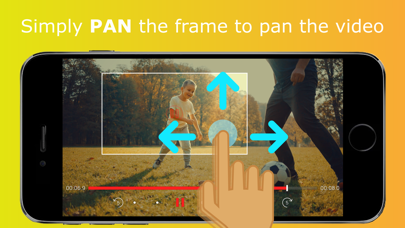
• Simply pan your finger(s) as you play the video to create pan effect.
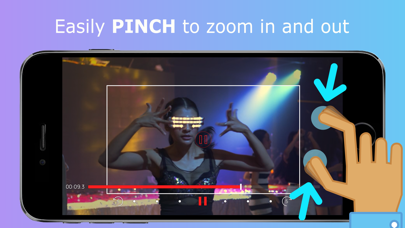
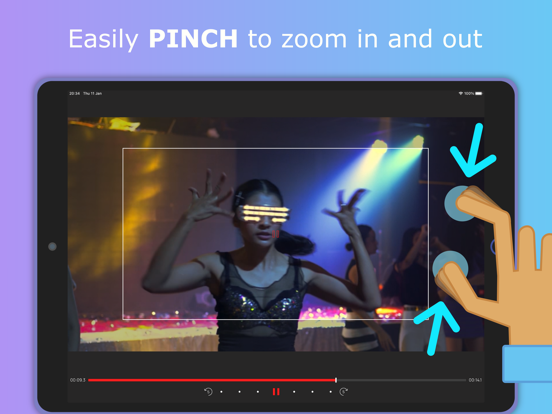
• Pinch your fingers in and out while the video is playing to create zoom effects.
• Rotate your fingers and that will rotate your video.
• This unique concept and Frameit’s user-friendly interface now allows you to create complex effects in just a few minutes or even seconds.
「Use Frameit to」
• track an object or a person,
• correct jerky camera movements,
• correct undesired tilt in video, even the one that changes with time,
• zoom in and out of an object or a person,
• reframe your video in any way that you wish,
• create completely new camera motions,...
「It works like this:」
• The "REC" button in the middle of the frame starts playing the video and starts essentially “recording” a new video within your present video.
• Now use your fingers on the frame to pan, zoom or rotate your video.
「What makes it powerful」
• You can create many recordings which will help you correct mistakes while recording. This will also enable you to work as if you are working with keyframes. You can combine longer dynamic recordings, with shorter keyframe-like recordings.
• Create silky smooth videos by choosing how much smoothing will be applied to your recorded input.
• You can use frame of ANY aspect ratio so you can reframe your video to a different aspect ratio. For example, use 1:1 frame to crop your 16:9 video for posting on social media.
• Make a video and post it directly online to share it with friends and family.
• If you want to track fast-moving objects, or create fast camera motions, it is best to record at a slower playback speed. You can go as slow as 0.125x. Remember, slower speed is just helping you to record fast frame movement. The produced video will be at the normal speed.
• You can also record at a faster than normal speed. As much as 8 times faster. Remember, you are only recording at a faster playback speed. The produced video will be at normal speed
• Trim video. You can start or stop reco