Audio Jam: AI for musicians

Audio Jam: AI for musicians Summary
Audio Jam: AI for musicians is a with in-app purchases iOS app in Music And Audio by Kiraku Tech Co., Ltd.. Released in Dec 2021 (4 years ago). Store metadata: updated Apr 16, 2025.
Data tracking: SDKs and third-party integrations were last analyzed on Feb 14, 2025.
Store info: Last updated on App Store on Apr 16, 2025 .
0★
Ratings:
Screenshots

App Description
# Designed for musician
To do well, you must first sharpen your tools. AudioJam is a powerful music learning tool for professional musicians like you.
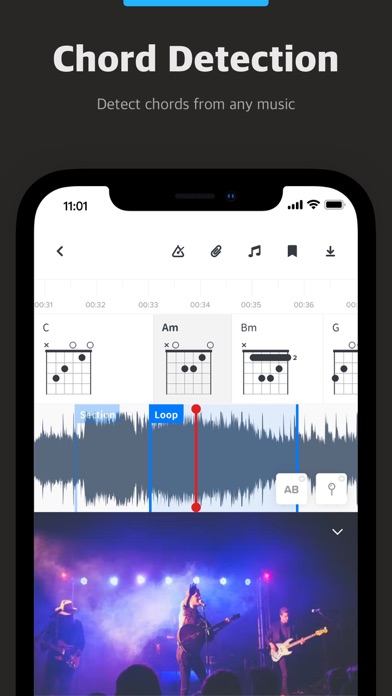
AI accompaniment to extract instrument tracks, AB loop clips, adjust tempo and pitch... Pick up the score and practice songs more efficiently.
It has the following specific features.
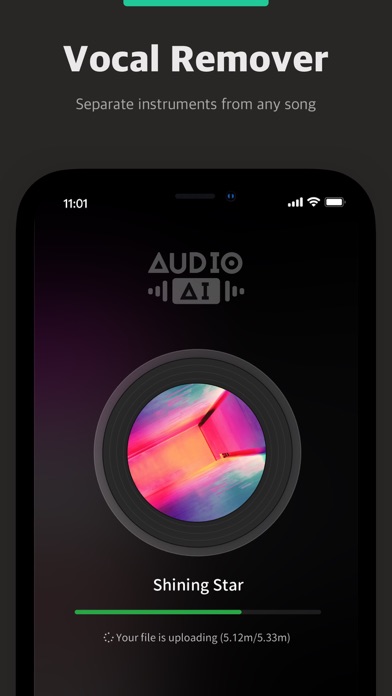
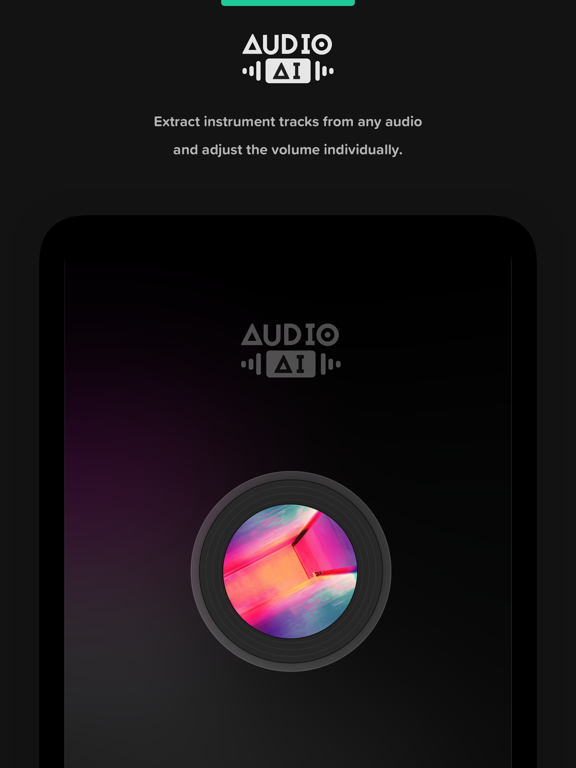
* AudioAI: Separate vocal, drum, bass, keyboard piano, guitar and other instrument tracks from any song. And you can adjust the volume of the separated tracks.
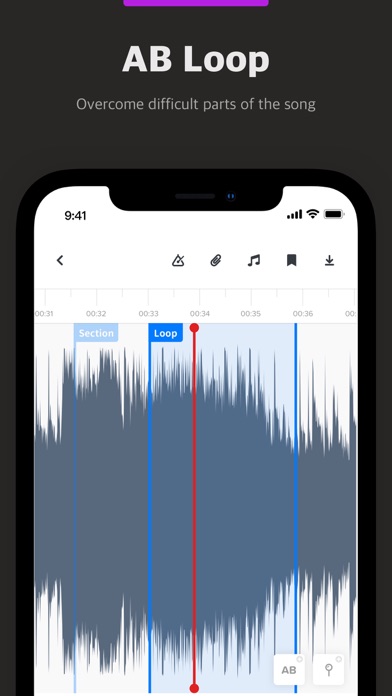
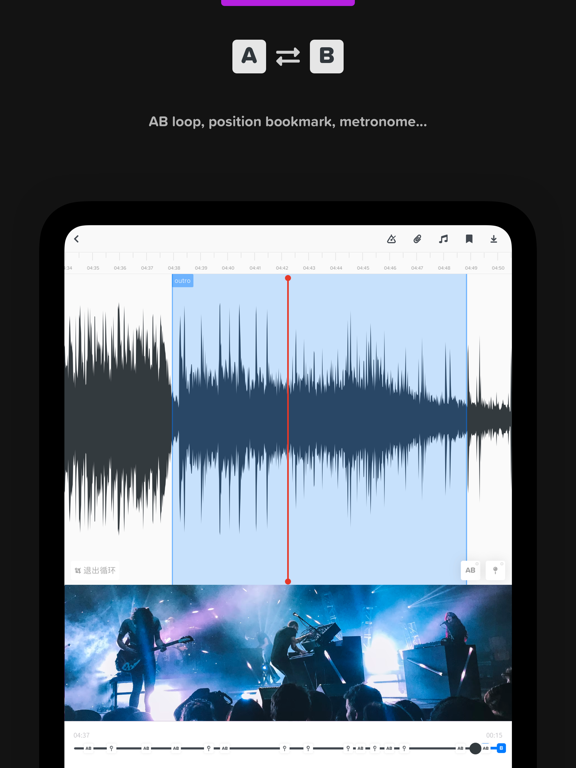
* AB Loop Playback: Set the starting point and end point of the audio, and keep playing AB loop constantly.
* Audio Bookmarks: Add bookmarks to specific positions of the audio to easily jump to the corresponding position.
* Speed and Tone Adjustment: Adjust the tone and speed more suitable.
* EQ Adjustment: Support three bands of EQ, increase or decrease the volume of the corresponding high and low frequency bands to easily distinguish the sound of instruments.
* Music Attachments: You can import music-related attachments and support preview playback of Guitar Pro and MusicXML scores.
* Countdown Entry: Countdown entry following the beat for more effective practice with songs.
* All-platform + Cloud Sync: Allows you to access your project whenever and wherever you want.
In AudioJam, we support the following audio and video formats.
* Audio: mp3, m4a, aac, aiff, wav
* Video: mp4, mov
To get the best out of AudioJam, you can also upgrade to our Pro membership. It includes the following benefits.
* AudioAI usage limit increased from 5 times/month to 100 times/month.
* Audio and video length increased from five minutes to twenty minutes.
* Number of projects raised from three to unlimited.
* Exporting projects.
* No ads, more refreshing experience.
* Pro benefits are available across all platforms.
++ Additional Subscription Notice ++
* Annual / semi-annual / monthly subscription plans (starting at USD $6.99 / $39.99 respectively).
* Payment will be made through your iTunes account after confirmation of purchase.
* By default, the subscription will automatically renew at the same price and period after the subscription expires according to the original plan. To cancel your subscription, you must cancel at least 24 hours in advance of the expiration of your existing subscription plan.
* You can cancel your subscription plan at any time through the subscription settings in your personal iTunes account (find Settings on your device, click iTunes and App Store > Apple ID > View Apple ID > Enter Password > Subscriptions > Manage App Subscriptions > Click the Cancel Subscrip