EquateAccess

EquateAccess Summary
EquateAccess is a free iOS app in Productivity by Equatex AG. Released in Nov 2021 (4 years ago). It has 465 ratings with a 1.35★ (poor) average. Based on AppGoblin estimates, it reaches roughly 1.5K monthly active users . Store last updated Feb 11, 2026
Recent activity: 1.00 new ratings this week View trends →
SDK intelligence: AppGoblin detected 3 development tools(e.g. nanopb),and 1 analytics: product integrated into EquateAccess. View full SDK list →
EquateAccess SDKs Summary
EquateAccess was last scanned for SDKs on 2026-07-26. Below is the overview of third-party companies detected in the app. The full list of SDKs, permissions and unknowns is available here.
 Firebase
 nanopb
 Google
 Swinject
1.35★
Ratings: 465
Screenshots
App Description
EquateAccess is the companion security app for EquatePlus, the equity compensation platform offered by Computershare and Equatex, part of the Computershare Group.
EquateAccess provides multi-factor authentication (MFA) that simplifies your login and protects your EquatePlus account with an additional level of security.
How it works:
When your account is ready to begin using EquateAccess, you will receive an invitation to download the app. Once downloaded, follow the simple instructions to register it to your account.
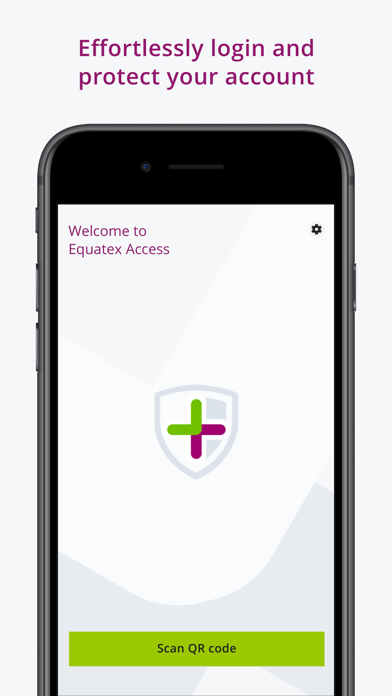
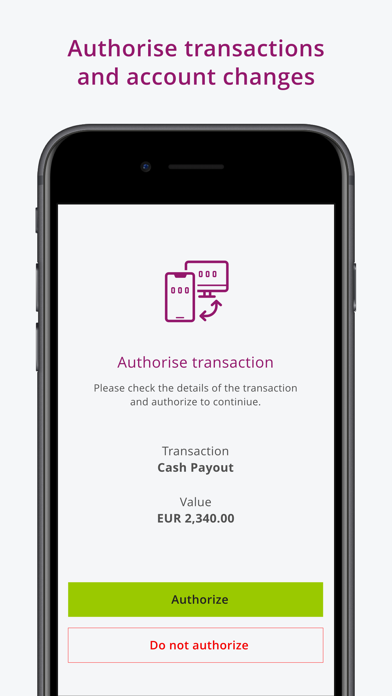
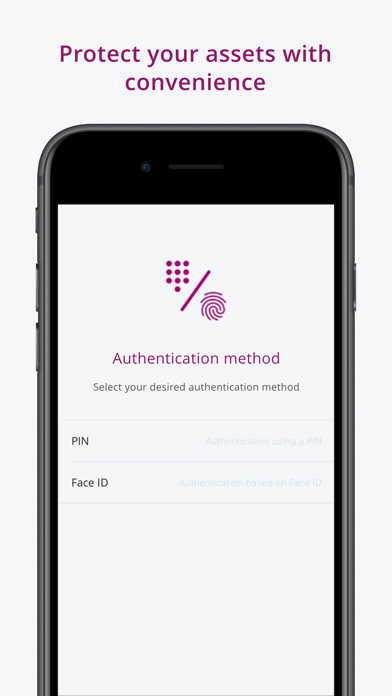
After completing the easy setup, you will be prompted to scan a QR code each time you log in. Use EquateAccess to scan the code and authorise the login on your mobile device using Face ID, Touch ID, or by entering your EquateAccess PIN.
Requirements:
• EquateAccess requires your mobile device’s camera to scan the QR codes. Please be sure to grant permission to the app when prompted.
• The enhanced login must be configured for your company. Make sure you have received an invitation before installing EquateAccess.