Neumorlendar

Neumorlendar Summary
Neumorlendar is a ad-supported, with in-app purchases iOS app in Business by Shuichi Murakami. Released in Dec 2021 (4 years ago). It has 3.00 ratings with a 4.33★ (good) average. Based on AppGoblin estimates, it reaches roughly 22 monthly active users and generates around $<10K monthly revenue (27% IAP / 73% ads). Store metadata: updated Jan 13, 2022.
Store info: Last updated on App Store on Jan 13, 2022 .
4.33★
Ratings: 3.00
Screenshots


App Description
AS THE name suggests, Neumorlendar's UI design is based on Neumorphism; simple, sleek and it's all up to you how to arrange it.
WHAT IS Neumorphism? - A novel design methodology which is a hybrid form of the chiseled-embossed realism-type and the simple-minimalistic type of styles.
DID YOU ever feel, calendar apps out there, are all "sorta too much"?
- Screens are noisy, cluttered and un-straightforward.
- Just too many functionalities to catch up with.
- I want to keep the plans stored in a certain device only, not shared with all of my devices.
IF YES, Neumorlendar is for you -
- Simple UI, with a minimum number of functionalities.
Plans and Notes are stored ONLY in the device the app is installed in; in-app data are not shared with any other devices.
HOW DO I use Neumorlendar? -
- As a Scheduler:
-- One tap on a date button will change the color of its outline. Further tapping will change the color in the order specified on the settings view by one color each tap. If your work has a shift schedule and it has day/swing/night shifts, you can make the shift management easier by marking your day-shift dates with the red color, swing with the blue color and night with the green color. You can differentiate the coloring patterns month to month, to have your varying shift patterns easily reflected on your scheduler. Also, with an additional Notes feature, you can write multi-line texts for each date.
- As a Diary:
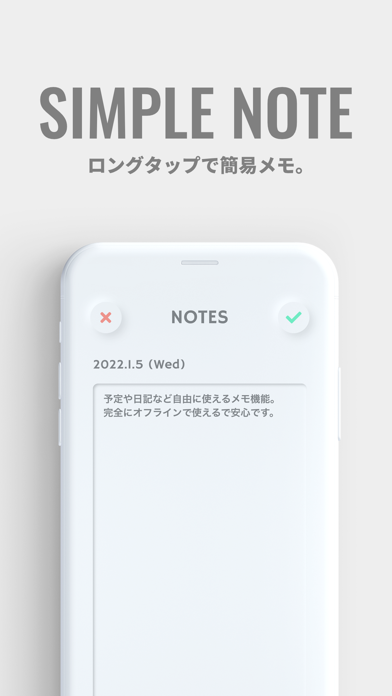
-- Unlimited number of characters can be entered into the Notes area. Write anything, every day. You have the liberty.
- As a stamp/loyalty card:
-- Similar to a store loyalty card on which a stamp is put to indicate a purchase, you can color a date once you have accomplished your goal set for the date. Colors list can be set from minimum one color to maximum seven colors.
Those uses are only examples. It's all up to you how to make use of Neumorlendar.
LIST OF functionalities
- Calendar display
- Coloring the dates
- Text inputs to the dates
- Dark Mode
- Hide advertisements (requires in-app charge)
- Multilingual (Japanese and English)
HOW TO operate Neumorlendar -
- Color a Date:
-- A short tap on a date icon will change the color of its outline.
-- Each tap will change the color, in the order specified in the settings.
-- Colors details, i.e., their RGB values and how many of them are pre-set, can be managed from the settings view.