UPDF - AI-Powered PDF Editor

UPDF - AI-Powered PDF Editor Summary
UPDF - AI-Powered PDF Editor is a with in-app purchases iOS app in Productivity by Superace Software Technology Co., Ltd.. Released in Dec 2021 (4 years ago). It has 1.7K ratings with a 4.71★ (excellent) average. Based on AppGoblin estimates, it reaches roughly 4.7K monthly active users and generates around $<10K monthly revenue (100% IAP / 0% ads). Store metadata: updated May 20, 2026, version 0580.
Recent activity: 5.00 new ratings this week View trends →
Data tracking: SDKs and third-party integrations were last analyzed on Apr 28, 2026.
Store info: Last updated on App Store on May 20, 2026 (version 0580).
UPDF - AI-Powered PDF Editor was last scanned for SDKs 2026-04-28. Below is the overview of third party companies detected in the app. The full list of raw SDKs, app permissions and unknown SDKs is available here.
 Alamofire
 nanopb
 OpenID
 Google
 Firebase
 Snap
Snap4.71★
Ratings: 1.7K
Screenshots

App Description
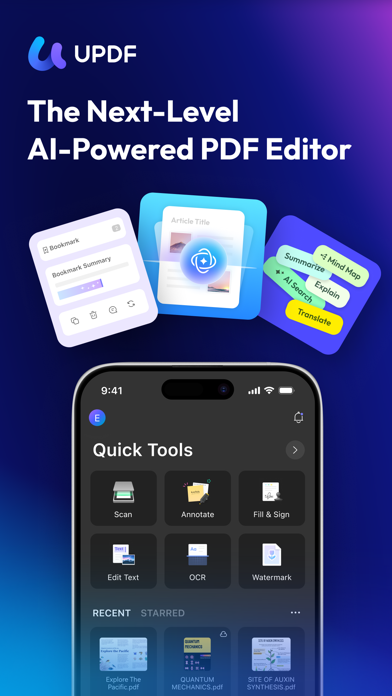
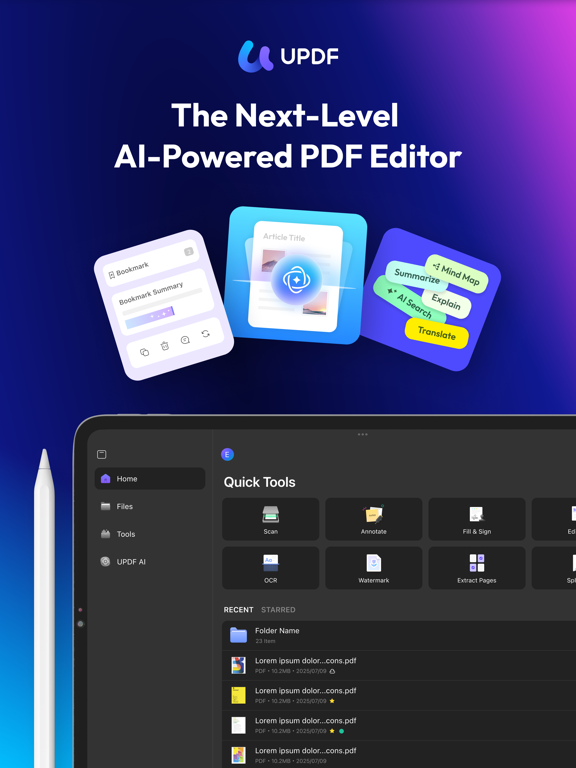
UPDF for iOS is an AI-powered PDF editor for iPhone and iPad. Read, edit, annotate, convert, sign, and AI chat with your PDFs — all from your iOS device. Summarize lengthy documents, translate full PDFs, scan paper to PDF, and manage all your files in one place.
Amazing features of UPDF for iOS:
Edit PDF
- Edit text in PDF (change color, font style, font size)
- Edit images in PDF (rotate, extract, replace, and crop images)
- Edit watermark in PDF (add, edit, delete and favor watermark)
- Edit links in PDF (add, edit, copy, and delete)
AI Assistant
- Summarize, translate, explain, and rephrase lengthy PDFs in minutes.
- Engage in a chat with UPDF AI and ask it any questions you have.
- Summarize or translate PDF by pages.
- Export conversations to Markdown or TXT files.
- NEW AI Bookmark Agent: Auto-generate bookmarks and get instant section summaries for any PDF.
- NEW AI Semantic Search: Search your PDF by meaning, not just exact words.
- NEW AI Editing Suite: Rewrite, refine tone, or correct grammar directly.
Read PDF
- Flexible reading: vertical and horizontal scrolling, single page or two-page view
- Dark mode to protect your eyes
- Add and manage bookmarks with AI Bookmark Agent's help
- Search text in PDF
- Present PDF as a slideshow
- Text-to-speech support
Annotate PDF
- Annotate PDFs using markup tools: pencil, highlight, underline, strikethrough, squiggly line
- Add text boxes, text comments, callouts, sticky notes
- Add shapes, stamps, and stickers to PDFs
- Free-hand drawing on PDF pages
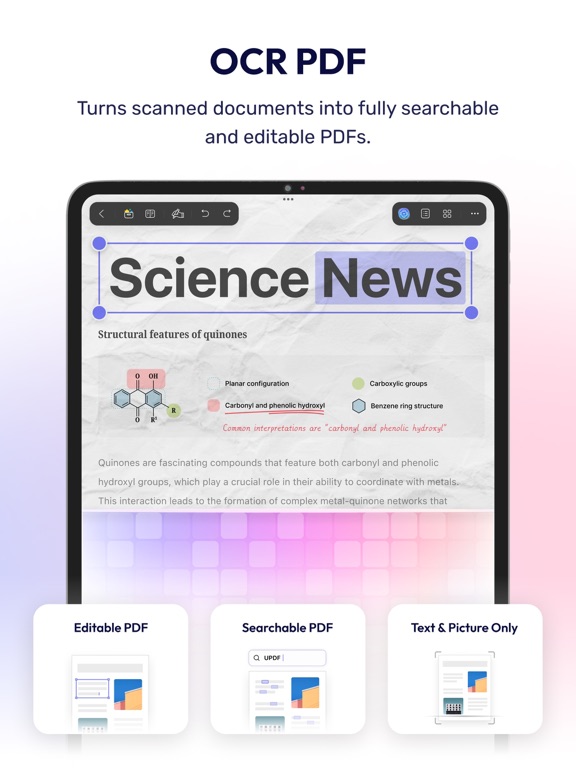
OCR PDF
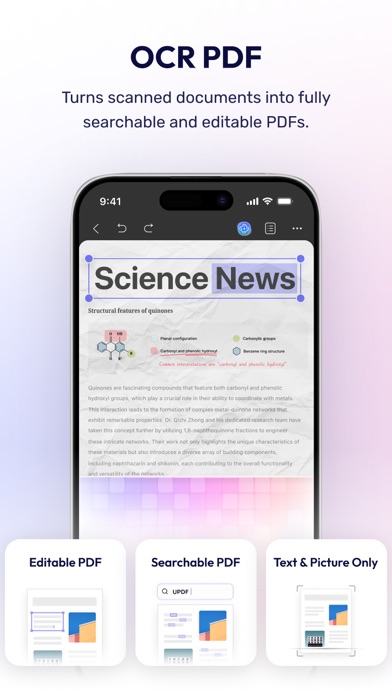
- Convert scanned documents and images into searchable and editable PDFs
- Recognize text in 38 languages
Scan to PDF
- Scan physical documents to PDF with your camera
- Scan ID cards onto one page
- Crop, rotate, and filter scanned images
Convert PDF
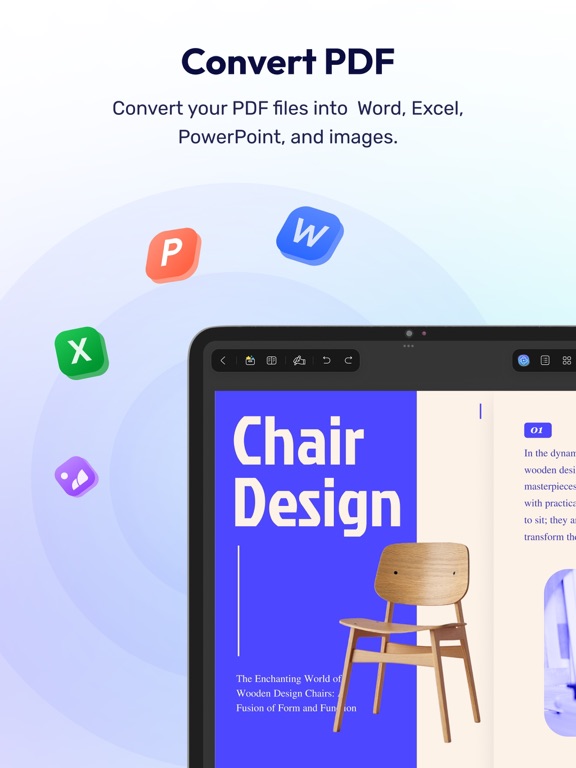
- Convert PDF to Word, Excel, PPT, and images
Organize PDF Pages
- Insert, replace, extract, split, rotate, remove, and reorder pages in PDFs
- Merge multiple PDFs into one file
- Copy, paste, and share specific pages in a PDF
Sign PDF & Fill PDF Form
- Create handwritten signatures
- Import and add image signatures
- Fill PDF form and add e-signatures
- Save signatures to cloud for cross-platform use
Create PDF
- Create PDF with blank, lined, dotted, grid, and graph papers
- Combine multiple files/images into one PDF
Protect PDF
- Password-protect PDFs to restrict opening, edit