Plastic - 3D Modeling

Plastic - 3D Modeling Summary
Plastic - 3D Modeling is a mobile iOS app in Art And Design by Raffael Kaehn. Released in Jun 2023 (3 years ago). It has 17 ratings with a 3.88★ (average) average. Based on AppGoblin estimates, it reaches roughly 63 monthly active users . Store last updated May 18, 2024
Plastic - 3D Modeling SDKs Summary
App not yet scanned for SDKs.
3.88★
Ratings: 17
Screenshots


App Description
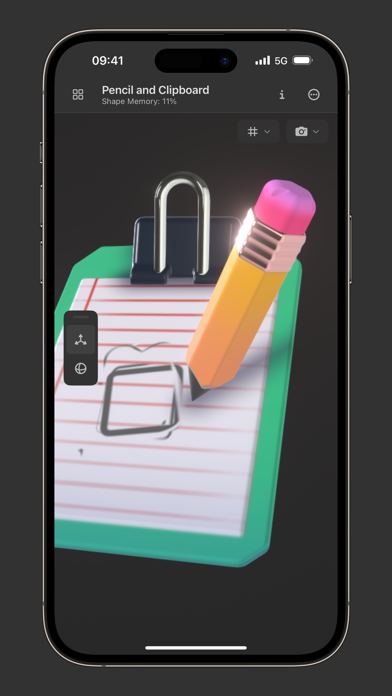
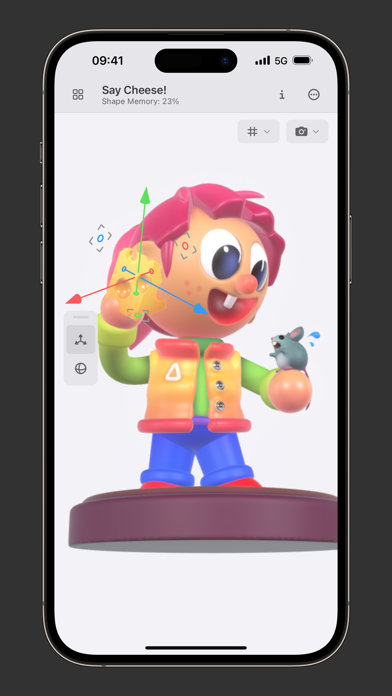
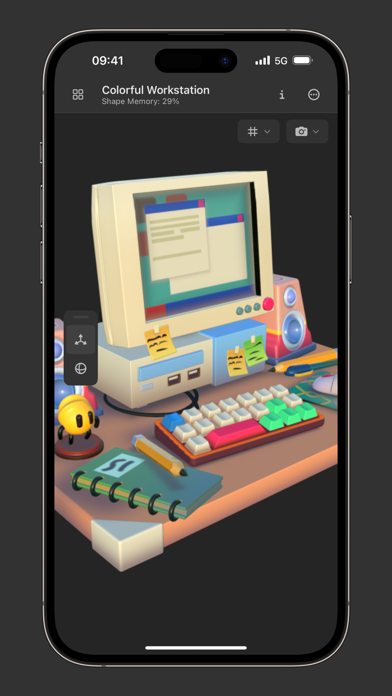
In contrast to most other modeling tools, Plastic does not use polygons to define the shape of an object. Instead, you build up a volumetric representation by simply combining primitives with add and subtract operations. The same tools used for modeling can also be used to apply color to the model in one continuous workflow. And, since all of these actions in Plastic are non-destructive, you can easily change aspects of your scene at any point without affecting unrelated work. When you are done, objects can be exported as PLY files to be animated, rendered, or 3D printed with the help of other tools.
To get started, create a new project by tapping the “+”-symbol in the project gallery. To edit an object in the scene, you can either tap it twice in the outline or tap the “Edit” button after selecting it and switching to the attributes panel. By tapping the plus button in the outline panel, you can now add strokes to your object and build up its shape.
Although I am trying my best to provide a polished experience, Plastic is still in an early stage in its development and occasional bugs, missing features, and frequent design changes cannot be completely avoided.
If you are interested in updates on the development progress, feel free to follow me on Twitter @raffael_kaehn. For feedback, please send me a direct message or an email to feedback@plastic.app.