Chaos Control 2: AI Organizer

Chaos Control 2: AI Organizer Summary
Chaos Control 2: AI Organizer is a with in-app purchases iOS app in Productivity by Tarasov Mobile. Released in Nov 2023 (2 years ago). It has 69 ratings with a 4.55★ (excellent) average. Based on AppGoblin estimates, it reaches roughly 156 monthly active users and generates around $<10K monthly revenue (100% IAP / 0% ads). Store metadata: updated Jun 8, 2026, version 500.
Data tracking: SDKs and third-party integrations were last analyzed on Jun 12, 2026.
Store info: Last updated on App Store on Jun 8, 2026 (version 500).
SDKs, Trackers & Permissions
Chaos Control 2: AI Organizer was last scanned for SDKs 2026-06-12. Below is the overview of third party companies detected in the app. The full list of raw SDKs, app permissions and unknown SDKs is available here.
AppGoblin saw Chaos Control 2: AI Organizer uses 1 Analytics: Attribution
 AppMetrica
AppGoblin saw Chaos Control 2: AI Organizer uses 5 Development Tools
 Flutter
 Google
 SDWebImage
 Sentry.io
AppGoblin saw Chaos Control 2: AI Organizer uses 1 Analytics: Product
 Firebase
App Details
App Store
Ads & App-Ads.txt
AppGoblin SDK Scans
4.55★
Ratings: 69
Screenshots
App Description
Convenient personal goals and tasks organizer with AI assistant features. Perfect for planning work and personal activities without stress and with maximum control over your life.
Whether you're running a business, launching a new project, or just planning a vacation, Chaos Control helps you define your goals, organize your priorities, and manage your to-do lists. The built-in AI Assistant will take care of part of your goal-related work, making your life easier.
HOW IT WORKS
1. Stay on top of incoming tasks
Capture all the incoming chaos in the Chaos Box — a special section for quickly jotting down tasks, ideas, and information. Here’s how it works:
- As soon as a new task comes in, just drop it into the Chaos Box to quickly record it and get back to what you were doing.
- Later, when you have time, open the section and process all the accumulated notes.
Using our Telegram bot (you’ll find the link in the app), you can instantly create a task by forwarding any message from a chat. The task and the conversation will be saved in the Chaos Box for further processing.
2. Organize your work on complex tasks
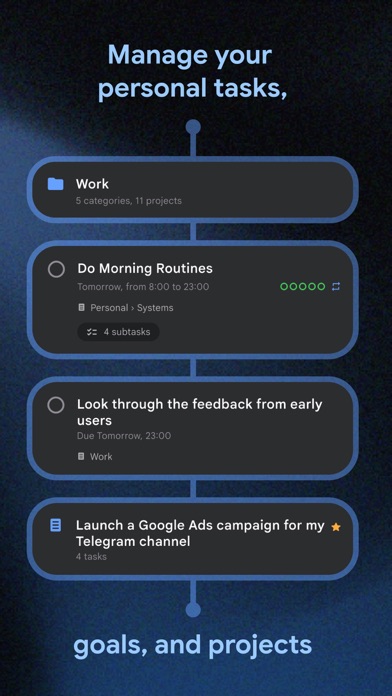
When working on something big, create projects and break them down into tasks with checklists. You can group projects into categories to structure your work logically.
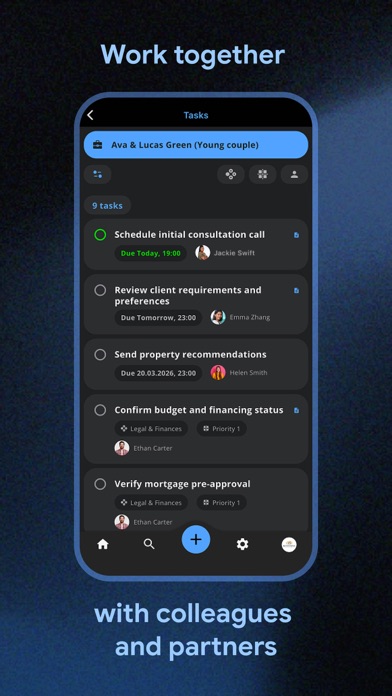
Assign due dates to tasks, add notes, set reminders, and use context tags to group tasks by priority, location, or any other criteria that work for you.
3. Cloud storage and files
Chaos Control comes with built-in cloud storage so you can attach photos, videos, voice memos, and other files to your tasks. Think of it as a built-in file manager right inside your organizer — keeping all work materials in one place.
All your data in Chaos Control is synchronized across devices via the cloud. There are two main use cases: attaching relevant materials to specific tasks, and storing important files in the cloud as in a regular synced file storage system.
4. AI Assistant
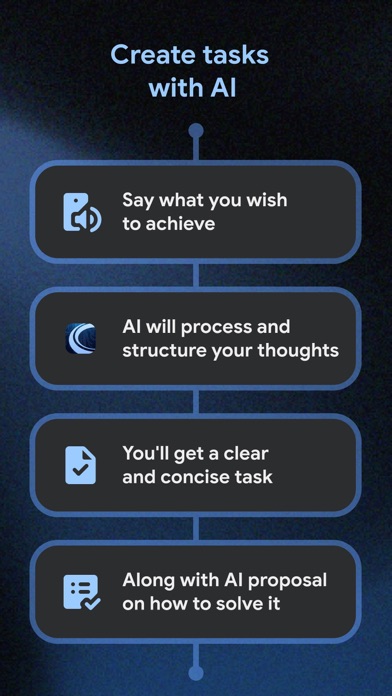
Speed up your workflow by delegating tasks to the AI assistant, get answers to a wide range of questions, and work more efficiently than ever.
What AI Assistant can do for you:
- Answer any question
- Draft documents
- Prepare summary tables
- Write code
- Generate blog content
- Create action plans
5. Additional features
- Time tracker
- Flexible reminder system
- Built-in habit and routine tracker
- Many more feat