Authenticator ·

Authenticator · Summary
Authenticator · is a free, with in-app purchases iOS app in Tools by SMM service, s.r.o.. Released in Feb 2022 (4 years ago). It has 54K ratings with a 4.64★ (excellent) average. Based on AppGoblin estimates, it reaches roughly 138K monthly active users and generates around $<10K monthly revenue (100% IAP / 0% ads). Store last updated Oct 6, 2026
Recent activity: 35 new ratings this week View trends →
SDK intelligence: AppGoblin detected 6 development tools(e.g. Google), 2 ad networks, 1 analytics: attribution,and 1 analytics: product integrated into Authenticator ·. View full SDK list →
Authenticator · SDKs Summary
Authenticator · was last scanned for SDKs on 2026-10-03. Below is the overview of third-party companies detected in the app. The full list of SDKs, permissions and unknowns is available here.
 Google
 AdMob
AdMob Airbnb Engineering
 nanopb
 Alamofire
 AppsFlyer
 Firebase
4.64★
Ratings: 54K
Screenshots




App Description
Protect your accounts with secure 2FA codes, passwords, and private browsing in one app.
Authenticator 7 stores and generates two-factor authentication codes for all your online accounts. Keep your data safe with encrypted storage, iCloud backup, Face ID, and Apple Watch support.
FEATURES
• Generate 2FA codes for all popular services
Google, Facebook, Instagram, Microsoft, Amazon, Discord, Dropbox, PayPal, Slack, Shopify, Zoom and thousands more.
• Secure encrypted backup
All your 2FA codes, passwords, and secret keys are encrypted and safely stored in iCloud. Restore everything on a new device in seconds.
• Sync across all Apple devices
Your codes automatically sync between iPhone, iPad, Mac, and Apple Watch.
• Easy import and export
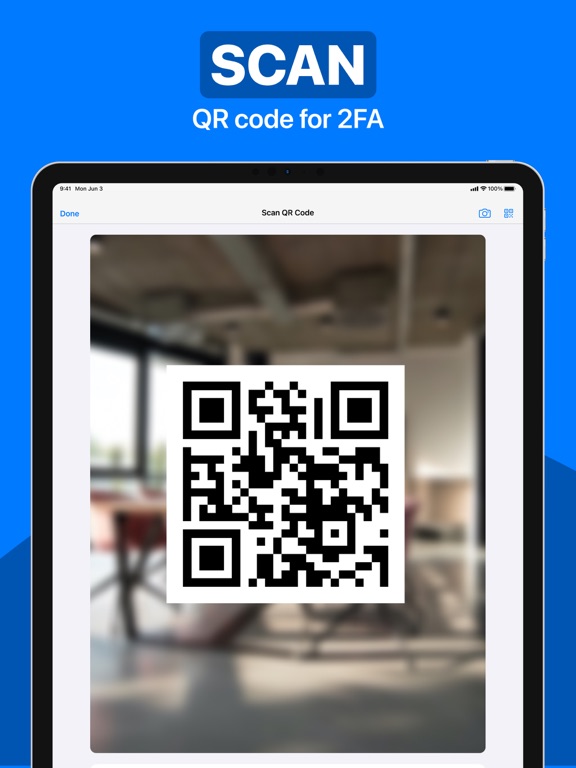
Import 2FA codes from other authenticator apps with QR code or CSV. Export your data anytime.
• Password Manager
Store passwords in one secure place. Get alerts if your password appears in a data leak.
• Password Generator
Create strong passwords with custom length, symbols, and numbers.
• App Lock
Protect the app with Face ID, Touch ID, or a PIN code with auto-lock.
• Organize your codes
Create folders, use drag and drop, and add custom icons for easier access.
• Private Browser
Browse privately with no history, cookies, or tracking.
• Built-in VPN
Protect your connection, hide your IP address, block ads, and stay safe on public Wi-Fi.
Your privacy comes first. All data is encrypted and only you can access it.
Privacy Policy: https://www.team2swift.com/privacy-authenticator/
Terms of Use: https://www.team2swift.com/terms-authenticator/