Photo Cleaner - Swipe & Sort

Photo Cleaner - Swipe & Sort Summary
Photo Cleaner - Swipe & Sort is a free, with in-app purchases iOS app in Productivity by Ozan AYAZ. Released in Jan 2022 (4 years ago). It has 7.00 ratings with a 4.29★ (good) average. Based on AppGoblin estimates, it reaches roughly 16 monthly active users and generates around $<10K monthly revenue (100% IAP / 0% ads). Store last updated Jul 13, 2025
Photo Cleaner - Swipe & Sort SDKs Summary
App not yet scanned for SDKs.
4.29★
Ratings: 7.00
Screenshots


App Description
Photo Cleaner - Delete photos and free up storage!
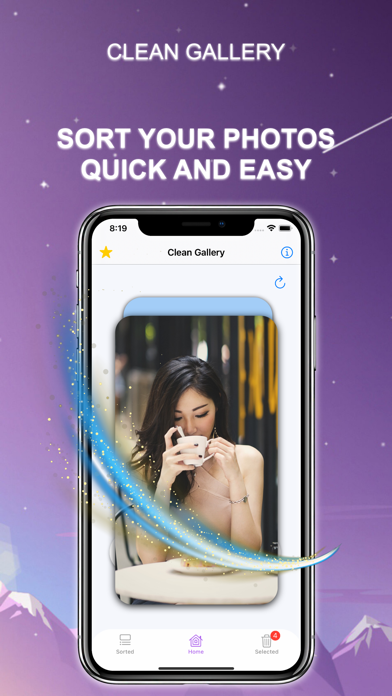
Tired of a cluttered photo gallery taking up all your phone's memory? With Photo Cleaner, managing and organizing your photos has never been simpler. Swipe through your gallery and decide what to keep and what to delete. Take full control and clean up your phone effortlessly!
Features:
1. Swipe to Sort Photos:
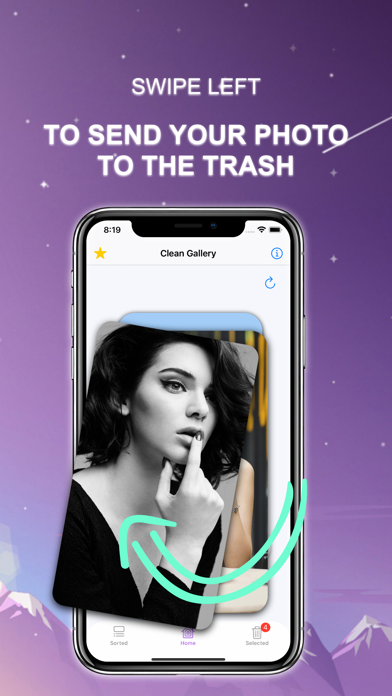
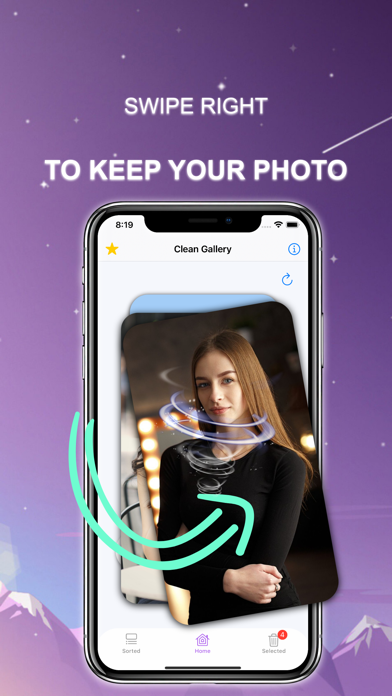
Swipe left to move photos to the trash or swipe right to keep them. Sorting your gallery has never been so quick and intuitive.
2. One-Click Trash Cleanup:
Deleted photos are stored in a trash can, so you can review them before permanently deleting. Empty the trash with a single tap when you're ready.
3. Organize by Month:
Focus on a specific time period by sorting your photos by month. It’s fast, efficient, and makes cleanup easier than ever.
4. Complete Privacy:
Your photos are safe. Photo Cleaner only works with photos stored locally on your device. We never save, send, or access your photos.
Auto-Renewable Subscription Terms:
- The payment will be charged to your Apple ID Account at confirmation of purchase.
- The subscription renews automatically unless the auto-renew is turned off at least 24 hours before the end of the current billing period.
- Your account will be charged for renewal within 24 hours before the end of your selected subscription.
- Your subscriptions can be managed, and auto-renewal can be turned off by going to your App Store Account Settings.
Terms of Use:
https://sunshine-dev.com/?page_id=98