HelaPOS

HelaPOS Summary
HelaPOS is a mobile iOS app in Business by Bhasha Lanka (Pvt) Ltd.. Released in Feb 2022 (4 years ago). It has 1.00 ratings with a 5.00★ (excellent) average. Based on AppGoblin estimates, it reaches roughly 5.00 monthly active users . Store metadata: updated Apr 17, 2023.
Store info: Last updated on App Store on Apr 17, 2023 .
5★
Ratings: 1.00
Screenshots


App Description
Empowering Sri Lankan small businesses with Digital Technology, ‘HelaPOS' app allows you to keep track of all your day to day sales for free & to accept QR payments from thousands of customers who use Helakuru Superapp & any app that supports LankaQR for a much lesser fee than card payments fees.
By downloading this simple POS (Point-of-Sales) app & self-registering through the app itself, you can make your small business tasks more efficient & effective digitally.
* Features for your business:
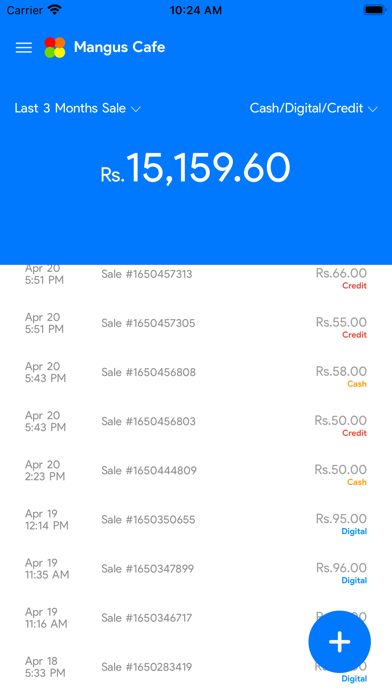
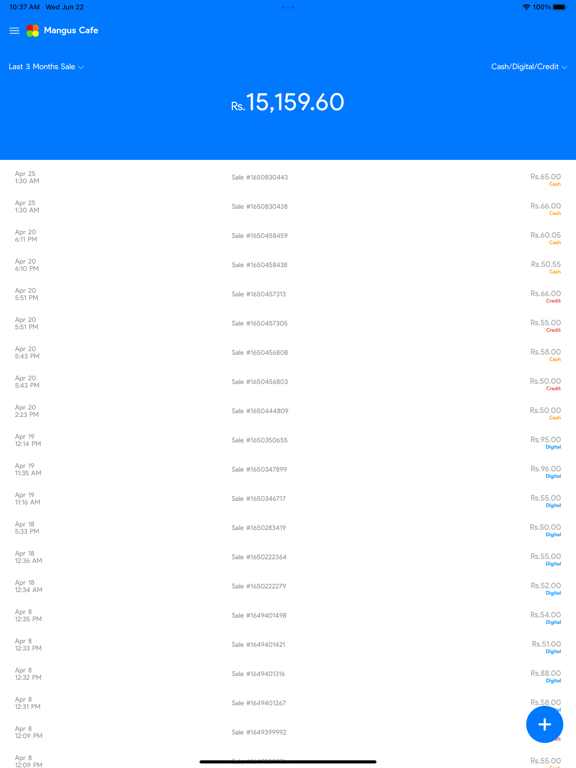
- Digital record keeping of all sales in the business
- Keeping separate records of Cash & QR payments
- Generating & showing Digital LankaQR codes to customers to receive payments digitally
- Receiving instant notifications when the customer pays digitally through LankaQR
- Viewing the totals received in Cash & QR at the end of the day
- Viewing the bank collections settled to your bank account at every day end
* Special features to your business staff:
Giving your staff members the opportunity to use this app under various access levels such as Owner, Manager or Cashier will enable you to monitor & manage every transaction that takes place in the business.
Cashier access allows:
- Recording new Cash/QR sales for your business,
- Receiving instant notifications for the QR payments received by the Cashier,
- Viewing the history of sales recorded by the Cashier.
Manager access allows:
- Recording new Cash/QR sales for your business,
- Receiving instant notifications for the QR payments accepted by any staff member,
- Deleting sales recorded by any of the staff or voiding digitally accepted payments.
Owner access allows:
- In addition to the above capabilities of a Manager,
- Add & Manage staff to your business in Owner, Manager or Cashier access levels
- Viewing the bank collection details settled to your bank account at every day end
By granting one of these access levels to your staff members, you can allow any number of members of your staff to use this app for your business. Since they are only allowed to do things that you allow them to do, they can even use this app on their personal Digital devices.
* How to accept QR Payments?
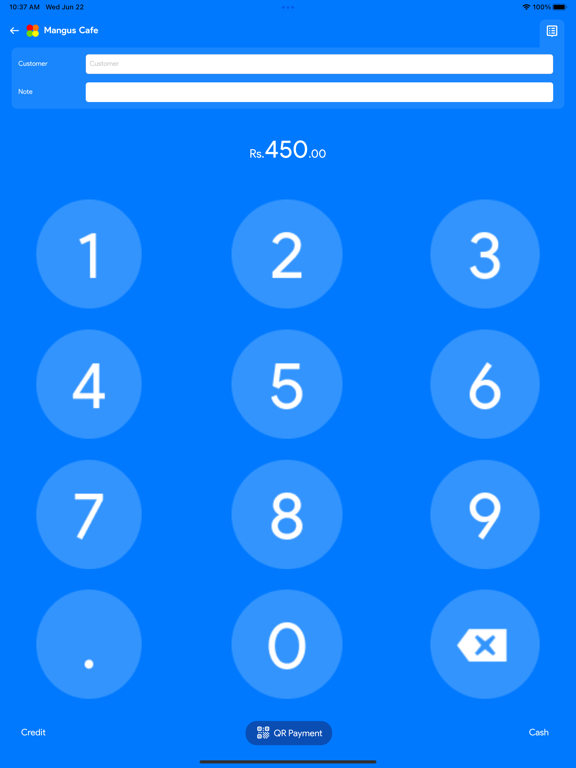
1. Tap (+) icon, enter the amount & tap “Show QR” button
2. Then show the QR code generated by the app to your customer
3. As soon as your customer scans it with Helakuru or any other app & pay, you’ll receive an