Photo Markup - Draw on Photos

Photo Markup - Draw on Photos Summary
Photo Markup - Draw on Photos is a free, ad-supported, with in-app purchases iOS app in Productivity by Bharti Verma. Released in Jul 2022 (4 years ago). It has 1.1K ratings with a 4.46★ (good) average. Based on AppGoblin estimates, it reaches roughly 2.8K monthly active users and generates around $<10K monthly revenue (45% IAP / 55% ads). Store last updated Aug 23, 2026
Recent activity: 3.00 new ratings this week View trends →
Photo Markup - Draw on Photos SDKs Summary
App not yet scanned for SDKs.
4.46★
Ratings: 1.1K
Screenshots


App Description
Photo Markup - Draw on Images, The most full-featured all-in-one image annotation tool. Easily edit and annotate high-resolution images and large photos without cropping. Ideal for quick and effective photo and image markups, supporting a wide range of annotation features.
Key Features
- Crop and rotate images with rectangular, round, star, triangle, and other shapes.
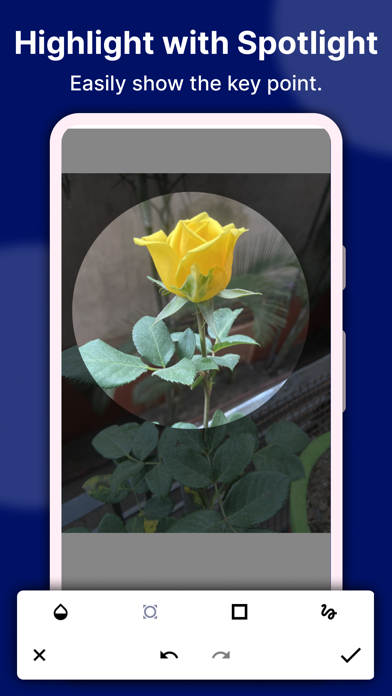
- Highlight drawings on images using the spotlight function.
- Pixelate and blur images to cover sensitive information.
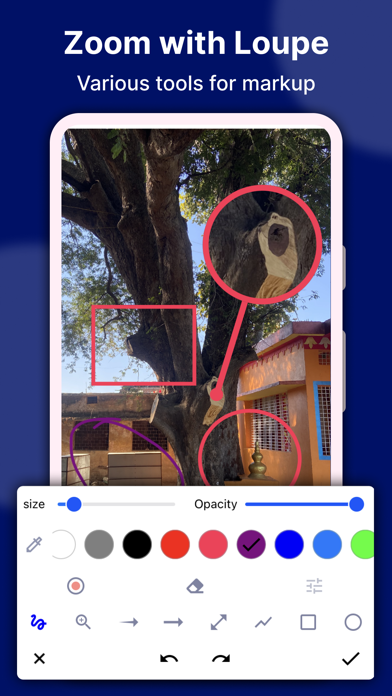
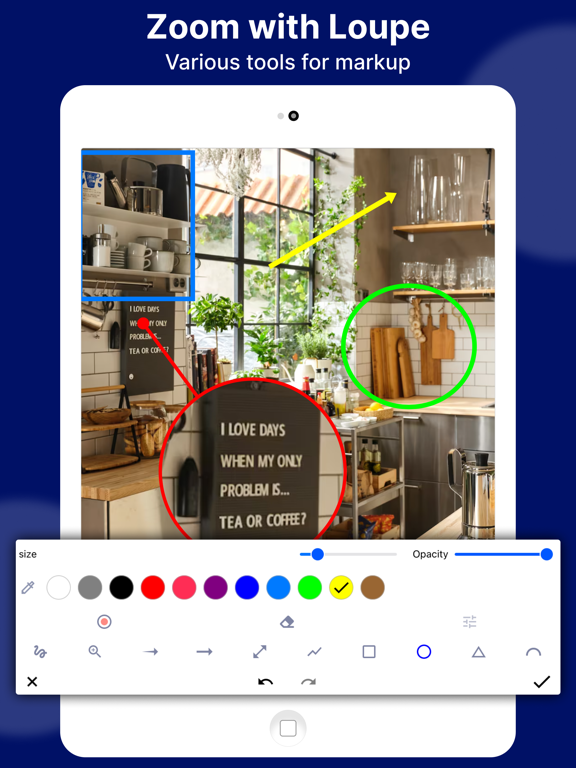
- Magnify selected sections of an image with a loupe.
- Update pictures with emoji stickers, numbers, and more.
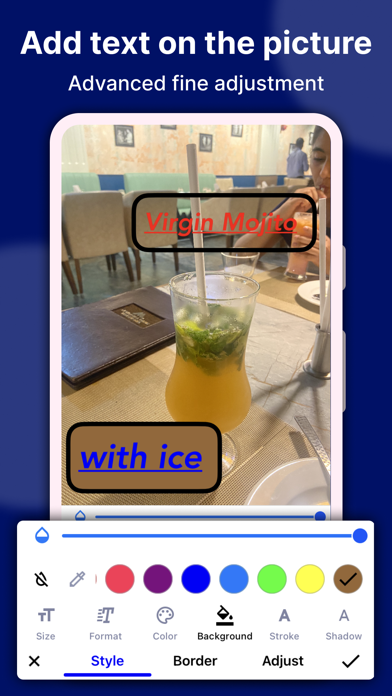
- Add customizable text to photos, with options for color, background, shadow, stroke, style, size, and more.
- Annotate images using freehand drawing, arrows, rectangles, circles, lines, and more.
- Utilize blank image support for creating drawings.
- Supports multiple languages.
- Capture high-quality screenshots for an engaging photo editing experience.
- Stitch photos horizontally and vertically.
Photo Stitching
Automatically recognize and stitch multiple photos into a long screenshot, which can be stitched both horizontally and vertically.
Map annotation
Easily mark it up on maps, and share them with your friends to show your ideas.
Markup the blank image
Create a blank image and draw shapes effortlessly with our intuitive tools.
Additional Features
Photo Markup also offers specific features such as cropping and rotating images into different shapes, spotlighting key information, blurring images, magnifying sections with a loupe, and stitching multiple photos into panoramic images.
We value your feedback and suggestions for further improvements to the Photo Markup tool. If you have any queries or need support, reach out to us at support@appculus.com.