KANTAN Chord

KANTAN Chord Summary
KANTAN Chord is a mobile iOS app in Music And Audio by InstaChord Corp.. Released in Mar 2022 (4 years ago). Store last updated Mar 5, 2025
KANTAN Chord SDKs Summary
App not yet scanned for SDKs.
0★
Ratings: 0
Screenshots


App Description
• Overview
KANTAN Chord is a browser extension that converts various chord sites' song chords to its "degrees", also known as Nashville Numbers.
(Former name: InstaChordizer)
• Compatible sites
- ULTIMATE GUITAR TABS(https://www.ultimate-guitar.com/)
- U-フレット(https://www.ufret.jp/)
- 楽器.me(https://gakufu.gakki.me/)
- J-Total Music(https://music.j-total.net/)
- Guitarians.com(https://guitarians.com/)
- 91譜(https://www.91pu.com.tw/)
• How to use
Open the chord web page.
From the browser extensions, choose KANTAN Chord icon and it opens a pop-up window.
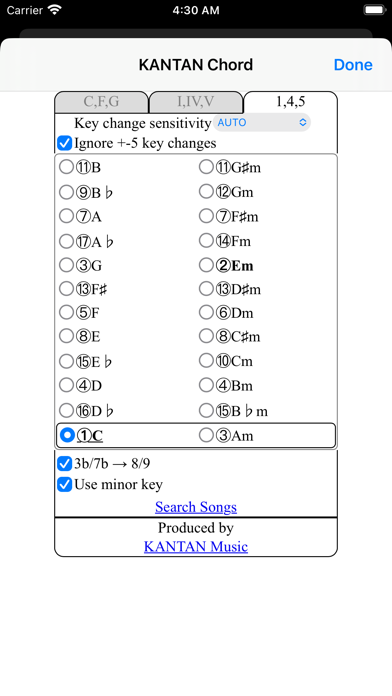
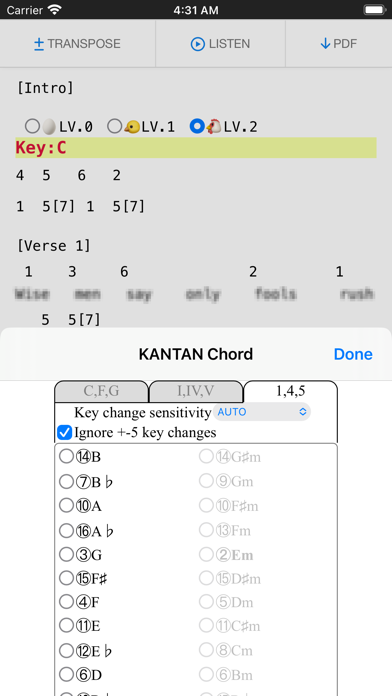
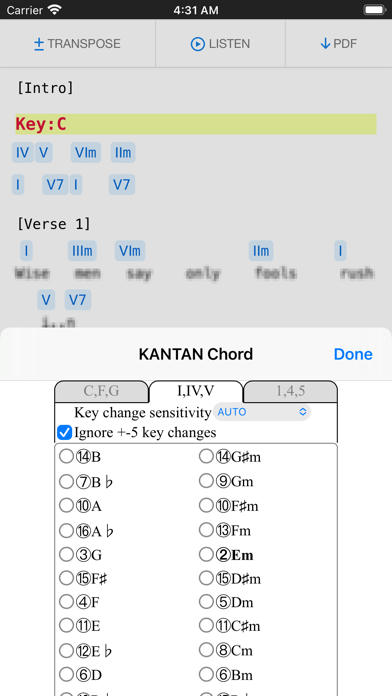
Choose from tabs "C,F,G" (original) , "I,IV,V" (roman numerals), or "1,4,5" (degrees).
- "C,F,G" (original)
Displays the chords in its original form.
Select radio buttons change keys.
- "I,IV,V" (roman numerals)
Displays the chords' degrees, in standard roman numerals format.
- "1,4,5" (degrees)
Displays the chords' degrees, in numbers.
Different symbols follow the "KANTAN Chord" system, based on the Nashville Number System.
For more details, please visit this page: https://instachord.com/instruction/icn/
• Key analyzation
KANTAN Chord automatically analyzes the song's key and displays it in red text with a yellow background banner.
When the key changes during a song, it will be displayed with additional banners.
E.g. "Key:E(-3)" or "Key:Ab(+1)"
Numbers such as (-3) and (+1) represent half steps. If your instrument can transpose, try adjusting to these numbers.
If the key analyzation is wrong or is difficult to play, try adjusting the analyzation sensitivity.
- Ignore +-5 key changes
When changing to a dominant (+5 half steps) or subdominant key (-5 half steps) , chords used will be very similar to its original key. When this option is turned on, KANTAN Chord will ignore +-5 key changes and stay in its original key.
• Displayed keys
You can choose keys outside of the auto-analyzed key.
- Song's analyzed key
The song's auto-analyzed most likely key is outlined in a box.
- Difficulty rank
The numbers in front of the key (Eg. ①, ②, ③...) are difficulty ranks when playing on the InstaChord, from easiest to most difficult. Please use as reference, when the analyzed key if wrong or when the original key is difficult to play.
① and ② are in bold, and ① is underlined.
- Changing they key (in C,F,G tab)
When in the C,F,G tab, you can pick different keys to tran