Next Level News

Next Level News Summary
Next Level News is a with in-app purchases iOS app in News by App Tyrant Corp. Released in Sep 2022 (3 years ago). It has 3.00 ratings with a 5.00★ (excellent) average. Based on AppGoblin estimates, it reaches roughly 5.00 monthly active users and generates around $<10K monthly revenue (100% IAP / 0% ads). Store metadata: updated Sep 10, 2024.
Store info: Last updated on App Store on Sep 10, 2024 .
5★
Ratings: 3.00
Screenshots


App Description
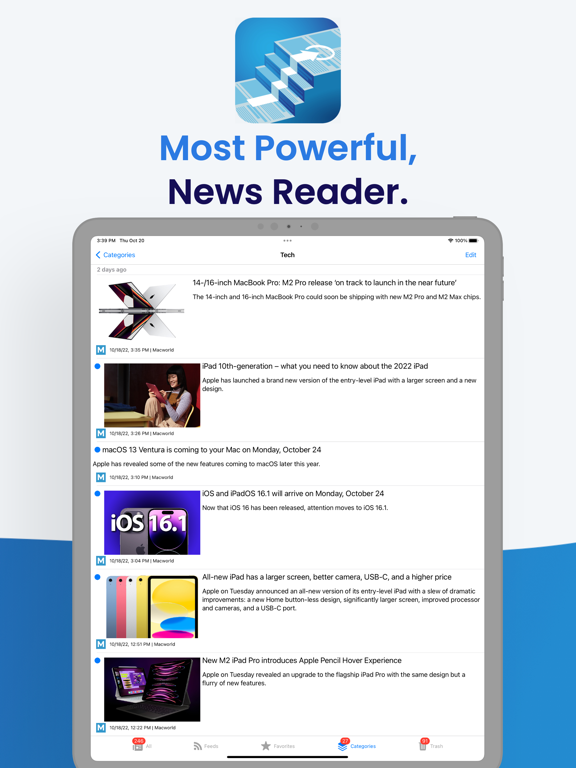
Gather your news in one place and organize it the way you like; Next Level News is a one of a kind news reader with modern iOS features, powerful bulk actions, undo/redo support, iCloud sync, advanced search, multi-selection support, save for offline reading, and so much more.
YOUR NEWS, YOUR WAY
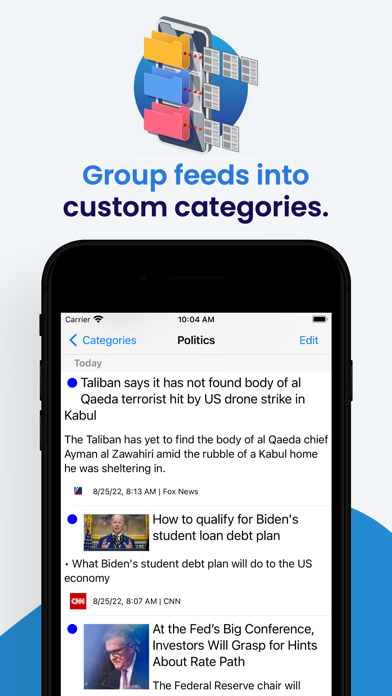
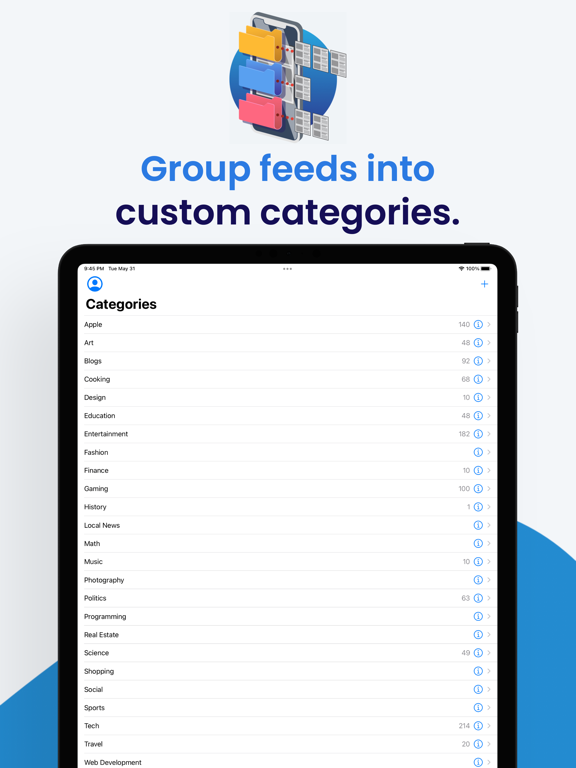
Customize article previews for each feed and group feeds into your own custom categories.
A NEW KIND OF NEWS READER
Next Level News provides advanced features you won’t find in other apps; you can apply bulk actions not just to entire feeds, but also to entire sections of content and to custom categories you create.
SAVE FOR LATER, SAVE FOREVER
-Save news articles as PDF files and view them in your favorite PDF reader app or in the Files app.
-Save news articles as Webarchive files and view them in Safari offline.
-Save news articles and web links as Web Internet Location Files (.webloc).
MULTI-SELECTION
Want to act on several articles but not the entire list? Multi-selection is supported. Most news readers allow you to either act on one article at a time or the entire list. With Next Level News, select as many articles as you want.
UNDO/REDO
Made a mistake? Next Level News supports undo/redo (even for bulk actions).
FEATURES:
•Follow the news from your most trusted sources.
•Group news feeds into custom categories.
•Subscribe to RSS, Atom, and JSON feeds.
•Customize article previews for each feed.
•Apply powerful bulk actions to an entire feed, an entire custom category, and even to an entire section of content by using the context menu shown when you long press on screen.
•Apply bulk actions to all articles that appear above or below a particular article.
•Add articles to your Favorites or send them to the Trash.
•Share articles using the iOS Share Sheet.
•Save articles as PDF files.
•Save articles as Webarchive files.
•Save news articles and links as Web Internet Location Files (.webloc).
•Print RSS articles and web pages opened within the app (printing can be initiated through the Share Sheet or by using the Command+P keyboard shortcut on an iPad with an attached keyboard).
•Undo and redo is fully supported, even for bulk actions (use either a shake gesture or the standard iOS three finger tap to bring up the undo/redo menu).
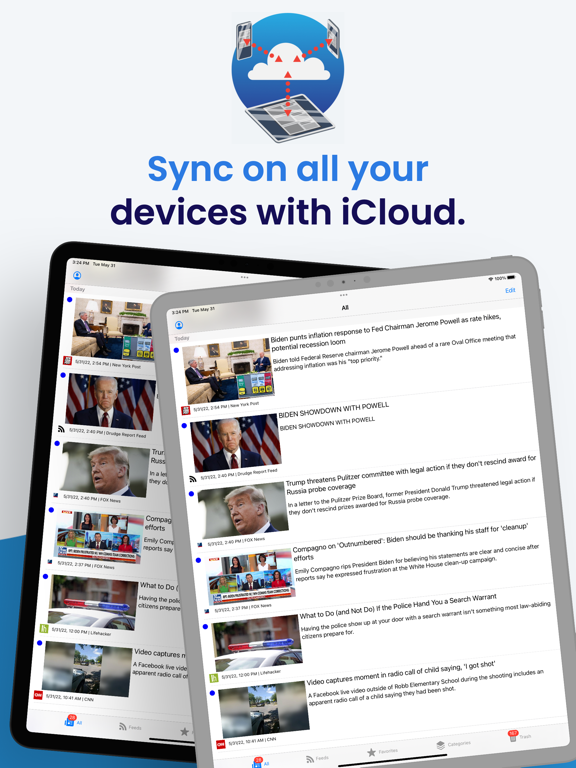
•Sync articles on all your iOS devices via iCloud (iCloud can be disabled in the Settings app).