Wireless Display TV+

Wireless Display TV+ Summary
Wireless Display TV+ is a free, ad-supported, with in-app purchases iOS app in Tools by Shraddha Limbasiya. Released in Apr 2022 (4 years ago). Store last updated May 27, 2025
Wireless Display TV+ SDKs Summary
App not yet scanned for SDKs.
0★
Ratings: 0
Screenshots



App Description
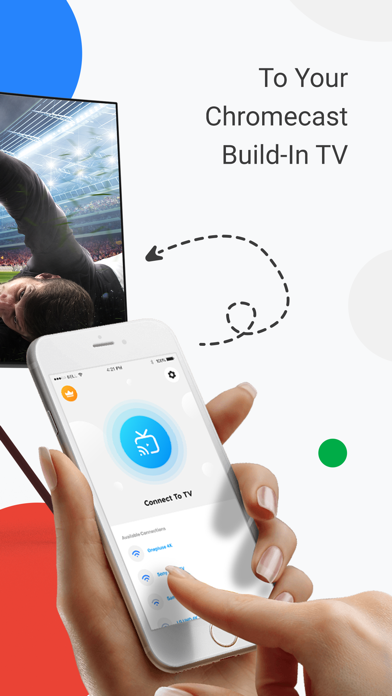
Cast to TV - Screen Mirroring app will help you to scan and mirror your iPhone or tablet screen on your Smart TV display. Enjoy your mobile screen contents or tablet screen in your smart tv screen using screen mirroring.
Cast to TV - Screen Mirroring phone display to TV is helpful when you are showing photos, videos, streaming movies, etc.. Mirror screen is a powerful tool for mirroring and screen sharing phone in real-time!
Use Screen Mirroring App to cast your phones screen to a smart TV. Screen Mirroring with TV App will assist you to scan and mirror your phone screen on smart TV/Display. With the Screen Mirror app, screen share is fast and straightforward.
You can play videos on Mobile phone and share mobile screen to TV and videocast on TV. Mirroring your phone screen to a TV or any other iPhone with a screen mirroring feature. Screen share has never been easier!
Screen Mirroring App contains both a video and audio player. Now You can enjoy all popular video and audio formats on your Phone or TV if you connect through a Screen Mirror.
Screen Mirroring with TV App will assist you with mirroring your iPhone or tablet on smart TV/Display (cast to TV) or Wireless dongles or adapters. Screen Mirroring can play videos, music, photos on any device (phone, smartTV, laptop, tablet...), screen sharing anywhere.
If you are not having fun by looking at your small cellular phone screen, you will get a great big screen phone experience by connecting your phone to a TV screen with screen mirroring with all tv app. When you're watching any shows with your family or in a group small mobile screen size will not be enough. Connect your iPhone mobile with TV and enjoy it in larger screen. Your Smart TV should support wireless display for using Screen mirroring features. TV must be connected to same wireless network with your iPhone is connected for Screen Mirroring.
Screen Mirroring app mirrors entire mobile screen to your smart TV without any lag or buffering so you can Play Videos, Music and Photos very easily from your mobile. Sharing your screen with TV is very easy with Screen Mirroring with All TV app. Screen Mirroring - Screen Casting Phone to TV app provides you a secure connection between your mobile and TV to protect your data, files and applications.
Screen Mirroring with all TV - Mirror your mobile screen to play games and videos. Screen Mirroring help