Cardman

Cardman Summary
Cardman is a with in-app purchases iOS app in Business by KauriLab Inc.. Released in Apr 2022 (4 years ago). It has 2.2K ratings with a 4.56★ (excellent) average. Based on AppGoblin estimates, it reaches roughly 8.6K monthly active users and generates around $<10K monthly revenue (100% IAP / 0% ads). Store metadata: updated Apr 27, 2026, version 54.
Data tracking: SDKs and third-party integrations were last analyzed on Jun 4, 2026.
Store info: Last updated on App Store on Apr 27, 2026 (version 54).
4.56★
Ratings: 2.2K
Screenshots

App Description
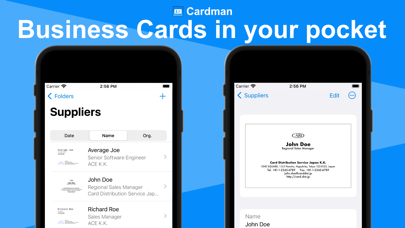
Cardman is a powerful and secure business card management app that scans cards with high accuracy, and stores and syncs data with iCloud.
■Cardman features
- High Accuracy Card Scanning
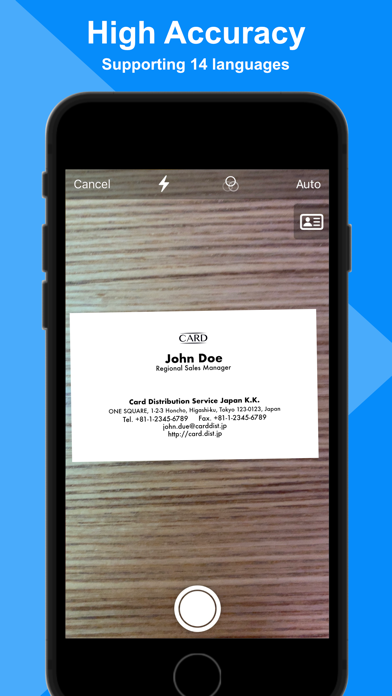
Cardman can scan business cards from cameras, photos, image files, and PDF files at high speed and with high accuracy.
* Mac app only supports scan from photos and files.
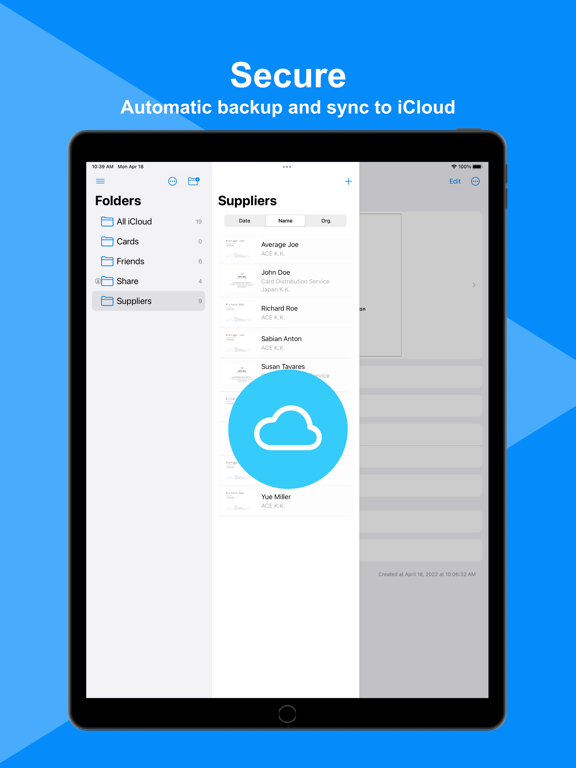
- Secure
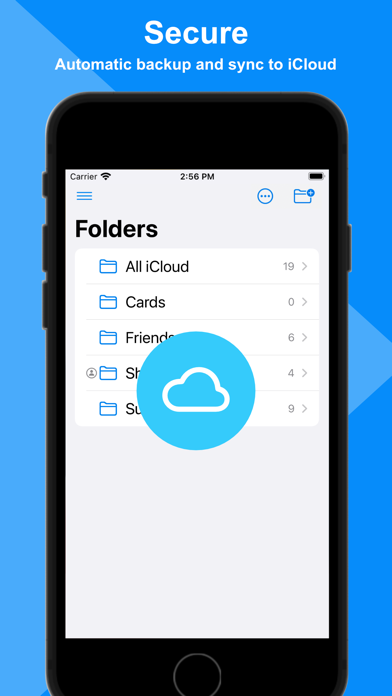
Cardman automatically backs up data in your iCloud storage, and never store in other storage services without your permission.
- Automatic Sync
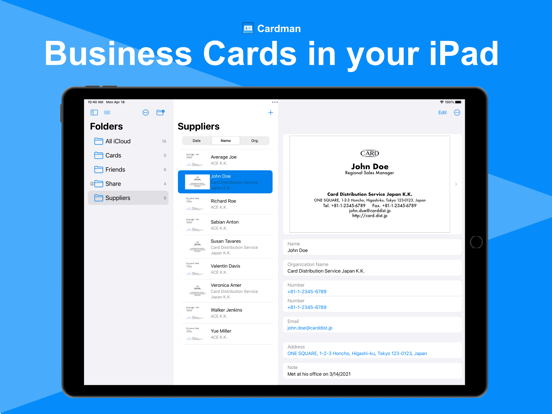
Cardman automatically syncs data between your Apple devices. For example, the data scanned on your iPhone can be seen on your iPad or Mac.
- Charactor Recognition in 14 Languages
Cardman supports OCR in fourteen languages: English, Japanese, French, Italian, German, Spanish, Portuguese, Simplified Chinese, Traditional Chinese, Simplified Cantonese, Traditional Cantonese, Korean, Russian, and Ukrainian.
* Cantonese, Korean, Russian, Ukrainian are supported only on iOS 16 devices or later.
- Folder Sharing (Pro)
Cardman supports sharing data to other users through folders.
* Mac app doesn't support initiating folder sharing, but can access to cards in the folders shared with iPhone or iPad app.
- Unlimited Cards (Pro)
You can store data as long as your iCloud storage capacity allows. (Basic users can store up to 10 cards.)
- Multiple Card Input (Pro)
You can input multiple business cards in a row from cameras and photos. (Basic users can input cards in a row until the number of stored cards is reached to 10.)
* Mac app only supports scan from photos and files.
- Export & Import (Pro)
You can export your business card data in Excel or CSV format, and import them in CSV format or other services' format.
- Cardman Pro
Cardman Pro is available with three purchase options: a monthly subscription, a yearly subscription, or one-time purchase.
As for the subscription options, Cardman Pro automatically renews as a paid subscription, unless cancelled at least 24 hours before the date of renewal. The payment will be charged to Apple ID Account at confirmation of purchase. Your account will be charged for renewal within 24-hours prior to the end of the current period. You can cancel subscription anytime by turning off auto-renewal through your account settings. This must be done 24 hours before the end of subscription period to avoid being charged. The cance