unlock pdf & lock pdf

unlock pdf & lock pdf Summary
unlock pdf & lock pdf is a ad-supported, with in-app purchases iOS app in Business by Sounak Sarkar. Released in May 2022 (4 years ago). It has 114 ratings with a 4.39★ (good) average. Based on AppGoblin estimates, it reaches roughly 370 monthly active users and generates around $<10K monthly revenue (25% IAP / 75% ads). Store metadata: updated Jun 8, 2026.
Store info: Last updated on App Store on Jun 8, 2026 .
4.39★
Ratings: 114
Screenshots


App Description
Protect your sensitive PDF documents with strong password encryption or remove passwords from PDFs you own with just a few taps. PDF Lock & Unlock is a fast, secure, and easy-to-use tool designed to help you manage PDF security anytime, anywhere.
Key Features:
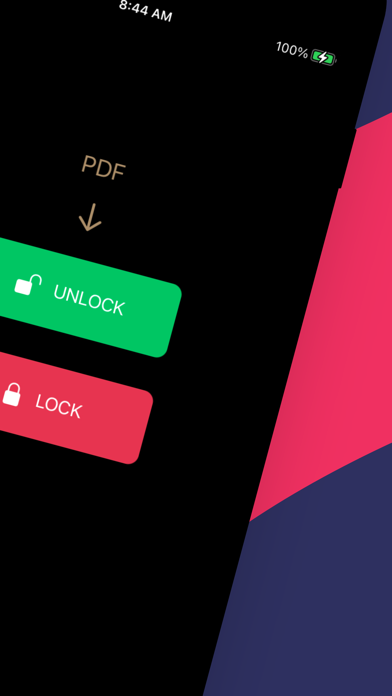
*** Lock PDF Files ***
Add password protection to PDF documents
Encrypt confidential files and prevent unauthorized access
Secure business, personal, and financial documents
*** Unlock PDF Files ***
Remove PDF passwords from files you have permission to access
Instantly unlock protected PDFs for easier sharing and editing
Fast and reliable PDF decryption
*** Simple & Fast Processing ***
User-friendly interface
One-tap PDF protection and unlocking
Process files quickly without compromising quality
*** Manage PDFs Securely ***
Keep your documents safe and private
Works with contracts, invoices, reports, forms, and more
No technical knowledge required
Why Choose PDF Lock & Unlock?
Whether you need to secure important documents with a password or unlock PDFs for convenient access, PDF Lock & Unlock provides a simple and efficient solution. Protect your privacy, safeguard sensitive information, and manage PDF security effortlessly.
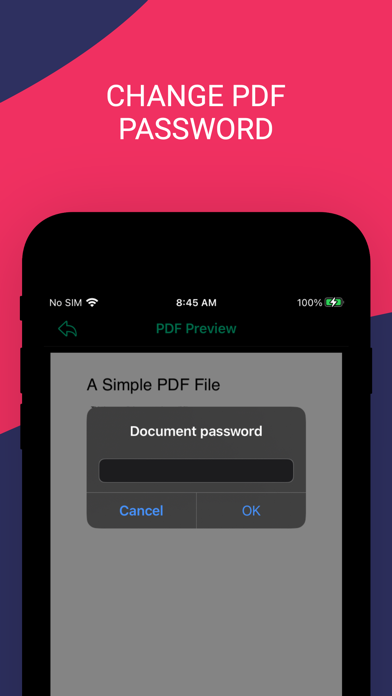
Note: Our app does not break PDF password it just unlocks the PDF file with existing password and save it without any password. So you can open the PDF without entering the password every time you open the document.
Our App can be used for free with Ads and limited features, however, you can purchase a Unlock PDF Premium subscription for the additional advanced features, and remove Ads.
SUBSCRIPTION AND TERMS:
When you download our App you can opt in to a 3 days free trial for monthly and 7 days free trial for yearly subscription. Our App offers auto-renewing monthly/yearly subscription options for access to the app's features and content. Your Unlock PDF Premium subscription will automatically renew at the end of each term and payment will be charged through your iTunes account. You can turn off auto-renew at any time from your iTunes account settings but refunds will not be provided for any unused portion of the term. To avoid renewal, you must cancel at least 24 hours before your subscription or trial ends. Your account will be charged for renewal within 24 hours prior to the end of the current period. Any unused portion of a free trial period will be forfeited