Themes for PowerPoint - DesiGN

Themes for PowerPoint - DesiGN Summary
Themes for PowerPoint - DesiGN is a free, with in-app purchases iOS app in Productivity by Graphic Node. Released in Jun 2022 (4 years ago). It has 116 ratings with a 4.11★ (good) average. Based on AppGoblin estimates, it reaches roughly 290 monthly active users and generates around $<10K monthly revenue (100% IAP / 0% ads). Store last updated Sep 5, 2026
Themes for PowerPoint - DesiGN SDKs Summary
App not yet scanned for SDKs.
4.11★
Ratings: 116
Screenshots
App Description
* Requires Microsoft PowerPoint for iOS and iOS 15 or later, which have to be downloaded separately.
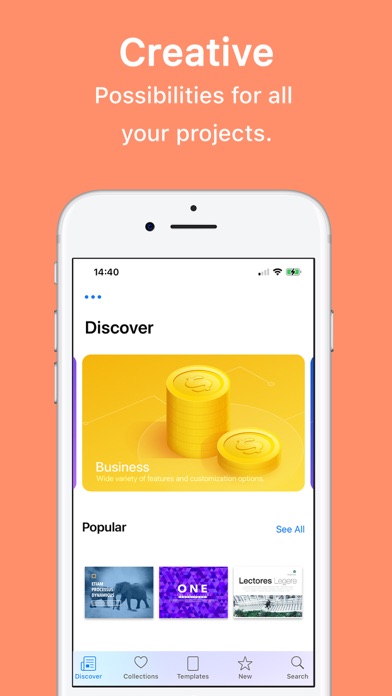
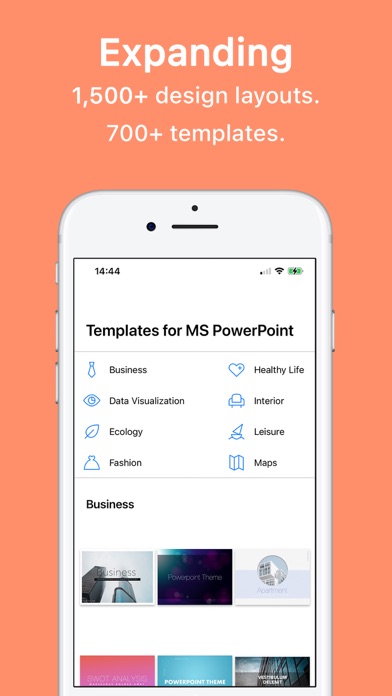
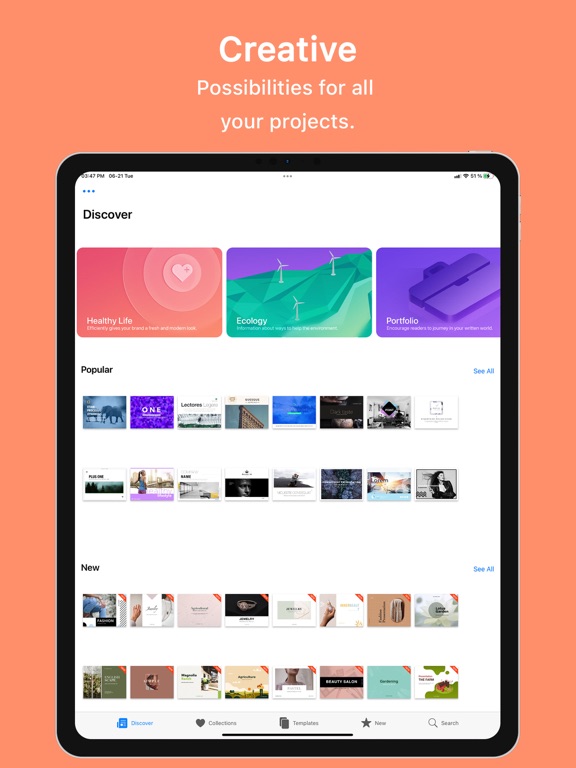
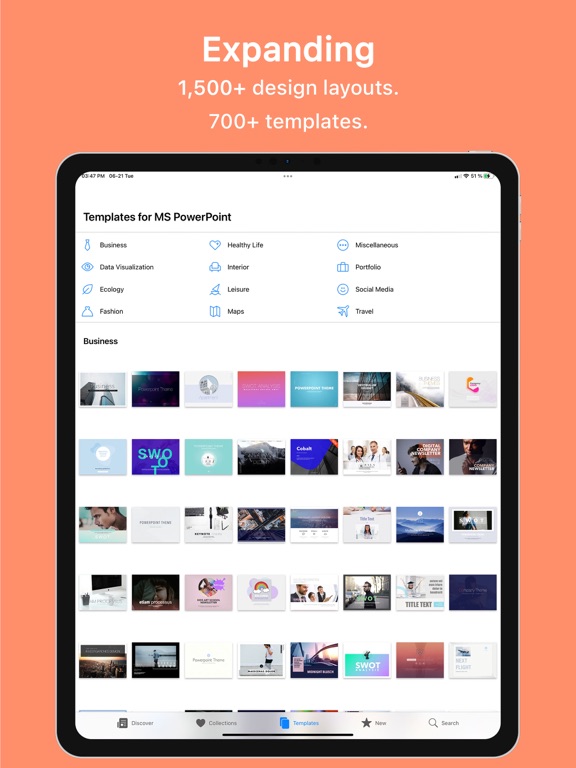
Themes for PowerPoint - DesiGN is a collection of professional templates and themes for Microsoft PowerPoint. Create stunning presentations for business, education, and personal projects.
• Browse presentation themes and slide templates
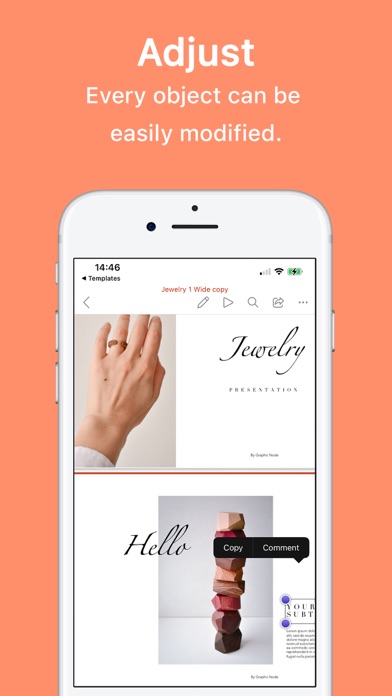
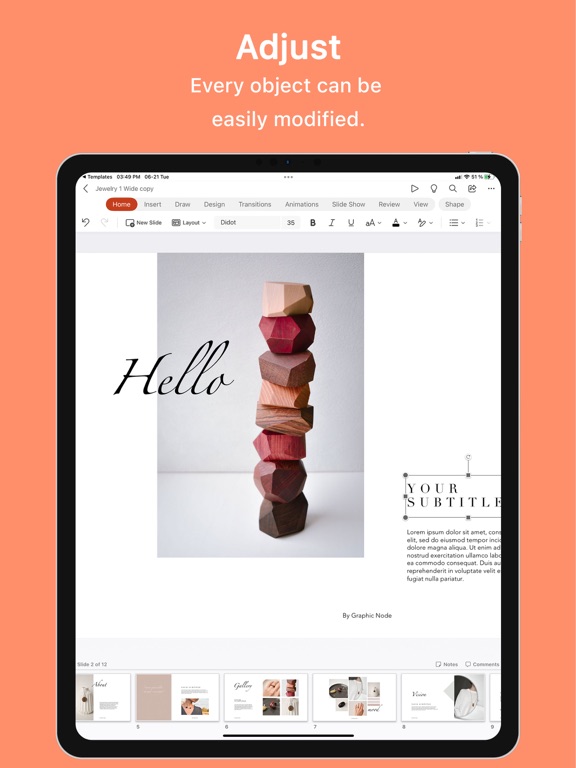
• Open themes directly in Microsoft PowerPoint with one tap
• Search by keyword and mark favorites
• Save themes for quick access in PowerPoint
• New designs added regularly
• First item in every category is free to try
Subscription:
The first 3 days are on the house and then you can get it in affordable monthly, semi-annual, annual, or lifetime plans!
Subscribe to take advantage of all the Premium features described above.
• Your payment will be charged to your iTunes Account as soon as you confirm your purchase.
• You can manage your subscriptions and turn off auto-renewal from your Account Settings after the purchase.
• Your subscription will renew automatically unless you turn off auto-renew at least 24 hours before the end of the current period.
• The cost of renewal will be charged to your account 24 hours prior to the end of the current period.
• When canceling a subscription, your subscription will stay active until the end of the period. Auto-renewal will be disabled, but the current subscription will not be refunded.
• Any unused portion of a free trial period, if offered, will be forfeited when purchasing a subscription.
Instructions to manage your auto-renewing subscriptions can be found here: https://support.apple.com/en-us/HT202039
Privacy Policy: http://graphicnode.com/privacypolicy/
Terms of Use: http://graphicnode.com/termsandconditions/
Help us develop the best app available in the store! If you have found a bug, got a suggestion, or want a new feature, email us at: support@graphicnode.com