PDF Photos ‧

PDF Photos ‧ Summary
PDF Photos ‧ is a free iOS app in Tools by Techgear Inc. Released in Jul 2022 (4 years ago). It has 1.5K ratings with a 4.75★ (excellent) average. Based on AppGoblin estimates, it reaches roughly 3.9K monthly active users . Store last updated Aug 12, 2026
PDF Photos ‧ SDKs Summary
App not yet scanned for SDKs.
4.75★
Ratings: 1.5K
Screenshots


App Description
PDF Photos is a simple and powerful PDF converter, scanner, and PDF editor designed to help you create, convert, edit, sign, and manage documents in one place.
Convert photos, images, and documents to PDF in seconds. Scan documents with your camera, create professional PDF files, edit existing PDFs, add signatures, and easily convert PDF files into images.
PHOTO TO PDF
Turn your photos and images into high-quality PDF documents with just a few taps. Select multiple photos, arrange your pages, choose your preferred layout and orientation, and create a PDF that is ready to save, share, or print.
PDF CONVERTER
Convert your documents and files into PDF quickly and easily. PDF Photos helps you create PDFs from images and supported document formats while keeping your files organized and easy to access.
WORD TO PDF
Convert Word documents into PDF files for easy sharing, viewing, and printing. Create professional PDF documents without complicated steps.
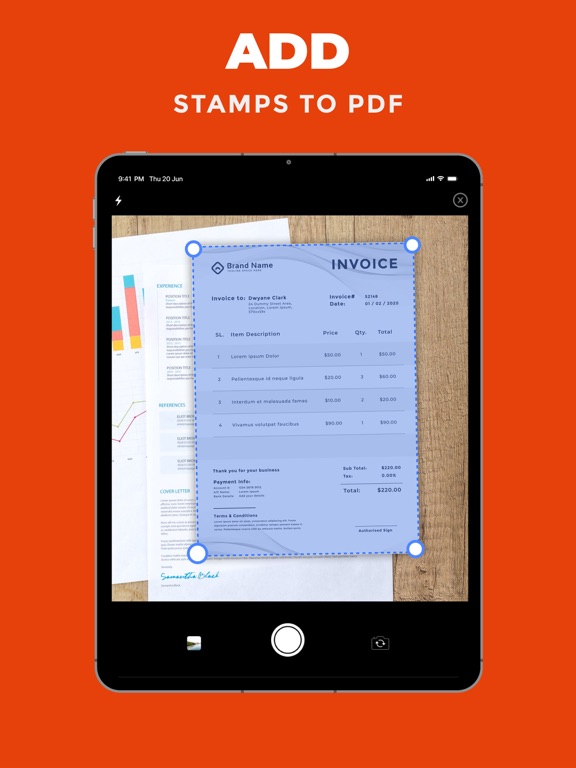
SCAN TO PDF
Use your camera to scan documents and turn them into PDF files. Capture important paperwork, receipts, notes, and other documents and keep everything organized digitally.
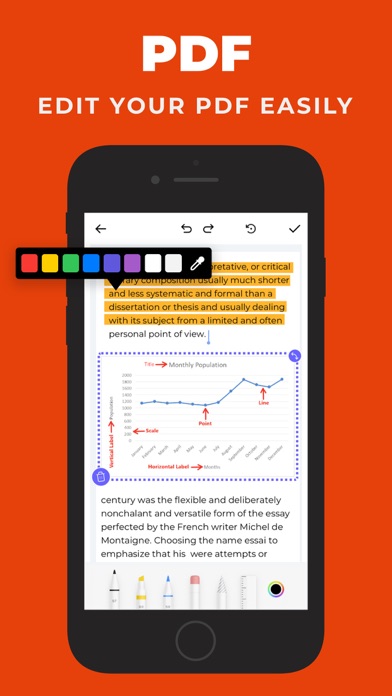
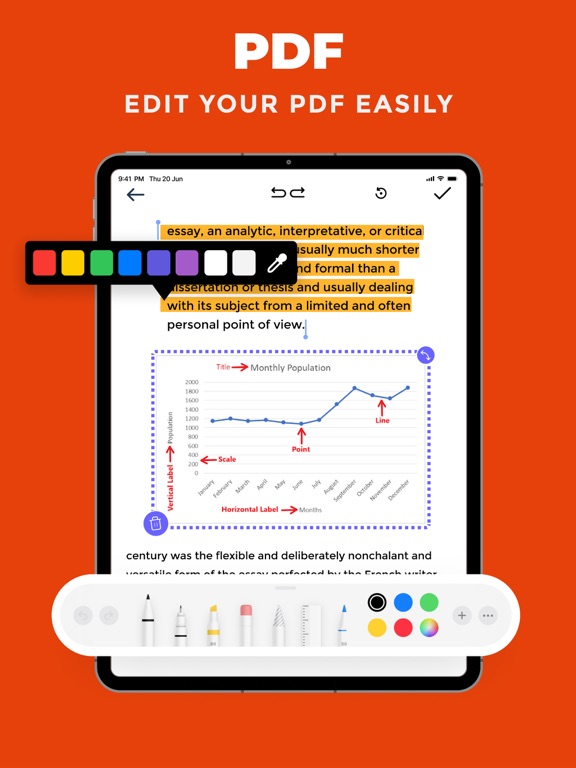
PDF EDITOR
Edit and annotate your PDF documents with useful tools. Add text, highlights, drawings, notes, stamps, and other annotations to make your documents easier to review and update.
SIGN PDF DOCUMENTS
Add your signature directly to PDF documents. Sign forms, agreements, contracts, and other important files quickly and prepare them for sharing.
PDF TO IMAGE
Convert PDF pages into popular image formats such as PNG, JPEG, GIF, TIFF, ICO, and WEBP. Choose the format that works best for your needs.
EASY FILE MANAGEMENT
Import files from your device, Files, and supported cloud storage. Keep your documents organized and quickly find the PDF files you need.
CREATE AND MANAGE PDFs
Whether you need to convert a photo to PDF, scan a document, edit a PDF, sign a file, or convert PDF pages into images, PDF Photos gives you the essential tools in one convenient app.
KEY FEATURES
• Photo to PDF conversion
• Image to PDF conversion
• Document to PDF conversion
• Word to PDF conversion
• Scan documents to PDF
• PDF editing and annotation
• Add signatures to PDF documents
• Add stamps and annotations
• PDF to image conversion
• Convert PDF to PNG, JPEG, GIF, TIFF, ICO, and WEBP
• Customize PDF layout and or