AI Scanner - Scan Doc to PDF

AI Scanner - Scan Doc to PDF Summary
AI Scanner - Scan Doc to PDF is a ad-supported, with in-app purchases iOS app in Productivity by Rice Husk Technology Co., Ltd. Released in Jun 2022 (3 years ago). It has 151 ratings with a 4.75★ (excellent) average. Based on AppGoblin estimates, it reaches roughly 584 monthly active users and generates around $<10K monthly revenue (32% IAP / 68% ads). Store metadata: updated Jan 5, 2026.
Data tracking: SDKs and third-party integrations were last analyzed on Feb 21, 2025.
Store info: Last updated on App Store on Jan 5, 2026 .
4.75★
Ratings: 151
Screenshots
App Description
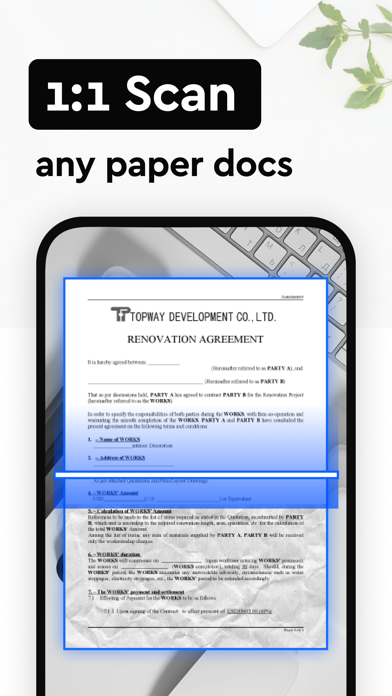
AI Scanner,a smart scanner app turns your device into a powerful portable scanner,can easily convert paper documents and images to PDF/JPG,that recognizes text automatically (OCR) and allows you to save to multiple files formats including PDF and JPEG.Camera PDF Scanner is most intelligent scanner app. Scan anything — books,receipts,ppt,notes,documents,photos,business cards,whiteboards,contract in high quality.And convert scan paperwork into PDF or JPEG format by using the free document scanner app.
FEATURES:
Scan to PDF
• scan documents,book,forms,receipts,notes,and business cards with this mobile PDF scanner
• Scan any document and convert to PDF with your mobile device
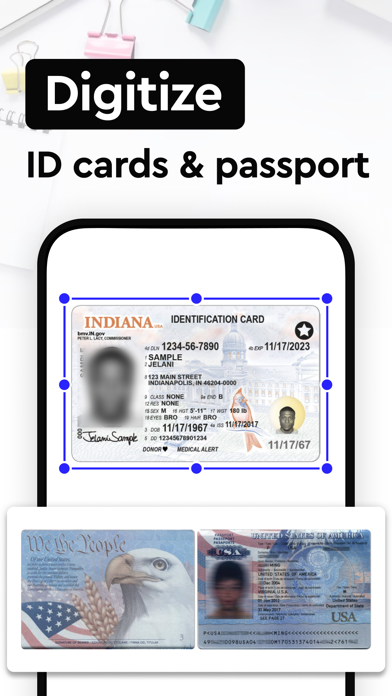
• Passports,ID cards,driver's license,certificates, identity documents to pdf
• Camera scanner app can lets you scan multi-page documents and save with a single tap
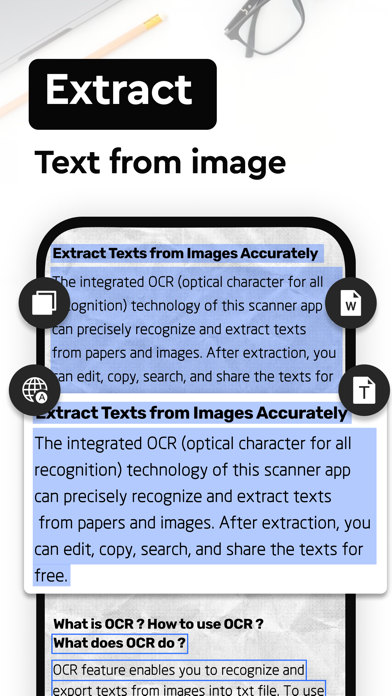
Extract Texts from Image
• Convert image or pdf to text.
• Choose the part you want to recognize and turn image to.
Translate the picture
• OCR (optical character recognition) feature recognizes texts in document images,and translate text into 20+ languages.
Smart auto capture
• Scan anything with precision with this mobile PDF scanner.
• Advanced image technology automatically detects borders, make the scanned content clear, and accurately recognizes text.
Optimize Scan Quality
• Remove and edit imperfections, erase stains, marks, creases, even handwriting.
• Powerful filters that will make your scanned documents look professional.
• Remove shadows and artifacts to enhance your scans.
• Port to black and white or adjust contrast and brightness.
Edit & Sign
• Whether it’s a PDF or photo scan, you can preview,manual sorting,markup,resize,crop,rotate,and adjust color.
• PDF Scanner allows you to add electronic signatures to the scan results. Easily sign your PDFs or JPGs before sending and printing them.
• Easily add security watermarks to protect your files. Mark documents with customized watermarks.
• Add text or draw on image or pdf.
• Make annotations on documents with a full set of editing tools.
Share PDF/JPEG Files
• Easily share documents in PDF or JPEG format with friends via various ways.
Print
• Using this PDF scanner, you can print directly from our scanner app.
PDF Toolbox
• Picture to pdf
• PDF to Image
• PDF to Text
• PDF add watermark
Download the best