GBWT Version 2026

GBWT Version 2026 Summary
GBWT Version 2026 is a free, ad-supported, with in-app purchases iOS app in Social Networking by Akhil Dholariya. Released in Jul 2022 (4 years ago). It has 11K ratings with a 4.47★ (good) average. Based on AppGoblin estimates, it reaches roughly 28K monthly active users and generates around $<10K monthly revenue (32% IAP / 68% ads). Store last updated Oct 10, 2026
SDK intelligence: AppGoblin detected 5 development tools(e.g. Google), 3 ad networks, 1 analytics: product, 1 analytics: attribution,and 1 business tools integrated into GBWT Version 2026. View full SDK list →
GBWT Version 2026 SDKs Summary
GBWT Version 2026 was last scanned for SDKs on 2026-06-14. Below is the overview of third-party companies detected in the app. The full list of SDKs, permissions and unknowns is available here.
 Google
 AppLovin
 One Signal
 Airbnb Engineering
 nanopb
 SDWebImage
 Firebase
 Adjust
 RevenueCat
4.47★
Ratings: 11K
Screenshots


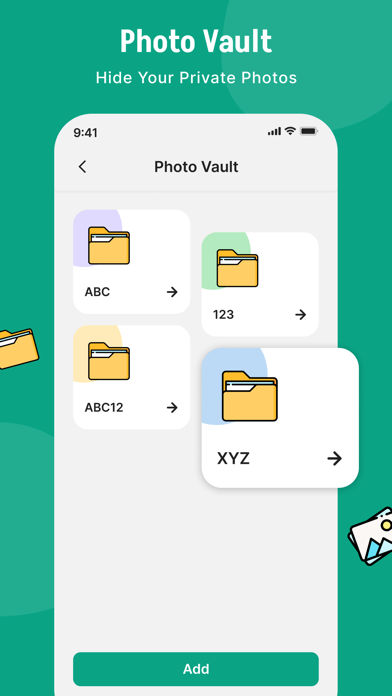
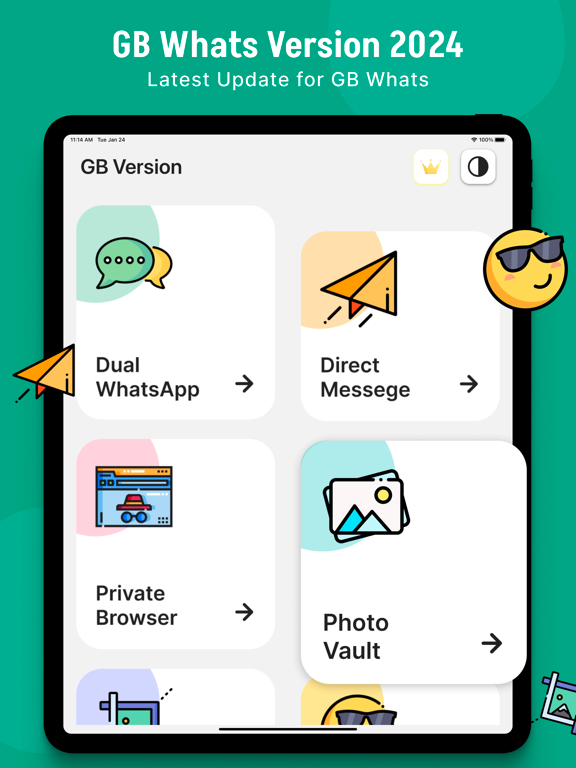
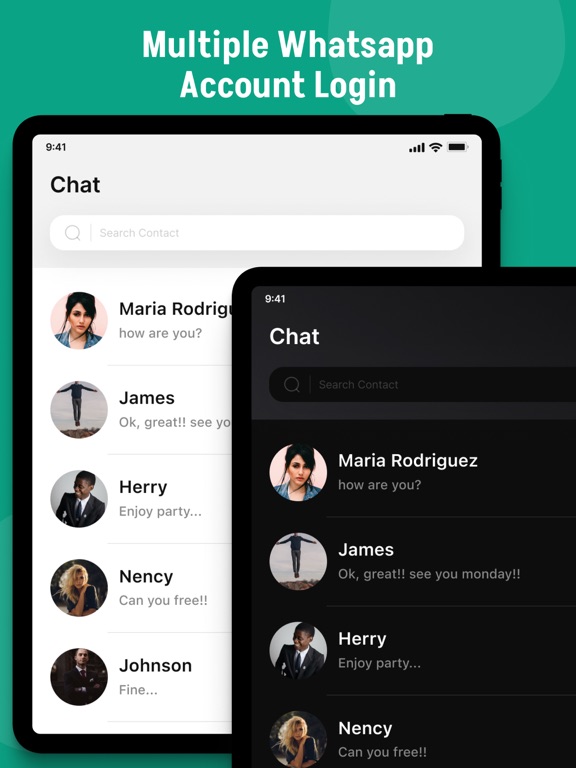
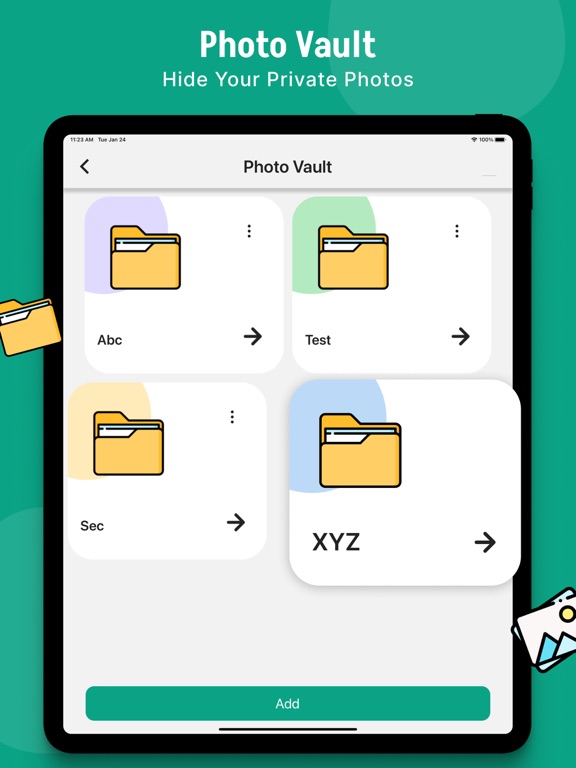
App Description
Enjoy the GBWhats Version 2026 Pro
GBWhats Version 2026 Application is an app designed to better customer experience using the whatsapp tools.
This GB What's app, a specially designed toolkit for WhatsApp app brings you numerous exciting pro features of
- WhatScan : GBWhats Version 2026 allows you to open two accounts on the same device or the same account on multiple devices simply by scanning the WA web QR code.
- Direct chat: chat directly with WhatsApp user without saving name in contacts.
- Text repeater: repeat text message to multiple rows in second and share with WhatsApp.
- You can use Latest GB What's App to get full access to all features of chat Style.
Styles Font with Emoji Letter Maker.
With Emoji Letter Maker you can write your message emoji design and Stylish Font help you to apply 50+ styles to your message.
Write Stylish Text and Art and share them in your favorite chat app and every other app which supports editing text to impress everyone.
Stylish Text App provides limitless possibilities to generate stylish text.
To give style to your text simply type your message on the first text field. Your text will be converted into different fancy text styles in the below fields.
Simply click on the copy button of the text you like and it will get copied so that you can use it by pasting it anywhere you want.
Stylish Text App generates stylish text, Blue Text, text decoration, Emoji Text Style, stylish messages with Emoji, Fancy Text Generator, and fancy text.
: How To Use :
Write the message you want in TextBox.
Select the Different Font you want.
Paste it on any other application.
You can type messages in Cool fonts with the selected font and Copy them. You can paste the copied text into any other app.
: Features :
Works with Chatting applications, E-mail clients, Social networking sites & text messages.
Fonts are visible on cross-platform.
Stylish Text.
Huge collection of chat styles.
Text font changer.
Very easy to use.
After Finishing Typing Choose the Text Style you like.
- WhatsCropping
You must be changing your profile picture and you have to crop your picture. You lose some best part of the picture. This Whatscropping - Set the full-size dp without crop app feature allows you to set a profile picture without cropping any part of your picture.
This WhatsCrop feature will automatically adjust the picture size to be the maxim