Frontline Spatial Capture

Frontline Spatial Capture Summary
Frontline Spatial Capture is a free iOS app in Tools by TeamViewer Germany GmbH. Released in Feb 2024 (2 years ago). Store last updated Nov 15, 2024
Frontline Spatial Capture SDKs Summary
App not yet scanned for SDKs.
0★
Ratings:
Screenshots


App Description
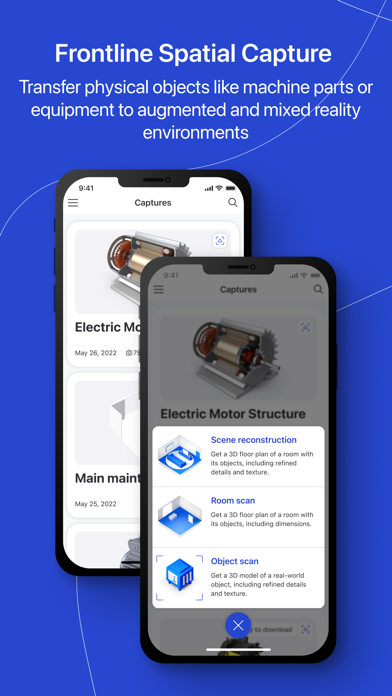
Transfer physical objects like machine parts or equipment to augmented and mixed reality environments, allowing for knowledge capture and easy sharing and access.
Enable your employees to create their own 3D models, even if they have no experience with AR. Build your own AR-driven models and workflows by simply taking pictures. Use them for a variety of purposes, including training workflows.
Improve your content creation holistically by using 3D models seamlessly within TeamViewer Frontline solutions.
Create your own 3D models with just a few clicks:
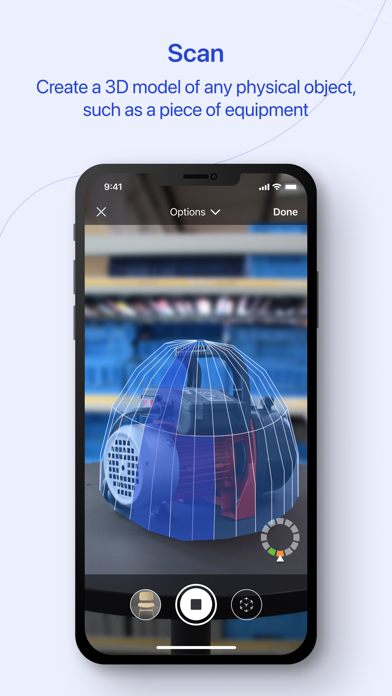
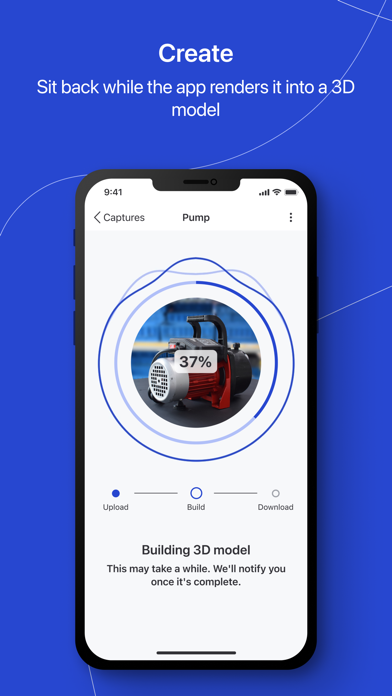
Create a 3D model of any physical object, such as a piece of equipment. To begin, simply move your phone around the object. The app will take pictures from all angles and create a 3D model, including colors and surfaces.
If you're looking to visualize the environment around you for tasks like creating installation guides or designing room navigation workflows, the room scanning option allows you to generate a detailed spatial model of the space around you.
Once your individual models and parts are complete, they are automatically synced to the central Frontline Command Center and can be used to build redefined workflows.
Information on Mandatory Access
● Camera: Necessary to generate video feed on the app
Information on Optional Access*
● Microphone: Fill the video feed with audio, or used to record message or session
*You can use the app even if you do not allow the optional permissions. Please use in-app settings to disable the access.