Record In - V Screen Recorder

Record In - V Screen Recorder Summary
Record In - V Screen Recorder is a ad-supported, with in-app purchases iOS app in Photo And Video by Muhammad Abdullah. Released in Jul 2022 (3 years ago). It has 497 ratings with a 4.42★ (good) average. Based on AppGoblin estimates, it reaches roughly 411 monthly active users and generates around $<10K monthly revenue (41% IAP / 59% ads). Store metadata: updated Feb 3, 2026.
Recent activity: 1.00 new ratings this week View trends →
Store info: Last updated on App Store on Feb 3, 2026 .
4.42★
Ratings: 497
Screenshots



App Description
The all-in-one screen recording app is designed to meet your screen video recording needs. Whether you're a content creator, a gamer, or simply looking to record your screen for any purpose like watching live shows the Screen Recorder does full-screen recording with clear sound.
Enhance the screen recordings with face cam reactions, audio commentary, video editing tools, & more features in this Video Editor and Screen Recorder tool.
Key Features of "Record In - V Screen Recorder" App:
• Professional Screen & Game Recorder:
Record the entire mobile screen or any application with a high-quality screen recorder.
⁃ HD Quality: Capture every screen in high-definition ratio for smooth play.
⁃ Custom Resolution: Set up the video recording settings to suit your requirements.
⁃ Frame Rate Control: Adjust the frame rate to capture smooth motion or reduce file size.
⁃ Bitrate Control: Fine-tune recorded video quality to match your preferences, whether it's for streaming, sharing, or archiving.
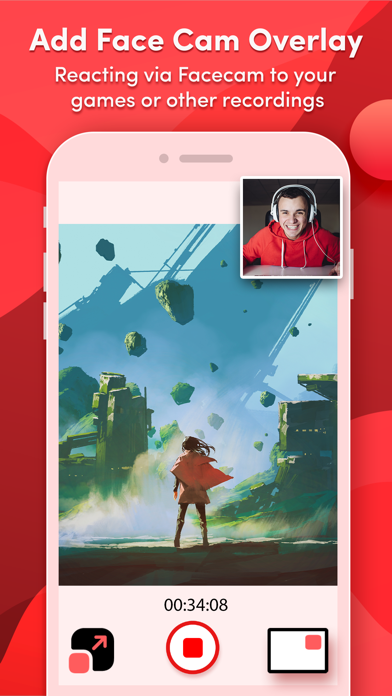
• Capture FaceCam Reactions:
Use a facecam overlay to interact with screen captures and add your reactions to videos. Record your reactions and explanations during screen recordings.
• Voiceover Recordings:
Enhance your video recordings with voice commentary and add background music to engage your audience.
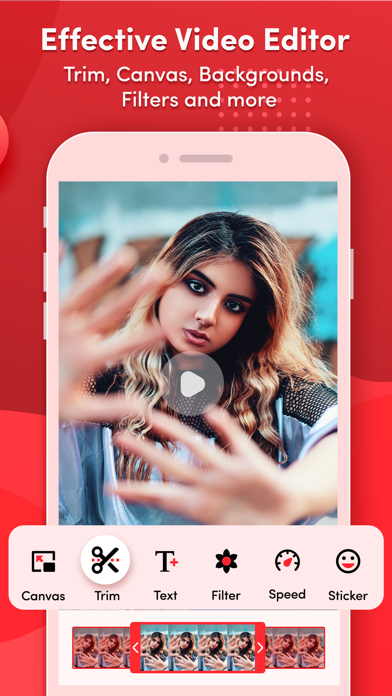
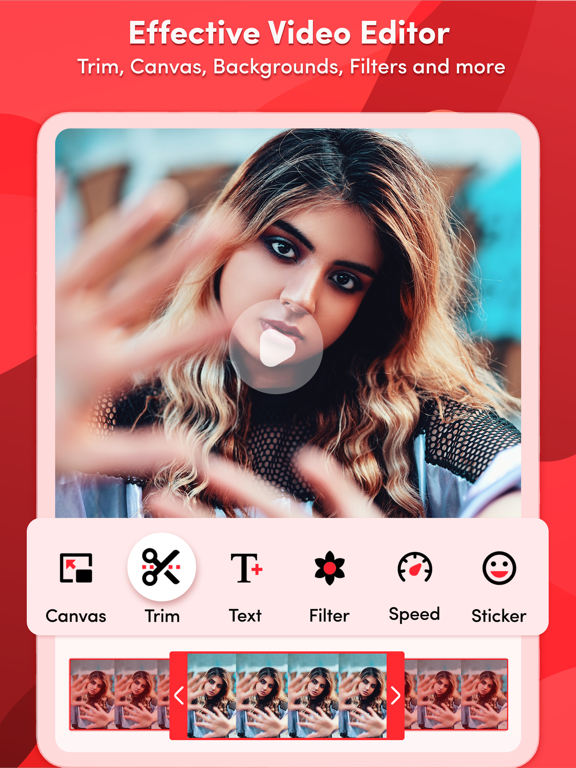
• Edit Recorded Videos:
Screen Recorder-Clips Editor offers a number of features to assist with video editing:
⁃ Add Text: Add appealing captions or stylish titles in videos.
⁃ Adjust Speed: Speed up or slow down your video recordings.
⁃ Trim Video: Trim recorded videos to focus on the key content.
⁃ Backgrounds: Change the background of the recorded videos.
⁃ Stickers: Add fun & engaging stickers to your screen recordings.
⁃ Multiple Filters: Use filters to make video recordings more visually appealing.
⁃ Multiple Canvas: Easily share on social media platforms by adjusting the video ratio.
• Video to GIF Converter:
Convert screen recordings and trimmed videos into GIFs for engaging content.
• Video to Photo Converter:
Extract high-quality photos from videos for further editing.
• Access Video Recordings Quickly:
Easily access, manage, & share your screen recordings with anyone.
Enjoy this fantastic screen and video recorder to capture your favorite games and TV shows as well as share your valuable reviews to improve this all-in-