Easy CSV Editor Mobile

Easy CSV Editor Mobile Summary
Easy CSV Editor Mobile is a with in-app purchases iOS app in Developer Tools by VDT LABS S.R.L.. Released in Aug 2022 (3 years ago). It has 48 ratings with a 4.19★ (good) average. Based on AppGoblin estimates, it reaches roughly 243 monthly active users and generates around $<10K monthly revenue (100% IAP / 0% ads). Store metadata: updated Apr 29, 2025.
Store info: Last updated on App Store on Apr 29, 2025 .
4.19★
Ratings: 48
Screenshots

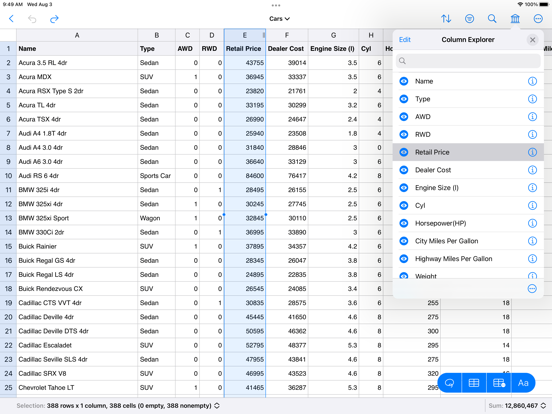
App Description
Easy CSV Editor is one of the best editors for CSV and TSV files available on the market.
In a clean and user-friendly interface it offers simplicity and flexibility to visualize and edit both small and large documents.
The app is built entirely using the native technologies provided by Apple and specifically optimized for iPhones & iPads. That's why you'll feel right at home from the moment you open the app.
We greatly value your privacy, so everything you do in the app is done locally, nothing leaves your device. No analytics, no servers, no phoning home.
IMPORTANT: Easy CSV Editor is available as free to download, but there are a few limitations: i.e. the number of displayed rows is limited to 20, saving documents is not available.
In order to get the most out of the app, and to remove the aforementioned limitations, "Premium" is recommended to be purchased ("Premium" is a one-time in-app purchase).
Core Features
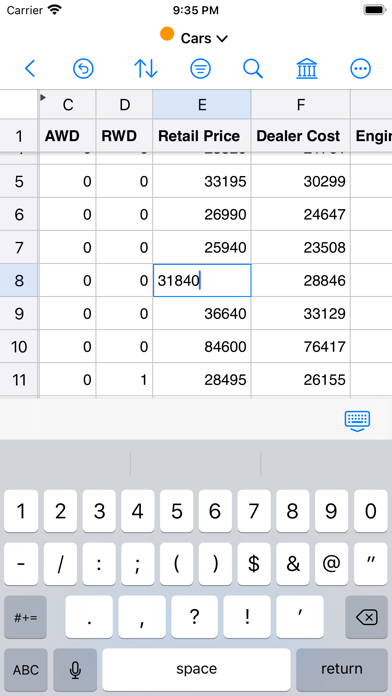
• Open, create, edit and save CSV files even if they are not properly formatted, like don't have the same number of fields in each row
• Data preservation - your data remains unchanged, exactly as you expect, including numbers with leading zeroes
• Auto-detect CSV format, while providing you the option to adjust the detected parameters
• Auto-detect numbers & dates
• Progress indicator along with a time estimate when loading large files
• Visualize and change the properties of an opened CSV document
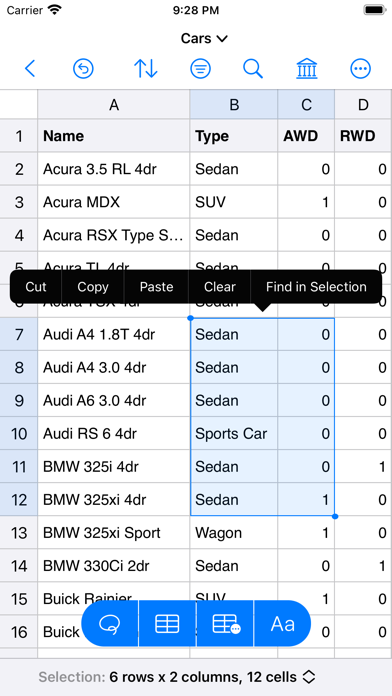
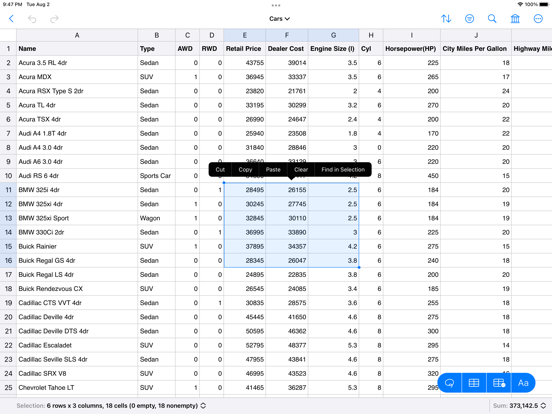
• Copy, cut or clear a group of cells or entire rows or columns
• Paste tabular data from other applications or in the same document
• Set as header rows up to 10 rows and up to 10 columns as header columns
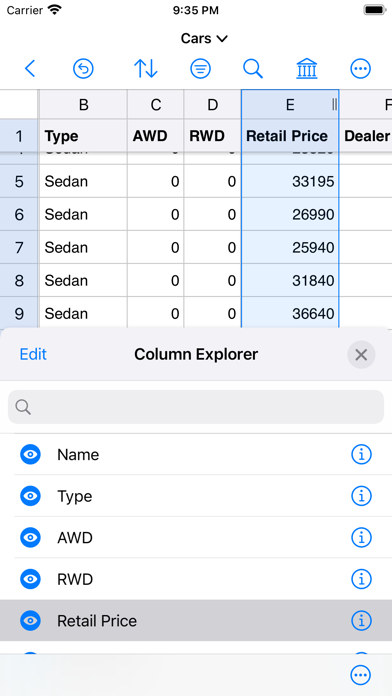
• Resize rows and columns so you can easily see the whole content
• Move rows, columns and cell by drag and drop
• Hide rows and columns
• Shuffle entire rows or selected cells by row
• Text transformations for the selected cells: trim, enclose, HTML escape/unescape & more
• Fill the selected cells using text of your choice
• Status bar at the bottom of the window, showing various statistics and calculations
• If your iPhone or iPad has a keyboard connected to it (or you're using "Universal Control" on the iPad) then you can easily navigate the document using well established shortcuts (check "More -> Keyboard Shortcuts" for all of them)
• Export to PDF & CSV/TSV
• Print
• Undo & Redo
• Dark mode
• Po