Ringtone Maker & MP3 Converter

Ringtone Maker & MP3 Converter Summary
Ringtone Maker & MP3 Converter is a free, ad-supported iOS app in Music And Audio by Oleksandr Pylaiev. Released in Jul 2022 (4 years ago). It has 34K ratings with a 4.47★ (good) average. Based on AppGoblin estimates, it reaches roughly 155K monthly active users and generates around $10K+ monthly revenue (0% IAP / 100% ads). Store last updated Jan 28, 2023
Recent activity: 137 new ratings this week View trends →
SDK intelligence: AppGoblin detected 1 ad networks(e.g. Snap) integrated into Ringtone Maker & MP3 Converter. View full SDK list →
Ringtone Maker & MP3 Converter SDKs Summary
Ringtone Maker & MP3 Converter was last scanned for SDKs on 2026-07-28. Below is the overview of third-party companies detected in the app. The full list of SDKs, permissions and unknowns is available here.
 Snap
Snap4.47★
Ratings: 34K
Screenshots
App Description
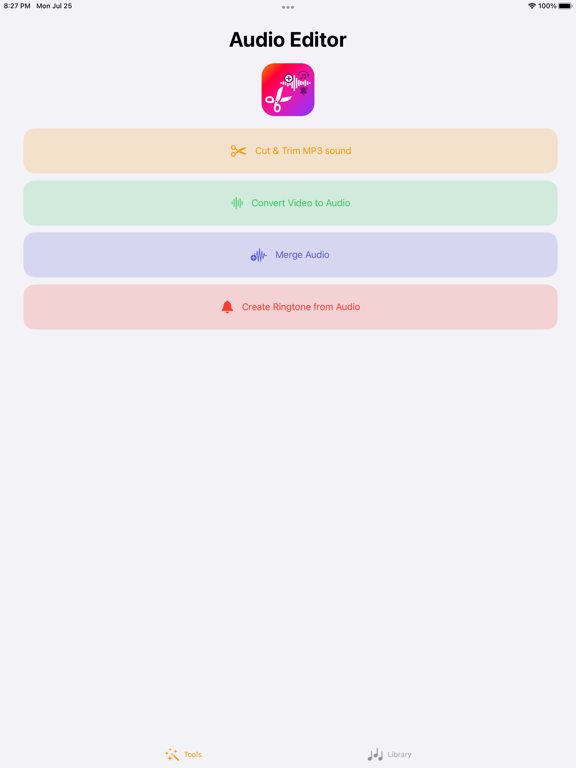
Music Cutter & Trimmer, m4a, mp3 cutter & ringtone maker.
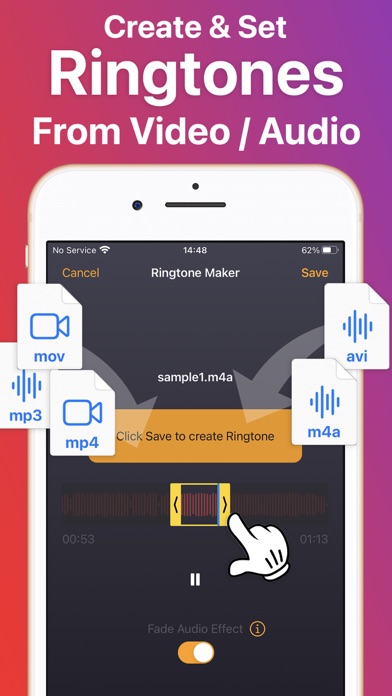
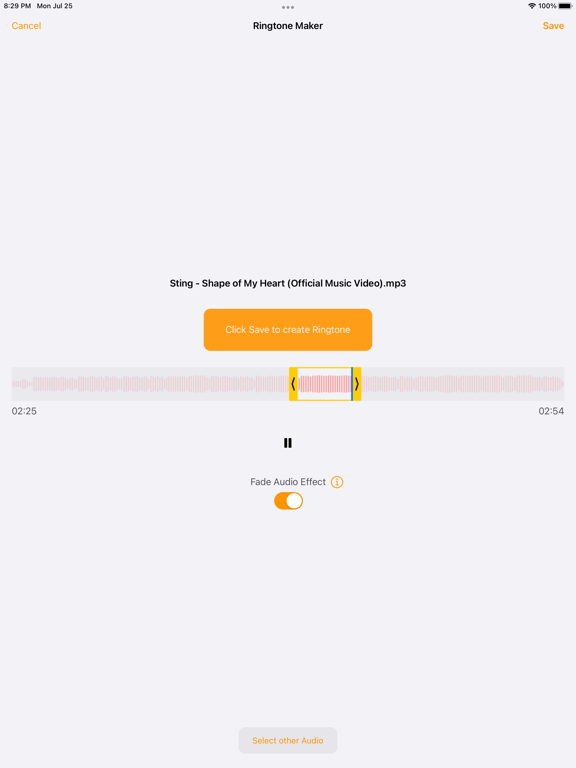
Cut your favourite part of an mp3, m4a or a video and create a ringtone. You can use the audio you create for any type of a notification sound and share it with your friends.
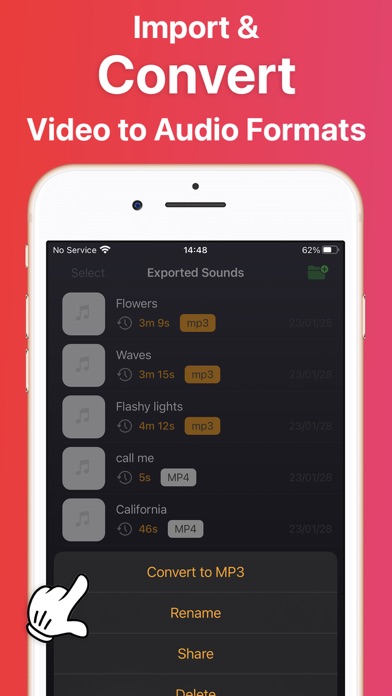
This app supports mp3, aiff, wav, m4a audio + video formats.
With Music Editor and Ringtone maker you can select music from photo library or Files and choose part to be chopped from the song
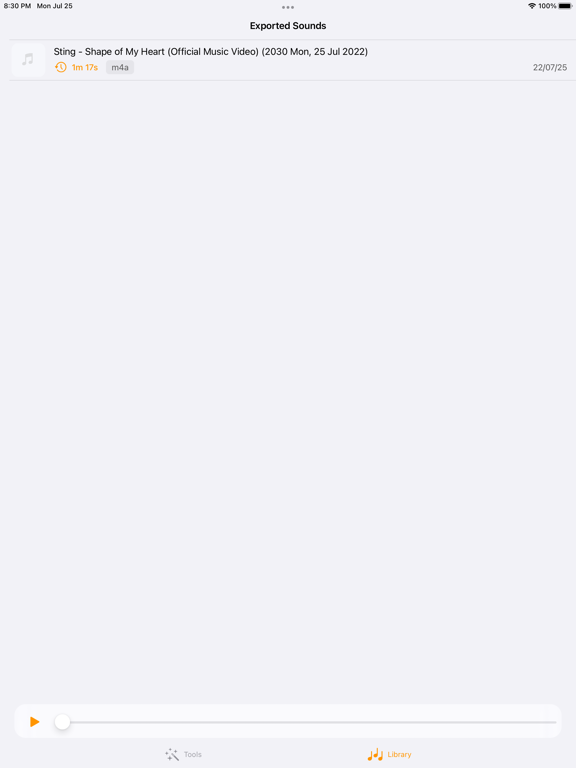
Then you can save as ringtone, alarm, notification or a new song to listen. You also can share it.
Detail features:
- Find all music, audio files stored in your phone memory and sd cards.
- Edit music by selecting a part by setting start & end for the audio clip or using a touch interface.
- Save as ringtone, alarm, notification or a new song to listen.
- Delete (with confirmation alert) the created audio.