Darker - Dark Mode for Safari

Darker - Dark Mode for Safari Summary
Darker - Dark Mode for Safari is a free, ad-supported, with in-app purchases iOS app in Productivity by 国辉 满. Released in Aug 2022 (4 years ago). It has 3.1K ratings with a 4.23★ (good) average. Based on AppGoblin estimates, it reaches roughly 8.1K monthly active users and generates around $<10K monthly revenue (33% IAP / 67% ads). Store last updated Jun 2, 2026
Recent activity: 13 new ratings this week View trends →
SDK intelligence: AppGoblin detected 1 ad networks(e.g. Google) integrated into Darker - Dark Mode for Safari. View full SDK list →
Darker - Dark Mode for Safari SDKs Summary
Darker - Dark Mode for Safari was last scanned for SDKs on 2026-07-31. Below is the overview of third-party companies detected in the app. The full list of SDKs, permissions and unknowns is available here.
 Google
4.23★
Ratings: 3.1K
Screenshots


App Description
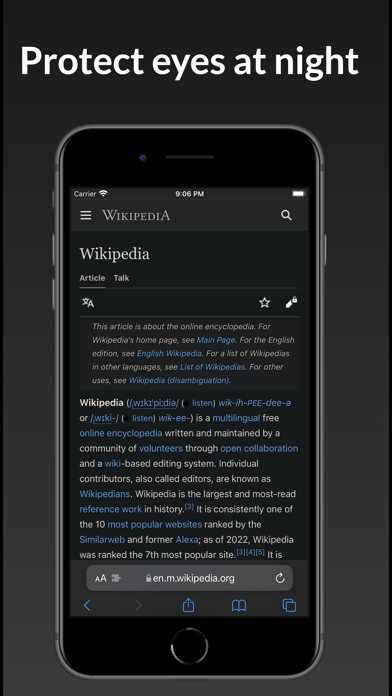
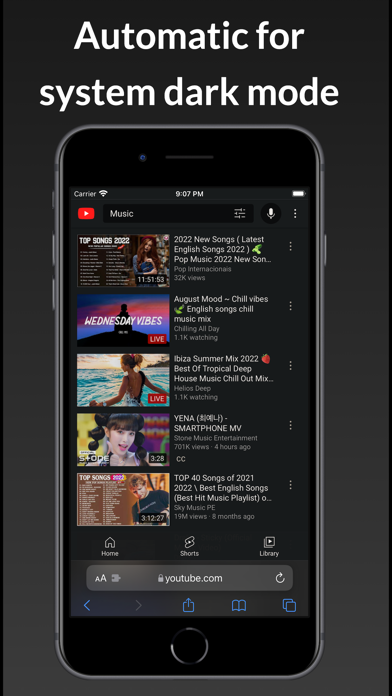
Darker is a Safari extension that automatically adds a dark mode to every website you visit.
It makes browsing the web at night so much better. With Darker, you won’t be blinded by bright websites ever again.
The main features are:
- apply dark mode to various web sites
- Enable night shift - yellow tint that helps your eyes
- Make web pages easier to read
- Read comfortable in night
- Save battery power
- Customizable background color
- Customizable background opacity with a slider
Privacy Policy:
• The Darker extension requires access to the websites you visit to analyze the existing style of the page and to override it with Darker's dark style.
• Darker never collects your browsing data. The only data Darker ‘collects’ are your settings, and those will never leave your device.
-- HOW TO SETUP --
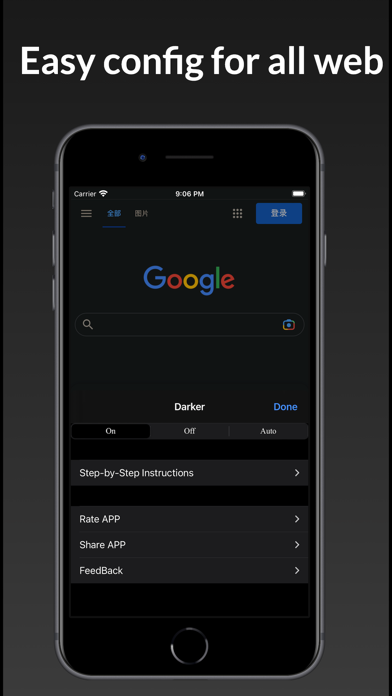
1. Please open the app and click the button on the welcome screen. This will take you to the Settings screen. Then tap Safari (for iPad, check left pane) > Extensions > Darker, then tap the switch to turn it on.
2: On the same screen, tap All Websites > Allow to grant permission to run Darker's extension on Safari on all websites. Now you're all set!
Note: You can tap the "Manage Extensions" icon in your Safari address bar to access the Darker settings.
Note: Safari may display a notice saying that the extension can read your sensitive information and browsing history. This is a general reminder that appears with every extension. Darker will never read or collect any of your personal information such as passwords or credit card numbers. It's completely safe to use. You have my word!
The extension will work on Safari for iOS/iPadOS version 15.0 and above.