eSign, Fill, Sign PDF Signline
eSign, Fill, Sign PDF Signline Summary
eSign, Fill, Sign PDF Signline is a free iOS app in Productivity by AMPLIFY VENTURES. Released in Sep 2023 (3 years ago). Store last updated Dec 30, 2024
eSign, Fill, Sign PDF Signline SDKs Summary
App not yet scanned for SDKs.
0★
Ratings:
Screenshots


App Description
Unlock the power of effortless document management & eSigning with Signline, your all-in-one PDF editor & eSignature app. Whether you're a business professional, a student, or simply someone who deals with documents on a daily basis, Signline has got you covered
Signline makes signing & sending documents a breeze on your iPhones & iPads. Use the app to annotate, edit, fill and sign pdf documents & send docs to others for esign & collaboration. With a digital audit trail, all signatures on Signline are legally binding
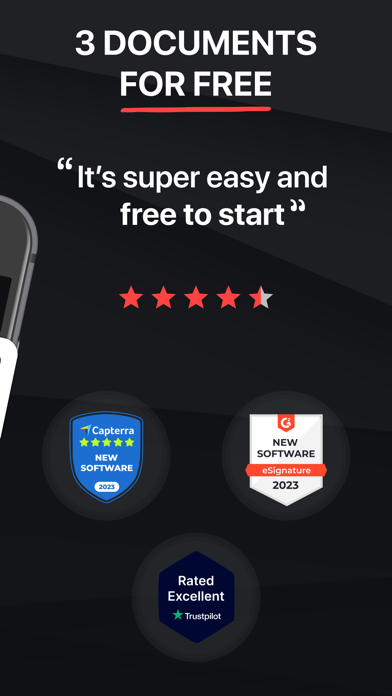
Signline is absolutely free to download. What’s more, to get you started, your first 3 documents to edit & sign are on us! Not limited by borders, Signline is available in various geographies, including but not limited to the U.S, U.K, France, Mexico, China, Russia, Brazil, Korea, Australia & Canada
Key Features:
1 Create eSignatures: Easily create & save your eSignatures within the app, eliminating the need for paper signature
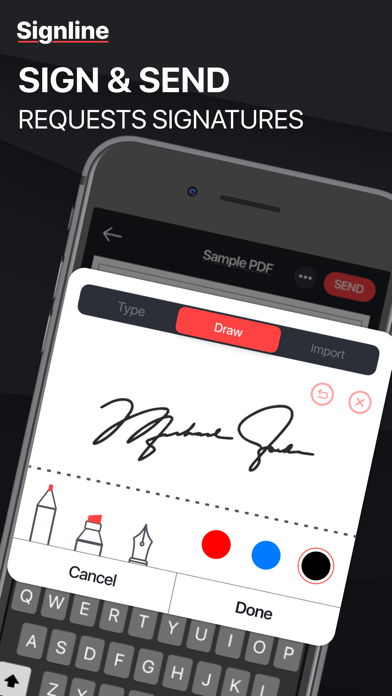
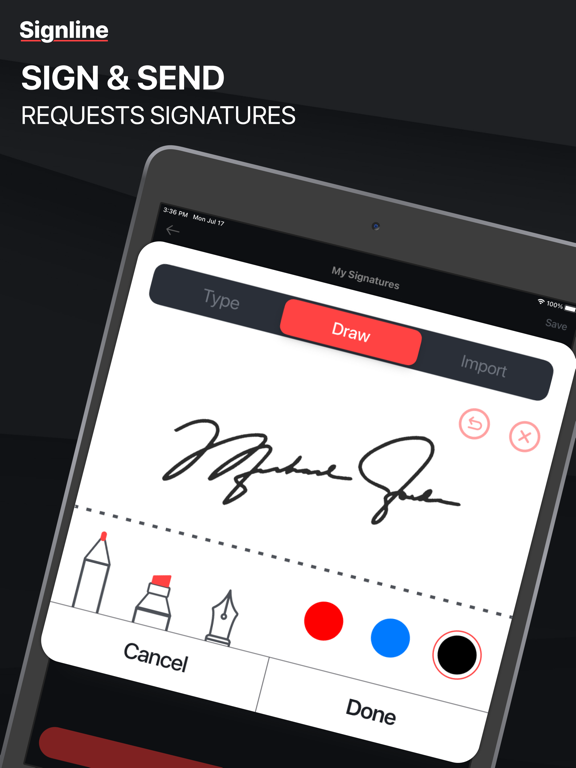
2 Sign Documents with Ease: Signline caters to all your eSignature needs. Whether it is drawing, scanning, or importing your signature, Signline allows you to e sign documents directly from your device, ensuring a secure & legally binding signature
3 Collaborate Seamlessly: Share documents with people for real-time collaboration. Make edits, comments, & streamline workflow
4 Request eSignatures: Need someone's signature on a doc? Simply send a request through Signline & get docs signed quickly
5 Fill Forms with Precision: Say goodbye to printing forms! Fill in PDF forms directly within the app & ensure neat & accurate entries
6 Annotate PDFs Like a Pro: Highlight, underline, draw, or add text annotations to your PDF documents. Make your mark & communicate effectively
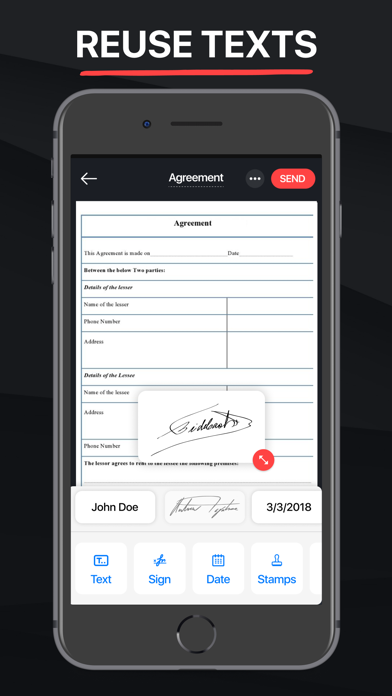
7 Save Commonly Used Text: Store frequently used text snippets for quick access & reuse in future documents. Save time & maintain consistency
8 Cross-Device Accessibility: Access & edit your documents seamlessly across all your iOS devices. Work anytime, anywhere.
9 Import Documents: Scan or upload documents directly from your cloud storage services to Signline for convenient editing & signing
10 Secure Cloud Storage: Save your edited documents securely in the cloud for easy access
11 Share with Ease: Send docs using multiple sharing features within the app, ensuring your files reach their destination hassle-free
12 Document Security: Rest assured knowing that your data & information are safeguarded with industry-standard SSL encryption. Every document signed with Signline is legally binding & comes with a digital audit trail, including the signer's email address, & completion time
Signline empowers to transform your document management & signing