Pomodoro Timer - Focus Keeper

Pomodoro Timer - Focus Keeper Summary
Pomodoro Timer - Focus Keeper is a free, ad-supported, with in-app purchases iOS app in Productivity by Ryunosuke Nagase. Released in Sep 2022 (4 years ago). It has 2.7K ratings with a 4.75★ (excellent) average. Based on AppGoblin estimates, it reaches roughly 7.8K monthly active users and generates around $<10K monthly revenue (22% IAP / 78% ads). Store last updated Feb 16, 2026
Pomodoro Timer - Focus Keeper SDKs Summary
App not yet scanned for SDKs.
4.75★
Ratings: 2.7K
Screenshots



App Description
Simple Pomodoro Timer is a free simple and minimal Pomodoro timer.
With a design that does not disturb your thoughts, it will overwhelmingly increase your study and work efficiency.
- Overwhelmingly simple!
No unnecessary functions. No unnecessary functions to support your concentration.
- Start with one tap!
Just start the app and press the start button to start the timer.
- Switch between three timers.
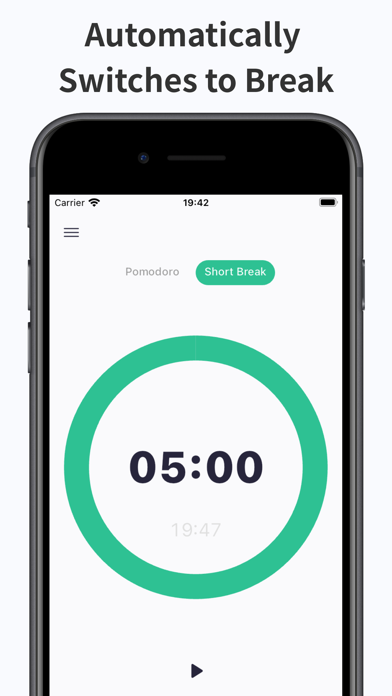
You can switch between three timers with a swipe: Pomodoro Timer (25 minutes), Short Break (5 minutes), and Long Break (15 minutes).
This allows you to efficiently practice the Pomodoro Technique.
- Timer time can be freely changed.
Each of the three timers can be changed.
- Notification of end of timer by push notification
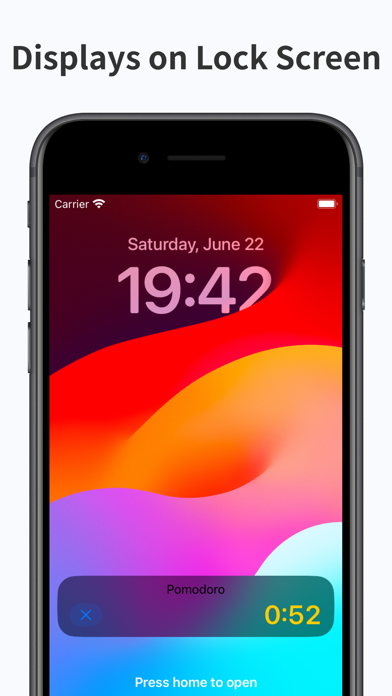
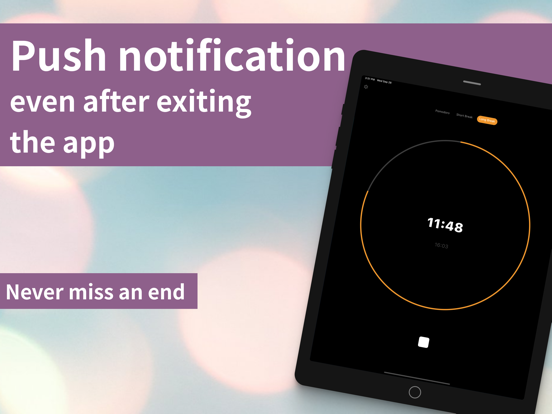
The timer will continue to run even when the app is closed or goes into the background, and a push notification will let you know when the timer ends.
You will never miss it again.
- Finish time is also displayed
Simple Pomodoro Timer shows the time your alarm will finish so you don't need to calculate when the timer will go off any more.
- Minimal design
The minimal design will not disturb your thoughts.
- The sound when the timer ends can be changed. Silence is also supported.
This is a good option for libraries and other places where no sound can be produced.
- Supports vibration
You can also change the on/off setting.
- Supports dark mode
Supports eye-friendly dark mode. It is automatically applied according to the device settings.
Terms of Use: https://tinylab-apps.web.app/TermsOfService/ja.html
Privacy Policy: https://tinylab-apps.web.app/PrivacyPolicy/ja.html