Authenticator App - Two Factor

Authenticator App - Two Factor Summary
Authenticator App - Two Factor is a free, with in-app purchases iOS app in Tools by MAS-MEDIA d.o.o.. Released in Jan 2023 (3 years ago). It has 2.3K ratings with a 4.57★ (excellent) average. Based on AppGoblin estimates, it reaches roughly 5.6K monthly active users and generates around $<10K monthly revenue (100% IAP / 0% ads). Store last updated Feb 19, 2023
Recent activity: 2.00 new ratings this week View trends →
SDK intelligence: AppGoblin detected 1 ad networks(e.g. Facebook), 1 analytics: attribution,and 1 analytics: product integrated into Authenticator App - Two Factor. View full SDK list →
Authenticator App - Two Factor SDKs Summary
Authenticator App - Two Factor was last scanned for SDKs on 2026-09-16. Below is the overview of third-party companies detected in the app. The full list of SDKs, permissions and unknowns is available here.
 Facebook
 Yandex Metrica
 Amplitude
4.57★
Ratings: 2.3K
Screenshots
App Description
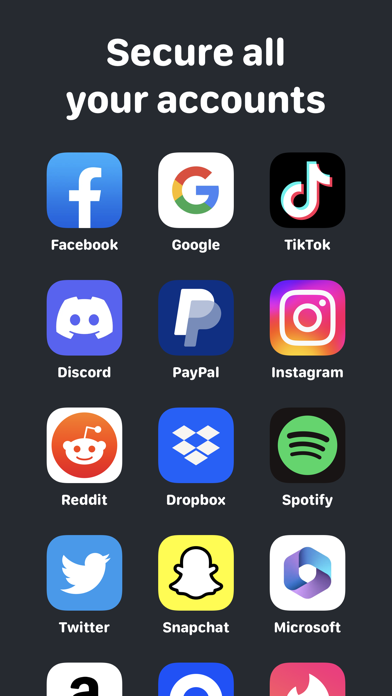
Your must-have Authenticator App - Two Factor to secure your all online accounts in one place. Simple and Safe!
Being extra careful with all of your accounts and log-ins is the first step to safety.
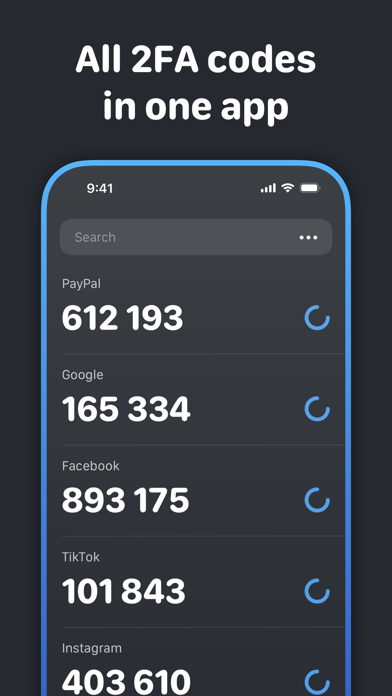
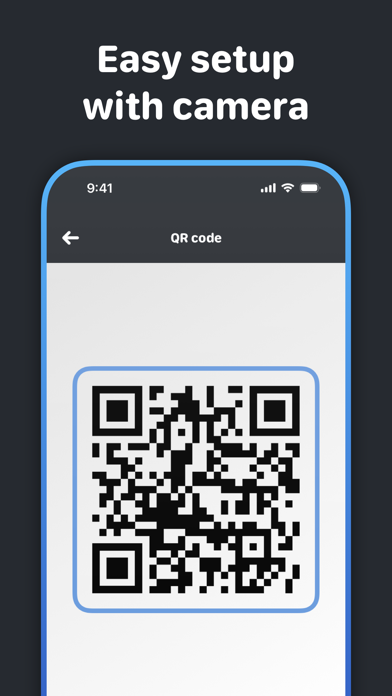
Authenticator App - Two Factor is a simple and free Two Factor Authentication (2FA) solution for your online accounts on your device. This app generates 6-digit Time-Based One-Time Passwords (TOTP). It helps keep your online accounts secure on supporting 2FA services. 2-Step Verification provides stronger security for your online Account by requiring a second step of verification when you sign in. Tool helps you protect your account from hackers by adding an additional layer of security. After scanning a simple QR code, your account is protected. You can also manually enter 2FA tokens to do so. Once configured, you can get verification codes without the need for a network or cellular connection when this app is used as a TOTP code generator. You can scan QR code or enter manually to add accounts.
Subscription renewal terms:
- Payment will be charged to iTunes Account at confirmation of purchases.
- Subscription automatically renews unless auto-renew is turned off at least 24 hours before the end of the current period.
- Account will be charged for renewal within 24-hours prior to the end of the current period, and identify the cost of the renewal.
- Subscriptions may be managed by the user and auto-renewal may be turned off by going to the user’s Account Settings after purchase.
- Any unused portion of a free trial period, will be forfeited when the user purchases a subscription to that publication, where applicable.
Privacy Policy: https://kuznec.neocities.org/Authenticator/privacy
Terms of Use: https://kuznec.neocities.org/Authenticator/terms