PDF Scanner: PDF Maker
PDF Scanner: PDF Maker Summary
PDF Scanner: PDF Maker is a with in-app purchases iOS app in Productivity by Kavita Gabani. Released in Jan 2023 (3 years ago). Store metadata: updated Oct 14, 2025.
Store info: Last updated on App Store on Oct 14, 2025 .
0★
Ratings: 0
Screenshots


App Description
PDF Scanner: PDF Maker App is a secure, handy, useful, and trusted all-in-one PDF solution for all digital documents. PDF maker is a full-featured PDF scanner, reader, and editor app. Get all the pdf creating features in a single app and create correctly formatted pdfs optimized for ipads and iphones.
PDF Editor Tools:
~ Fastly edit any PDF document with PDF editing feature
~ Add, remove or open any PDF document with ease
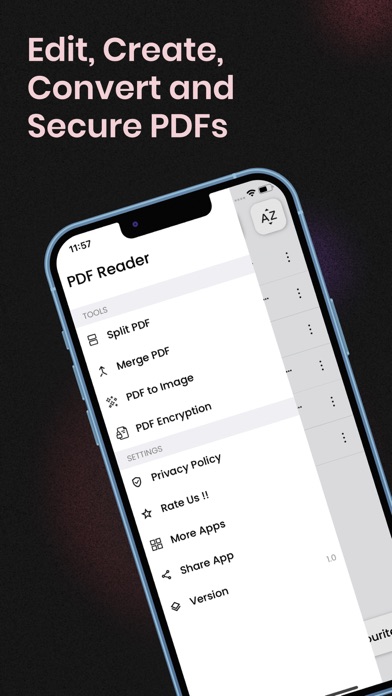
~ Merge various PDFs into one document
~ Instantly split PDF into multiple pages easily
~ Extract and use important content from any of the PDF file
~ Categorize all PDFs with custom labels
Online PDF Editor and PDF Compressor: Merge PDF app can be conveniently used as an e-reader if you want to read any of the PDF formatted book available online
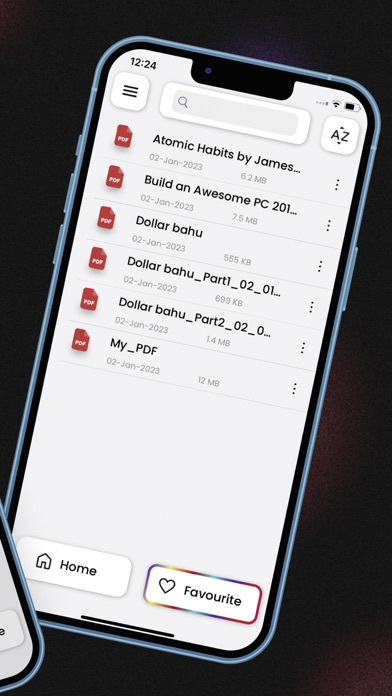
~ Add important PDF documents to ‘Favorites’ for future easy access
~ Grid PDF selection view to correctly choose and open the right PDF Document
~ Continuous vertical scrolling while viewing PDF pages
~ ‘Pin to Top’ option for fast and quick access of PDF documents
~ Landscape view of PDF pages, with page rotation in both light and dark mode
~ High level of zoom provides better understanding for any of the PDF page
PDF Annotation Tool:
~ Utilize online PDF editor word to PDF converter app’s configurable annotation or mark-up tools
~ Highlight, underline, and strikeout text
PDF split:
~ Split PDF file into pages and share single pages as images
~ Split PDF into images online, whenever and wherever you want
PDF Merge App:
~ Merge or combine PDF files into one single file
~ Create a fully content PDF by merging it to another
PDF To Image:
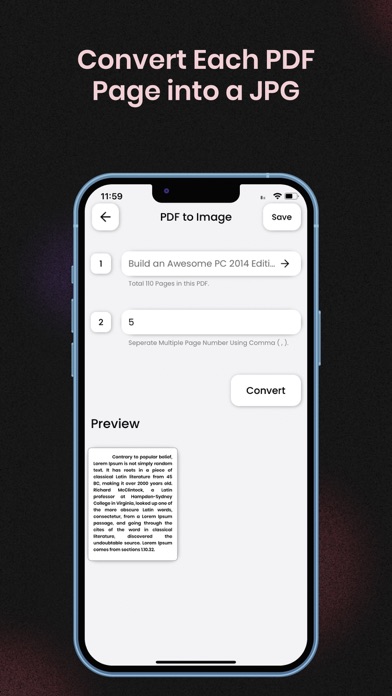
~ Works as an online PDF to JPG converter
~ Smoothly convert PDF to images and save them in both ways
Sign PDF & Fill PDF Forms:
~ Fill and sign PDF forms, share your files with others, and sync them
~ Sign a PDF by hand or type in your signature, and save it for later reuse
~ Create digital signature, fill out, save, and send PDF forms
PDF Scanner: Seamlessly scan any of your PDF documents anytime, anywhere!
~ Scan a page with your camera or open an existing image to create a new PDF
~ Create new blank PDFs and take notes
Secure PDF:
~ Keep all of your PDFs secure with a password and type the right password or remove the password to open files
~ Protect your PDF files with password encryption
~ Unl