Gesturedeck

Gesturedeck Summary
Gesturedeck is a with in-app purchases iOS app in Music And Audio by Navideck Labs OU. Released in Mar 2023 (3 years ago). Store metadata: updated Sep 20, 2023.
Store info: Last updated on App Store on Sep 20, 2023 .
0★
Ratings: 0
Screenshots

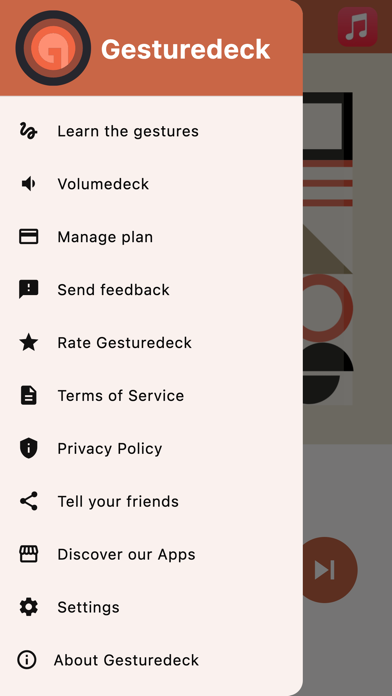


App Description
Introducing Gesturedeck: Elevate Your Audio Experience, Eyes-Free
Tired of fumbling with your phone's screen just to change tracks or adjust the volume while you're on the move? Gesturedeck is here to revolutionize the way you interact with your favorite audio apps. It adds a touch of magic to your audio experience, allowing you to stay focused on what matters most.
Why Gesturedeck?
- Enhanced Control: Gesturedeck enables you to perform intuitive touch gestures without ever taking your eyes off your surroundings. Whether you're in the gym, on a run, or enjoying a ride (as a passenger), you can effortlessly control your audio playback.
- Seamless Interface: Our interface is designed to prioritize your experience. You can skip tracks, adjust volume, and pause/play with ease, all while keeping your focus where it belongs.
- Universal Compatibility: No need to limit yourself to a single music app. Gesturedeck works seamlessly with your favorite audio apps, including Spotify, Apple Music, Soundcloud, and YouTube, giving you the freedom to choose.
- Try Before You Commit: We offer a free trial, so you can experience the magic of Gesturedeck before deciding to subscribe or grab a lifetime license within the app.
New iOS 17 Feature: Song Recognition with Shazam
Starting with iOS 17, Gesturedeck introduces a groundbreaking feature that allows you to identify songs using Shazam right from within the app. Now you can recognize music from third-party audio apps, car stereos using the microphone, and even when listening through headphones - a unique iOS 17 feature. Simply tap and let Gesturedeck and Shazam do the rest, making it easier than ever to discover new music on the go.
How It Works:
1. Select Your App: Choose your preferred audio app from our menu or open it directly.
2. Hit Play: Start playback in Gesturedeck.
3. Intuitive Gestures: Control your audio using smart touch gestures without looking at your device.
4. Discover Music with Shazam: Tap to identify songs from your car's stereo using the microphone, third-party apps, or headphones.
Eyes-Free Touch Gestures:
- Slide two fingers up or down to adjust the volume.
- Tap with two fingers to play/pause your music.
- Swipe left to skip to the next track.
- Double tap and hold with one finger to perform all gestures with a single finger.
Unlock the Full Experience with Volumedeck:
Experience Volu