CalcMe Calculator

CalcMe Calculator Summary
CalcMe Calculator is a mobile iOS app in Tools by Edoardo Orzes. Released in Jan 2023 (3 years ago). It has 1.00 ratings with a 5.00★ (excellent) average. Based on AppGoblin estimates, it reaches roughly 3.00 monthly active users . Store metadata: updated Sep 23, 2025.
Store info: Last updated on App Store on Sep 23, 2025 .
5★
Ratings: 1.00
Screenshots

App Description
This scientific calculator has been created to overcome the lack of a both good and nice looking calculator on App Store.
I spent my high school and university periods using hardware calculators, they were very quick to use, but I always thought why should I carry around a second device while I have my phone in the pocket.
So I searched for years for a good calculator app that was able to replace the hardware one, but I never found one, they were all too unhandy to use, with important buttons on a second page, annoying to reach when you need them often; with a complex interface and very difficult to tap and edit directly on the calculation.
I thought it's crazy that no one have exploited the amazing system provided by Apple to not only create a really good scientific calculator, but to make it even easier to use and interact with than the hardware ones.
So I decided to do it.
What CalcMe offers:
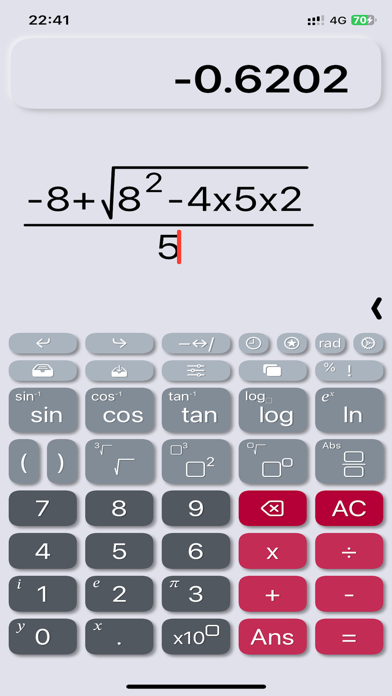
- Nice looking interface, intuitive, immediate and able to not only replace, but to enrich hardware calculators.
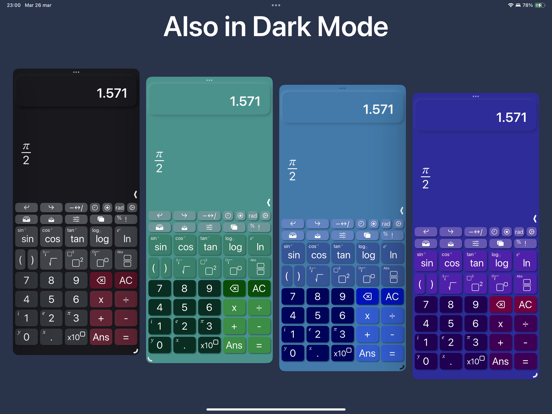
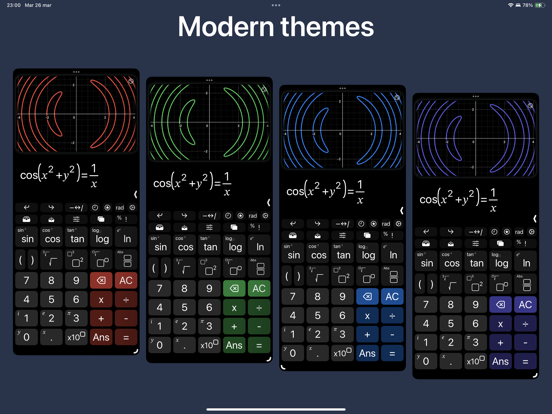
- Elegant and modern themes and colors to choose from, all included in the first purchase.
- A little magic feature: in scientific notation, swipe over the result to move the decimal dot and see the ten power change :)
- All scientific function (sin, cos, tan, ..., log, ln, exp, ..., atan2).
- Calculation structured in 2D, with fractions, powers, roots, brackets and so on, with very easy to nest operations, no limits!
- Tap on the calculation to place the cursor and write.
- Undo/Redo buttons
- A catalog with 40 physics fundamentals constants, with name and unit of measure, ready to be inserted.
- Possibility to store values.
- Chronology.
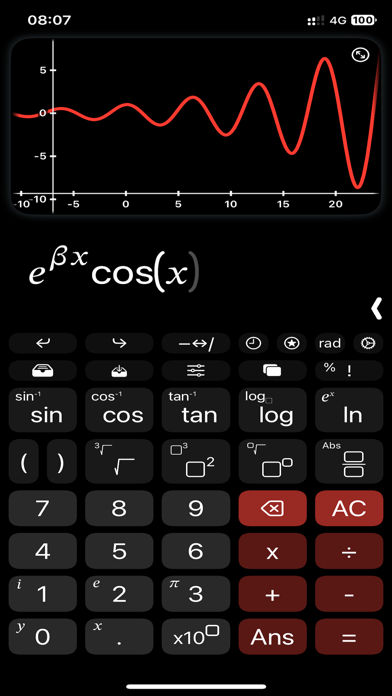
- Sliders: yes, you can insert many parameters and change them swiping on a slider to see the effect in real time.
- Spaces: access to up to 4 spaces on which you can edit and keep calculations, useful also to superpose different plots.
- Joystick mode: swipe over the buttons to move the cursor (still in beta).
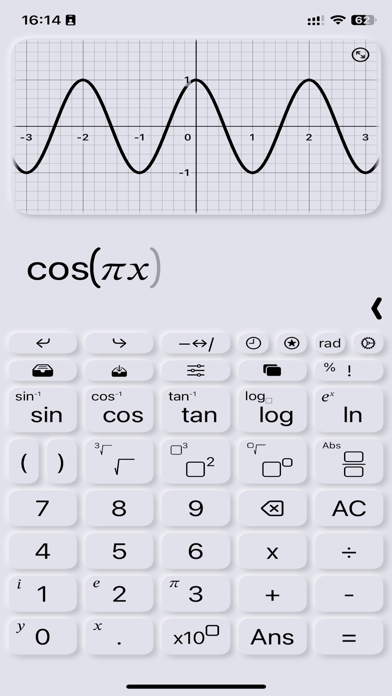
- Plots: inserting a variable, like x or y, the calculator automatically generates the plot.
- Locus of points: if you insert both a variable and the = symbol, instead of showing the function of the variable, it is shown the locus of points.
- Complex numbers: the app automatically uses complex numbers when needed, no need to set the complex mode.
- Plots also support for complex values.
- Integrals an