moloko app icon changer
moloko app icon changer Summary
moloko app icon changer is a with in-app purchases iOS app in Art And Design by Alexey Plekhanov. Released in Jan 2023 (3 years ago). It has 456 ratings with a 4.55★ (excellent) average. Based on AppGoblin estimates, it reaches roughly 1.8K monthly active users and generates around $<10K monthly revenue (100% IAP / 0% ads). Store metadata: updated Apr 21, 2026.
Recent activity: 2.00 new ratings this week View trends →
Store info: Last updated on App Store on Apr 21, 2026 .
4.55★
Ratings: 456
Screenshots
App Description
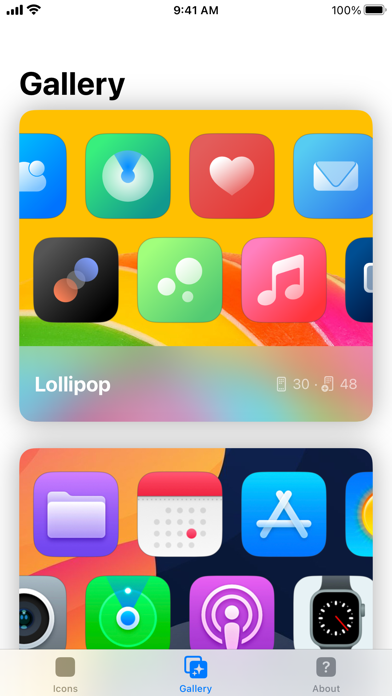
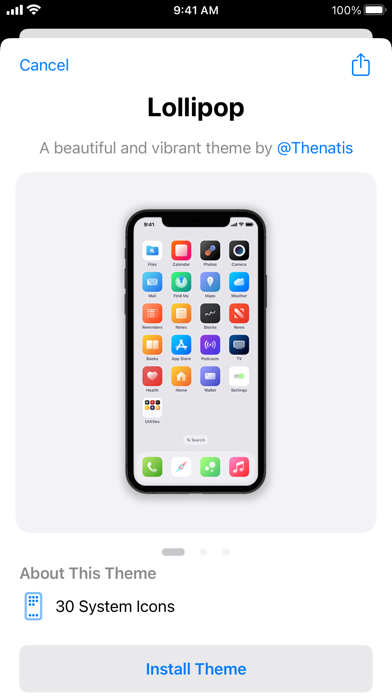
Easy and fun way to create beautiful icons or install high-quality themes with just a tap. Make your phone look unique and personalized!
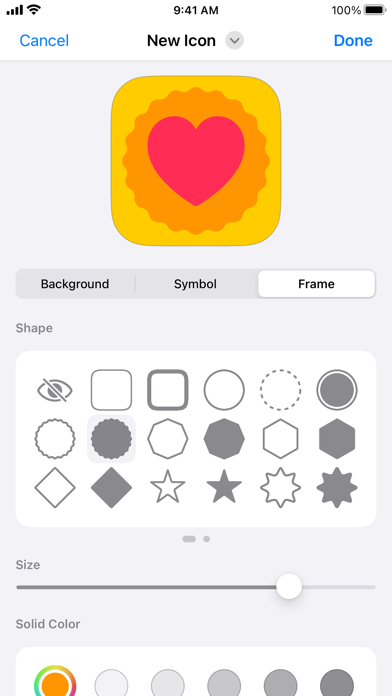
You can create App Store-quality icons that work with the "Open App" action of shortcuts. Customize your Home screen like never before with:
– Emoji and letter icons
– Thousands of system icons
– Hundreds of stunning colors
– Personal photos on icons
– Customizable gradients
– Folder grouping for icons
These pixel-perfect icons can be used not only on your phone but also on social media, presentations, cover art, and more. Plus, generate a solid color wallpaper image to coordinate with your home screen aesthetic.
As an indie developer, I rely on your ratings and reviews. Your feedback and ideas are invaluable in building a better app. Please rate the app and help others find a great creative experience. Thank you for your support!
The app includes an optional premium subscription. This is offered on a monthly or annual basis. If you choose to purchase a subscription your payment will be charged to your iTunes account. Subscriptions will automatically renew unless canceled within 24-hours before the end of the current period. You can turn off auto-renewal at any time by going to your Account Settings on the App Store after purchase.
Privacy Policy: https://aplekhanov.github.io/iconmaker-app/privacy
Terms of Use: https://aplekhanov.github.io/iconmaker-app/terms