MotiveWave Mobile: Trading

MotiveWave Mobile: Trading Summary
MotiveWave Mobile: Trading is a with in-app purchases iOS app in Finance by MotiveWave Software. Released in Mar 2023 (3 years ago). It has 28 ratings with a 3.33★ (mixed) average. Based on AppGoblin estimates, it reaches roughly 267 monthly active users and generates around $<10K monthly revenue (100% IAP / 0% ads). Store metadata: updated Feb 4, 2026, version 140.
Data tracking: SDKs and third-party integrations were last analyzed on Jun 3, 2026.
Store info: Last updated on App Store on Feb 4, 2026 (version 140).
SDKs, Trackers & Permissions
MotiveWave Mobile: Trading was last scanned for SDKs 2026-06-03. Below is the overview of third party companies detected in the app. The full list of raw SDKs, app permissions and unknown SDKs is available here.
AppGoblin saw MotiveWave Mobile: Trading uses 1 Development Tools
 Flutter
App Details
App Store
Ads & App-Ads.txt
AppGoblin SDK Scans
3.33★
Ratings: 28
Screenshots
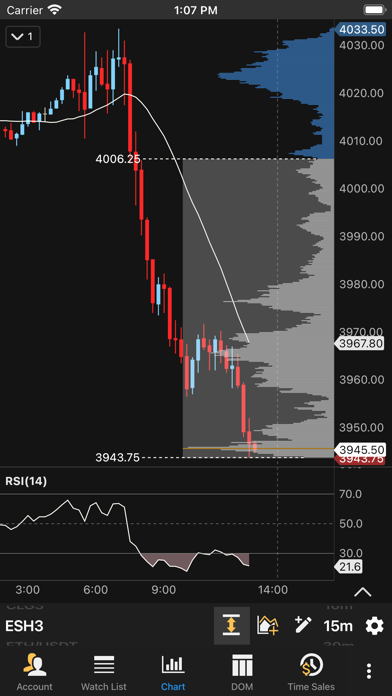
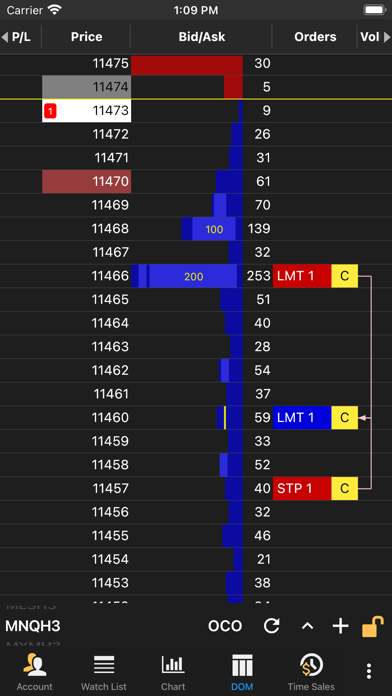
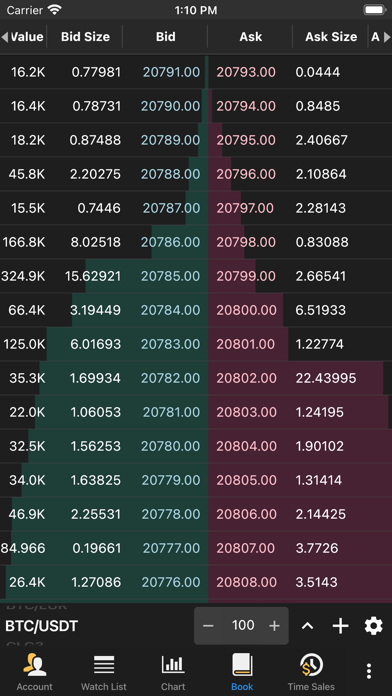
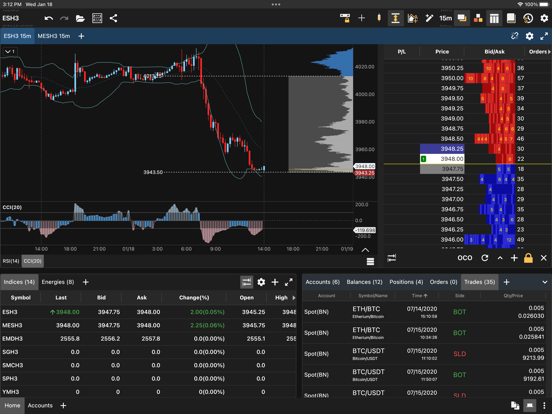
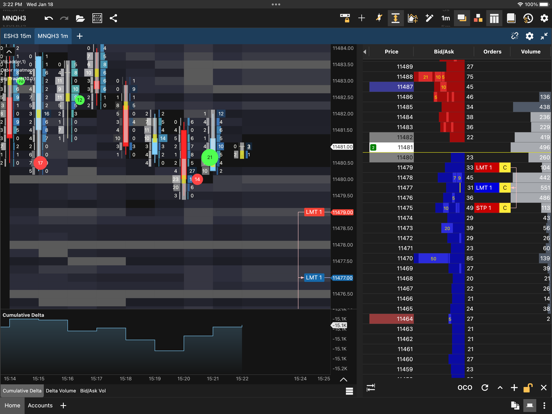
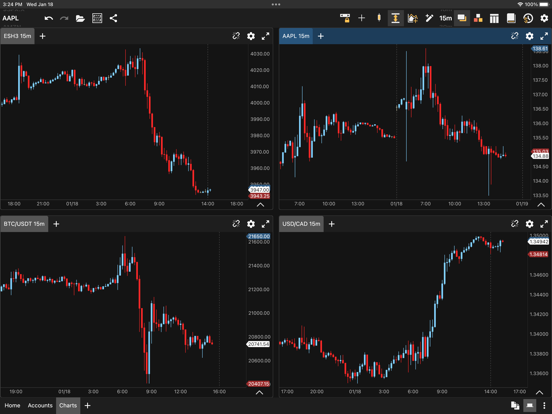
App Description
The MotiveWave mobile application complements our desktop application and is broker neutral with current support for 4 brokers, allowing you to easily trade and monitor futures, stocks, forex and crypto from wherever you are. MotiveWave does not include data and additional brokers may be added in future releases.
The mobile application supports multiple broker connections within the same Workspace or you can create separate Workspaces for each broker.
The application supports two layout modes:
Phone - optimized layout (portrait mode) that shows a single screen at a time
Tablet - Docking framework for displaying multiple docks (charts, watch lists, account info, order book, Time/Sales and Depth of Market)
As an incredibly feature-rich trading platform, here are some of the highlights below showing the capabilities that you can find in our trading software.
Our trading software is available in 4 different editions to meet your charting and trading needs.
Key Features (available features will depend on edition):
4 Supported Brokers:
(CQG, OANDA, Rithmic, TD-Ameritrade)
Multiple Brokers/Data Feeds per Workspace
Chart Tools:
Trend Line, Horizontal and Vertical Line, Price and Time Labels, Fork, Modified Schiff Fork, Channel, Time and Price Range, Arrows, Support and Resistance Areas, P&L Calculator/PL Targets, Cycle, Time Cycle, Wedges, Angles, Curves, Regression Tools, Circles, Triangle, Quad Polygon, Sine Wave, Quadrant Lines, Tirone Levels, Speed Lines, Cross Line
Fibonacci: Retracement, Extension, Expansion, Circle, Arc, Fan, Regression Tools, Customizable Ratio Presets.
Callouts (Balloon, Line, Box), Annotation, Note, Comment, Ellipse, Boxes, Arrows, Shapes, Numbers, Letters
170+ Built-in Studies/Indicators
Indicator on Indicator:
Use one indicator as an input for another
Chart Linking:
Link Instrument - All charts have same instrument
Link Bar Size - All charts have the same bar size
Multiple Chart Bar Types:
OHLC bars, HLC bars, Candlesticks, Trend Candlesticks, Hollow Candlesticks, Heikin-Ashi, Percent Change, Line, Square Line, Bars, No Bars
Non-Linear and Second-Based Bars:
Tick, Range, Renko, Hybrid Renko, Volume, Point & Figure, Reversal
Second-Based Bars (Requires Historical Tick Data)
Time Frame Visibility Options:
Time frame visibility enables you to specify the bar sizes where a component is visible. For example, show a Trend Line