Server: Host Files Locally

Server: Host Files Locally Summary
Server: Host Files Locally is a with in-app purchases iOS app in Developer Tools by Dumpling Software UG (haftungsbeschrankt). Released in Jan 2023 (3 years ago). It has 13 ratings with a 3.62★ (average) average. Based on AppGoblin estimates, it reaches roughly 38 monthly active users and generates around $<10K monthly revenue (100% IAP / 0% ads). Store metadata: updated Feb 13, 2023.
Store info: Last updated on App Store on Feb 13, 2023 .
3.62★
Ratings: 13
Screenshots
App Description
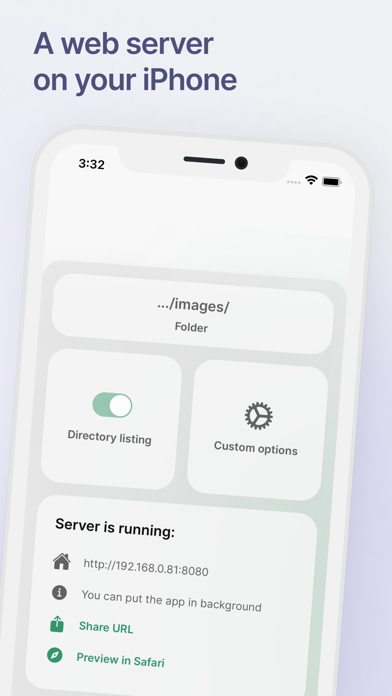
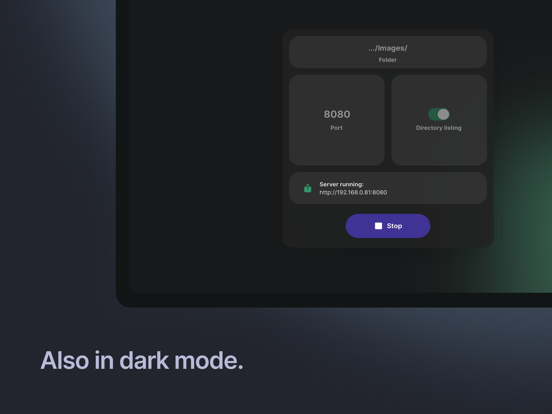
Start a web server on your mobile device and access it from other devices in your local network.
FEATURES
- Use folders stored locally on your iPhone/iPad or in iCloud
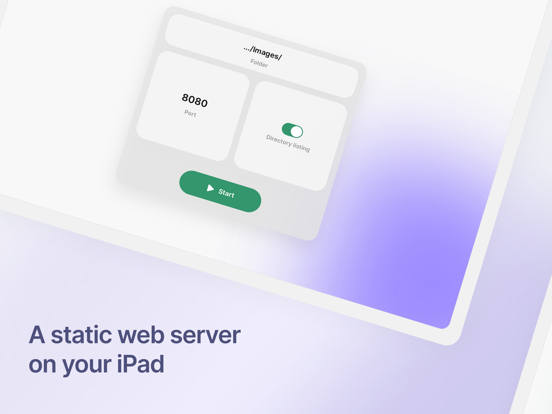
- Serve static files and websites over HTTP
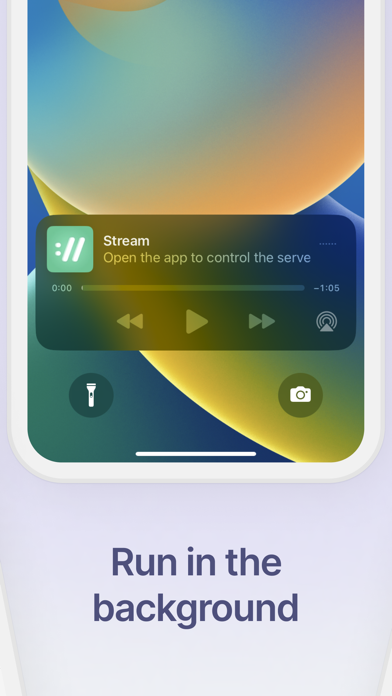
- Run the server also while the app is in the background
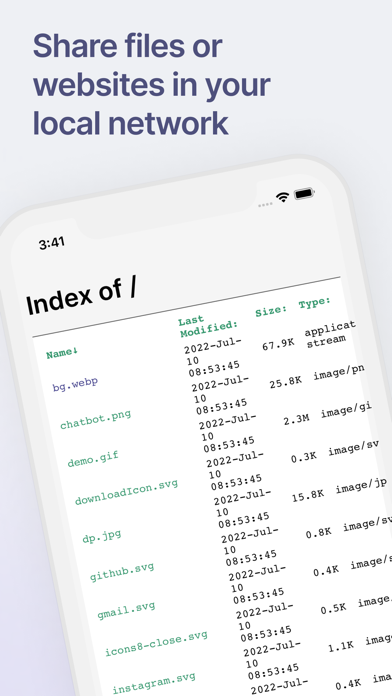
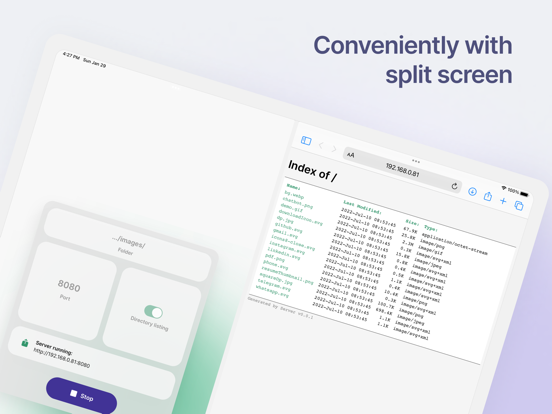
- Enable Directory Listing to browse the selected folder in your browser
- Multitask in SplitView on iPad by eg. using the server and Safari at the same time
- Add password to control access to shared content
- Customize Directory Listing: theme, dotfile visibility, footer text
HOW TO
1. Choose a folder and press “start”
2. Open the generated IP address in a browser on a device in the same WiFi network
3. Done, there is no third step!
USE CASES
- Quickly share files on your iPhone/iPad with other devices in the same WiFi network
- Host a static website, useful for eg. software developers working on the go
- Send files to devices that have limited connectivity features (eg. GPS navigation, gaming consoles etc)
- Create a small media server for your household
TIPS
- The server works on and is visible to other devices only on the same WiFi network (ie. connected to the same router)
- This is a static server which means can’t be used as eg. a PHP or NodeJS backend server
- The Background Mode requires an audio track played while the app is not visible. Go to settings to pick from a number of pleasant nature sounds!