PDF Scanner Document Scanner
PDF Scanner Document Scanner Summary
PDF Scanner Document Scanner is a ad-supported, with in-app purchases iOS app in Tools by Shraddha Limbasiya. Released in Feb 2023 (3 years ago). Store metadata: updated Dec 21, 2023.
Store info: Last updated on App Store on Dec 21, 2023 .
0★
Ratings: 0
Screenshots


App Description
All Document Reader is the perfect app for anyone who needs to quickly and easily view, edit and share documents on their iOS device. With All Document Reader, you can open and view any type of document, including PDFs, Word documents, Excel spreadsheets, PowerPoint presentations, and more. Plus, you can easily edit documents right in the app and share them with others.
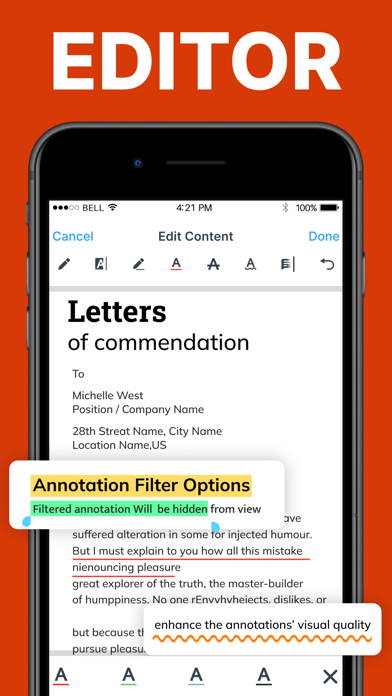
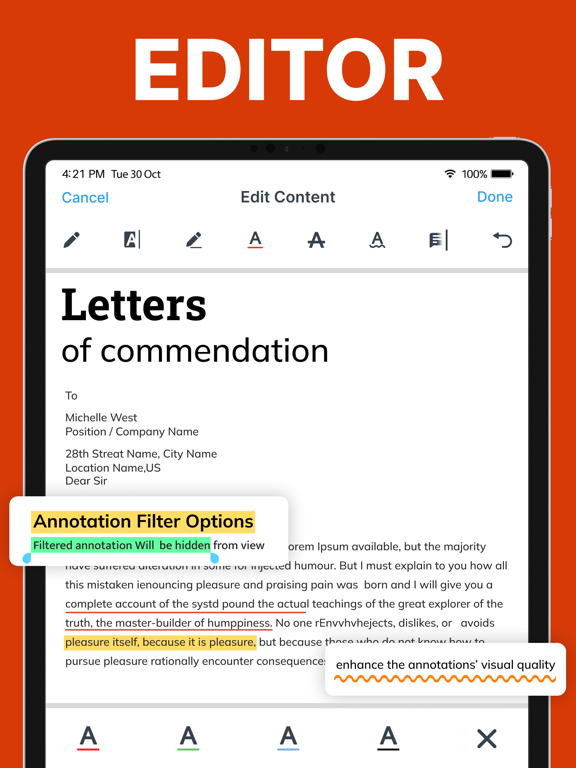
All Document Reader also makes it easy to edit documents right in the app. You can add text, images, and shapes to your documents, as well as highlight and annotate the text. Plus, you can easily share documents with others via email, AirDrop, or other sharing services.
All Document Reader also includes a powerful search feature that makes it easy to find the documents you need. You can search by file name, date, or even content.
Full-Featured Document Manager
• Easy to use interface: All Document Reader app for iOS provides an intuitive and user-friendly interface that makes it easy to manage documents.
• Document Viewer: The app allows users to view documents in various formats, including PDF, Word, Excel, PowerPoint, and more.
• File Management: The app provides a comprehensive file management system that allows users to organize their documents into folders and subfolders.
• Search Functionality: Provides a powerful search function that allows users to quickly find documents by keyword or phrase.
• Sharing Options: The app allows users to easily share documents with others via email, text message, or social media.
PDF Reader
• Open and view PDF documents
• Search for text within PDF documents
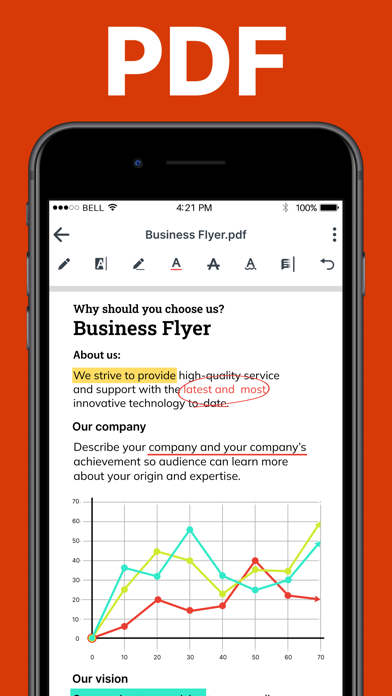
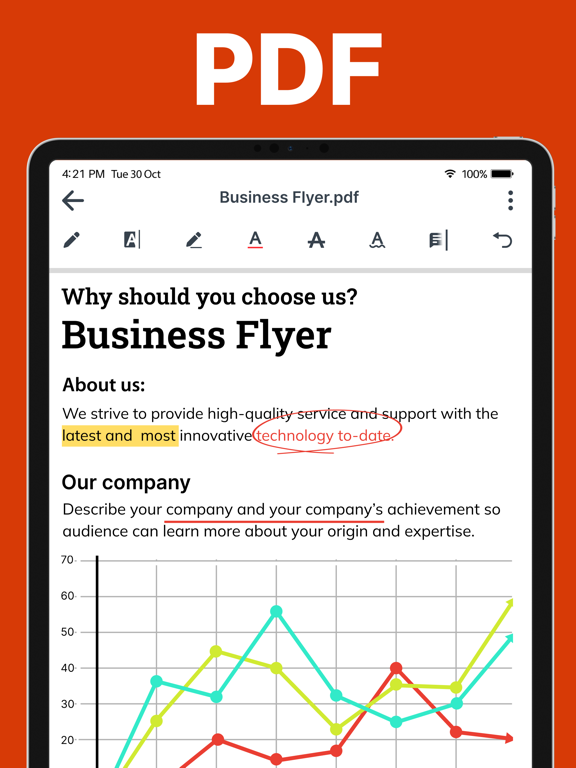
• Annotate PDF documents with highlights, notes, and drawings
• Fill out PDF forms and sign PDF documents
• Convert PDF documents to other file formats (e.g., Word, Excel, PowerPoint, etc.)
• Share PDF documents via email, AirDrop, and other services
Word Viewer (DOC/DOCX)
• Open and view DOC/DOCX files, zoom in/out of documents
• Share documents via email, AirDrop, or other apps
• Annotate documents with text, shapes, and drawings
• Highlight text in different colors
• View multiple documents side-by-side
Excel reader, xlsx viewer
• Quickly Open and view XLSX and XLS files
• Search for specific words or phrases
• Copy and paste text from documents
• View multiple sheets in a single document
•