Clinometer + bubble level

Clinometer + bubble level Summary
Clinometer + bubble level is a with in-app purchases iOS app in Tools by Peter Breitling. Released in Feb 2019 (7 years ago). It has 72 ratings with a 4.26★ (good) average. Based on AppGoblin estimates, it reaches roughly 214 monthly active users and generates around $<10K monthly revenue (100% IAP / 0% ads). Store last updated Dec 18, 2022
Clinometer + bubble level SDKs Summary
App not yet scanned for SDKs.
4.26★
Ratings: 72
Screenshots


App Description
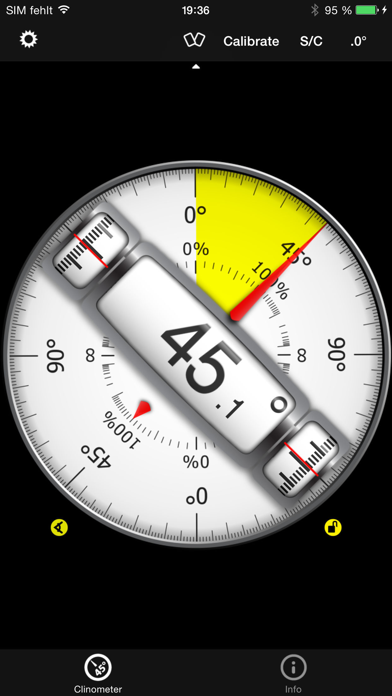
This professional tool called Clinometer is the most precise (all you can get with some calculations) slope measurement tool for the iPhone, iPod Touch and iPad using all sides of the device plus the camera. It can be used for simple applications like aligning a frame as well as for more sophisticated fields of applications where an arbitrary slope needs to be measured exactly. Read the reviews (and write your own) for all the applications you find! Thank for all your positive feedback! Please use our support link if you have questions and suggestions, we don't read the iTunes reviews every day!
With this tool, the slope can be measured by all edges of the device and through the camera. The current features include:
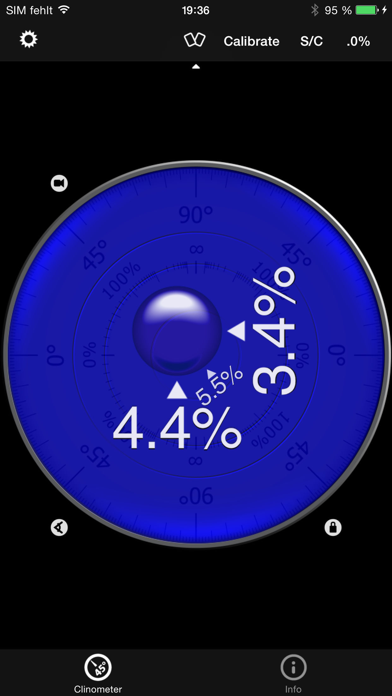
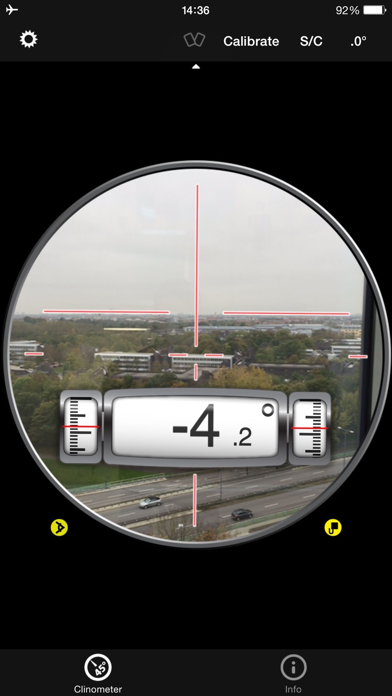
◆ 3 Modes (incl. auto switching): Clinometer mode (auto when holding upright), Camera mode (any direction, manual activation) and Bubble level (smoothly fading in when holding flat).
◆ Relative angles: Besides measuring absolute angles, for every mode you can measure the relative angle between device positions
◆ Advanced two way calibration on all sides: For every 4 sides plus the bubble mode you can calibrate in two steps, which allows you to calibrate exactly even on non-level surfaces. Each direction can be calibrated individually to achieve the optimal precision.
◆ Speech synthesis: The device will speak the current reading, so you don't have to watch the display while measuring/aligning your object.
◆ Five different unit modes: The device can display the slope in degrees (rounded or in tenth of degrees), percentage, rise over run (common for roof slope measurement in :12) and 1V:H (common in engineering)
◆ Dial Rotation: You can smoothly rotate the background dial and thus define which side of the device represents 0° and 90° degrees.
◆ Motion-sensitive Lock feature: Besides the common instant simple tap hold mechanism you can activate the motion-sensitive lock. If activated the device waits for the final lock until you hold your device steady enough for at least 2 seconds. You can set the lock sensitivity between 0.1° and 1.0° degrees.
◆ Peer Mode: Use two devices to measure angles: One as a display, the other as the measurement device that can be attached to the hardware you want to align.
◆ Fullscreen Mode: The full screen mode can be toggled by tapping the center of the screen and by the upper and lowe