Palettes

Palettes Summary
Palettes is a free, with in-app purchases iOS app in Productivity by Rick Maddy. Released in Nov 2008 (17 years ago). It has 114 ratings with a 3.45★ (mixed) average. Based on AppGoblin estimates, it reaches roughly 315 monthly active users and generates around $<10K monthly revenue (100% IAP / 0% ads). Store last updated Sep 21, 2018
Palettes SDKs Summary
App not yet scanned for SDKs.
3.45★
Ratings: 114
Screenshots
App Description
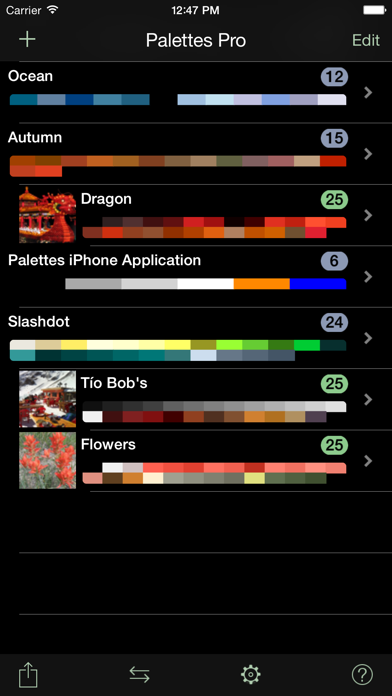
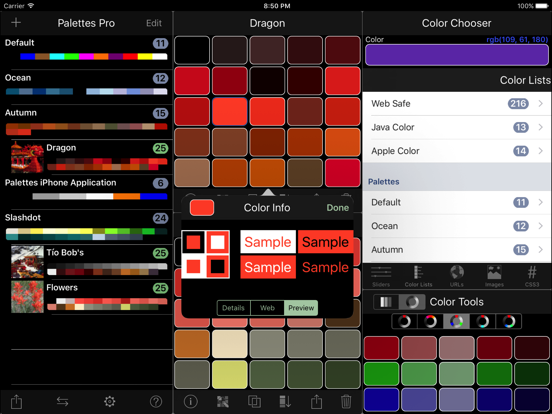
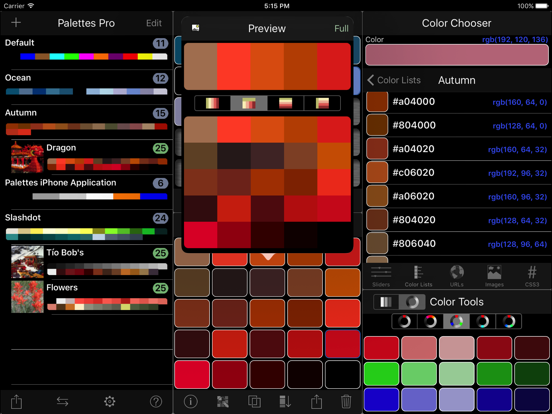
Palettes is a powerful productivity tool for creating and maintaining color palettes. Great for creating color schemes. Now you can create a color palette anywhere at anytime. Grab colors from a photograph, a website, or add colors using any one of 5 color models. Quickly find matching colors with support for many different color schemes. You may create and store any number of palettes.
This application runs at one of three levels: Free, Basic, and Pro. The initial free version runs at the Pro level for a limited time allowing you to fully test the application. It will then revert back to the Free level. Use the included in-application purchasing to upgrade to either the Basic or Pro level at any time.
Key features include:
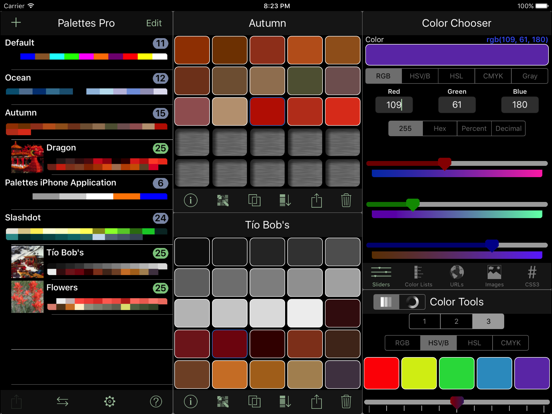
• Single universal application works on all your iOS devices including iPhone, iPad, and iPod Touch.
• Quickly create a color palette from a web site, image, camera, or color scheme.
• Unlimited number of palettes (Free only supports 3).
• 25 colors per palette (Free and Basic allows 5).
• Undo/Redo support.
• Import/Export palettes from/to Adobe Photoshop, Illustrator and Fireworks, GIMP, Paintshop Pro, Procreate, and OS X Color Chooser. (Pro)
• Import/Export palettes via email. Team development made easy with one click import. (Pro)
• Backup and restore your Palettes data directly to/from your own computer, iCloud, Dropbox, Google Drive, Box, or FTP servers. (Basic, Pro)
• Import and export palette files directly to/from your own computer, iCloud, Dropbox, Google Drive, Box, FTP servers, or another app. (Pro)
• Email color palettes to friends and co-workers. (Pro adds more options)
• Pick colors from:
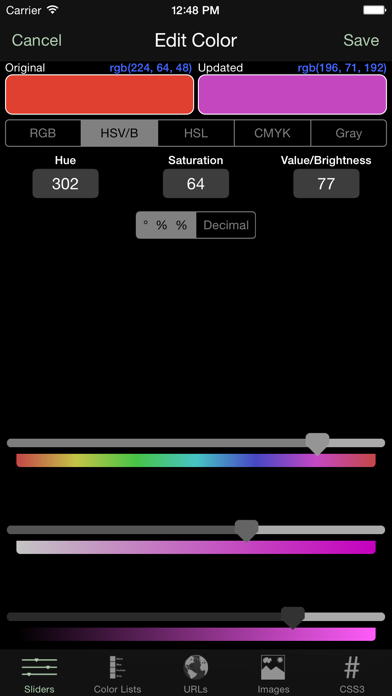
• RGB, HSV (HSB), HSL, CMYK, or Gray scale sliders
• Standard colors lists (SVG, Web Safe, HTML, Java, Apple) or other palettes.
• A website URL (webpage, image, CSS file, 3rd party palette file (Pro)).
• An image or camera.
• Any valid CSS3 color representation.
• Create colors via:
• Color blending (Pro adds using 1 of 4 color models).
• Color schemes (monochromatic (Pro), analogous, triadic, complementary (Pro), split complementary (Pro)).
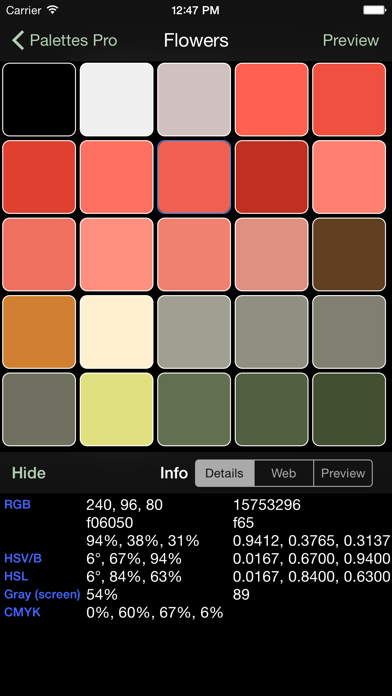
• Review color information:
• Details (integer, hex, percent, decimal, CSS).
• As both a foreground and background color.
• "Palette Flow" (not on iPad)
• Display a color full screen to compare against a real world