CalenGoo Calendar

CalenGoo Calendar Summary
CalenGoo Calendar is a mobile iOS app in Productivity by Dominique Andr Gunia. Released in Jan 2009 (17 years ago). It has 872 ratings with a 4.55★ (excellent) average. Based on AppGoblin estimates, it reaches roughly 2.4K monthly active users . Store last updated Apr 21, 2026
Recent activity: 1.00 new ratings this week View trends →
CalenGoo Calendar SDKs Summary
App not yet scanned for SDKs.
4.55★
Ratings: 872
Screenshots

App Description
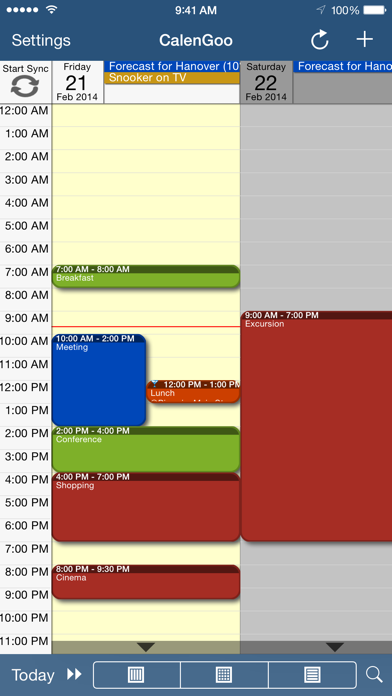
CalenGoo gives you a fast and easy way to access and modify your Google Calendar with your iPhone, iPod Touch or iPad. It can also be used when you have no Internet connection, using the cached data. Changes are saved and uploaded the next time you are connected.
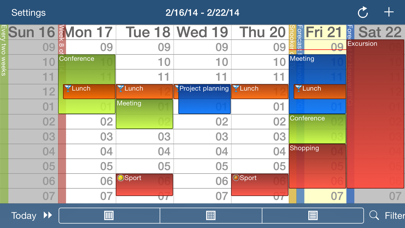
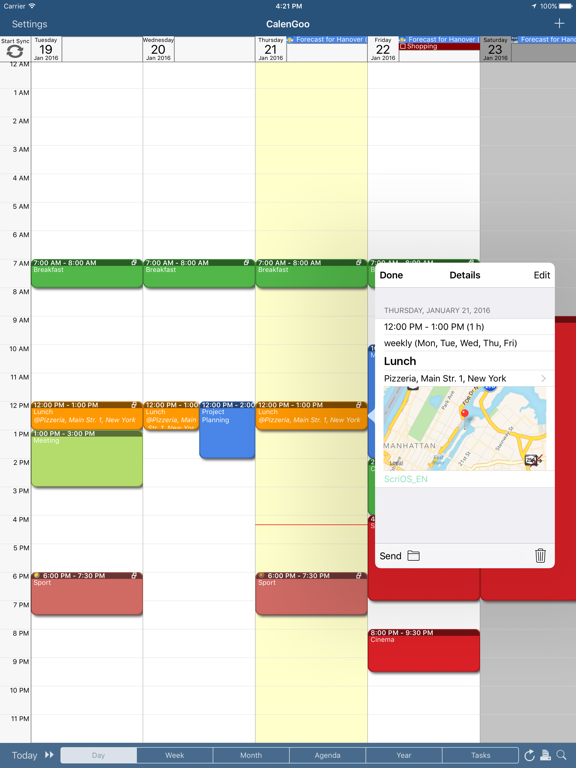
The calendar view is similar to the web view of Google Calendar. Events are displayed using the same calendar colors that you use in your Google Calendar, even Google's event colors are supported (please see http://www.calengoo.com/cc ). It also recognizes which calendars are visible and which are hidden. So the view should match the view of your Google Calendar as much as possible.
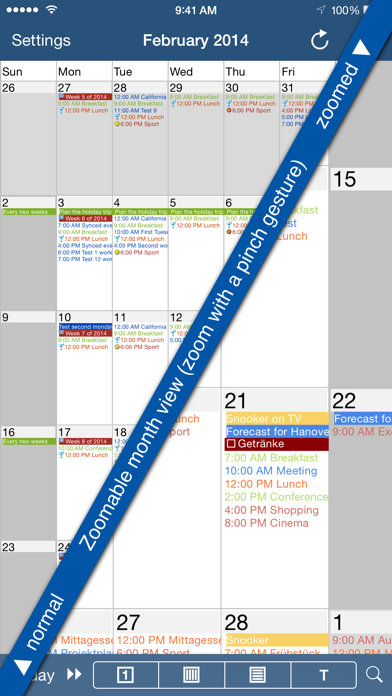
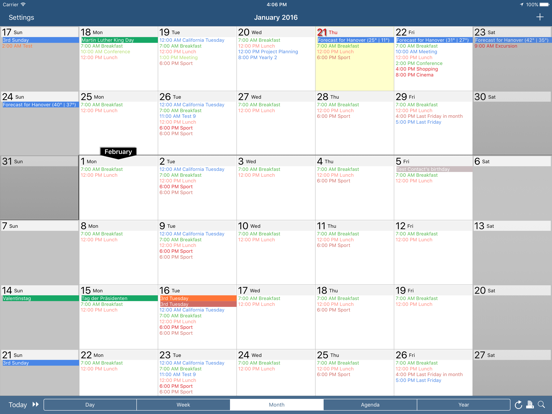
CalenGoo also has a month view similar to that of Google Calendar. It can be zoomed and panned to quickly get an overview over the events of a month. Zooming the month is done by using the two-finger-zoom gesture that you know from Safari and the photo application. A double tap opens the tapped day.
It also supports the same kinds of recurrence rules as Google Calendar and displays recurring events correctly even when you are offline or scroll far into the future.
You can also use Google Calendar's feature to invite people to events and see their status (accepted, declined, maybe, no answer). They will get an invitation email with links to e.g. accept or decline the invitation.
Google Calendar has an integrated task list, called Google Tasks. Tasks with a due date are displayed on the corresponding days of the calendar. CalenGoo can do the same, it can sync this list, display your tasks in the calendar views and in a list view and it even makes your tasks available offline. You can edit and add tasks and the changes will be synced with Google Tasks.
You either need a (free) Google Calendar account to use this app or you can use it with your iOS calendars. However using it with Google Calendar has a few advantages.
To get more information, screenshots and a tutorial, please go to http://www.calengoo.com
If you have any problems or suggestions, please send an email to calengoo@dgunia.de or take a look at CalenGoo's support website to get help.
If you think the font is too small and hard to read, you can increase the font size of all calendar views in the settings under "Settings", "Display and Use".
Features ( http://www.calengoo.com ):
- Drag&drop to quickly copy and move events
- Templates to quickly create s