Flashcards Deluxe

Flashcards Deluxe Summary
Flashcards Deluxe is a with in-app purchases iOS app in Education by OrangeOrApple.com. Released in Mar 2009 (17 years ago). It has 1K ratings with a 4.53★ (excellent) average. Based on AppGoblin estimates, it reaches roughly 927 monthly active users and generates around $<10K monthly revenue (100% IAP / 0% ads). Store last updated Jun 6, 2026
Flashcards Deluxe SDKs Summary
App not yet scanned for SDKs.
4.53★
Ratings: 1K
Screenshots


App Description
Flashcards Deluxe is an easy-to-use yet powerful flashcard app designed to help you efficiently learn almost anything.
Learn languages, prepare for exams, or memorize anything else — your way.
• No subscriptions. Pay once.
• Optional spaced repetition system (SRS) for efficient studying
• Easily create and maintain your own flashcards in a spreadsheet, text file, or directly in the app
• Import flashcards created with your favorite AI tool or shared by other users
• Highly customizable to fit the way you study
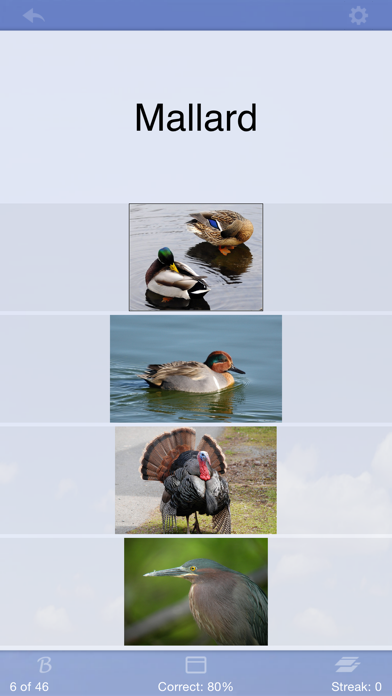
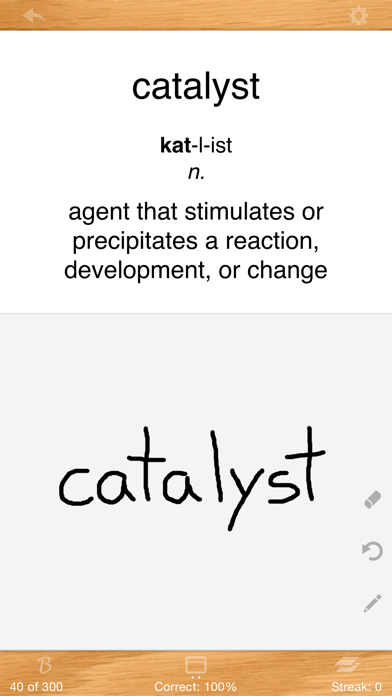
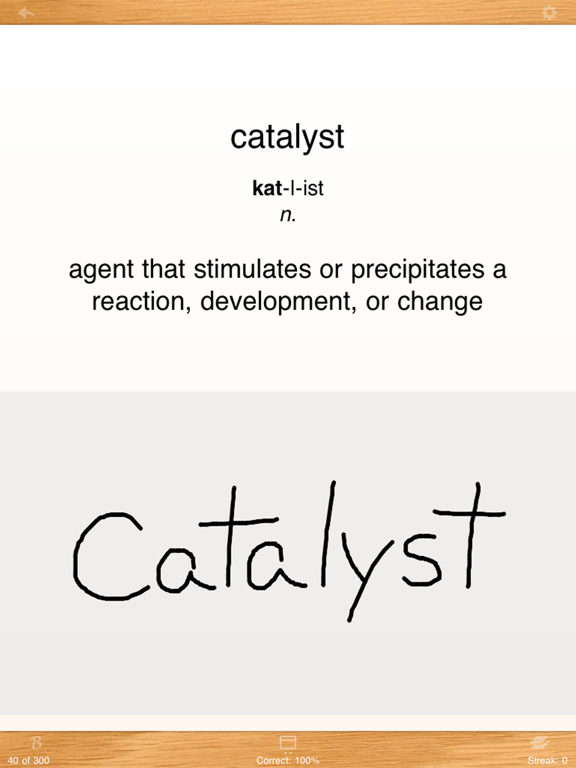
• Up to 5 sides per card — go beyond “front and back” with pronunciation, example sentences, definitions, explanations, and more
• Offline text-to-speech (TTS)
• Multiple choice, spelling tests, and quizzes with exportable results
• Add pictures and audio to any side
• Rich text formatting using Excel or HTML
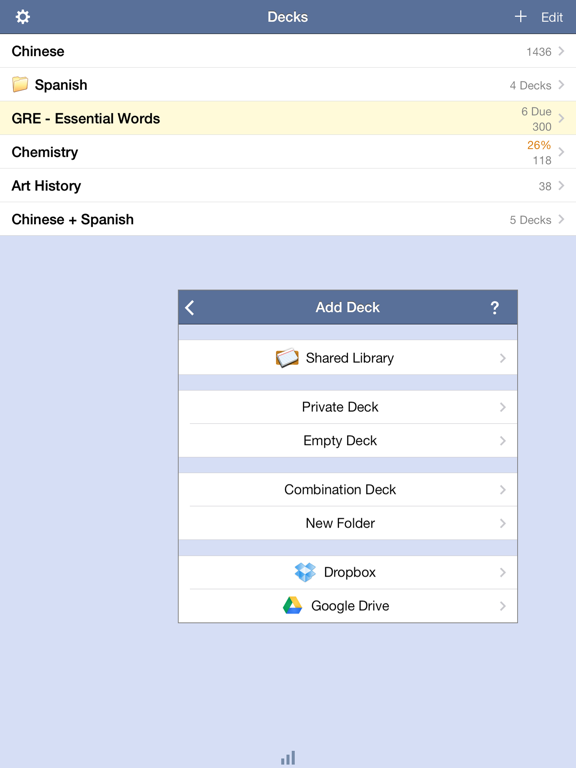
• Import and export options include OneDrive, Dropbox, Google Drive, email, and our website
• Handles very large flashcard sets
• View and search cards easily in list view
• Run audio slideshows for hands-free practice
• Sync across devices
Trusted by learners for over a decade, Flashcards Deluxe continues to offer powerful features, great support, and ongoing updates for beginners and advanced users alike.
A free Lite version is also available.