Flashcards Deluxe Lite

Flashcards Deluxe Lite Summary
Flashcards Deluxe Lite is a free iOS app in Education by OrangeOrApple.com. Released in Mar 2009 (17 years ago). It has 15 ratings with a 4.13★ (good) average. Based on AppGoblin estimates, it reaches roughly 13 monthly active users . Store last updated Jan 29, 2026
Flashcards Deluxe Lite SDKs Summary
App not yet scanned for SDKs.
4.13★
Ratings: 15
Screenshots
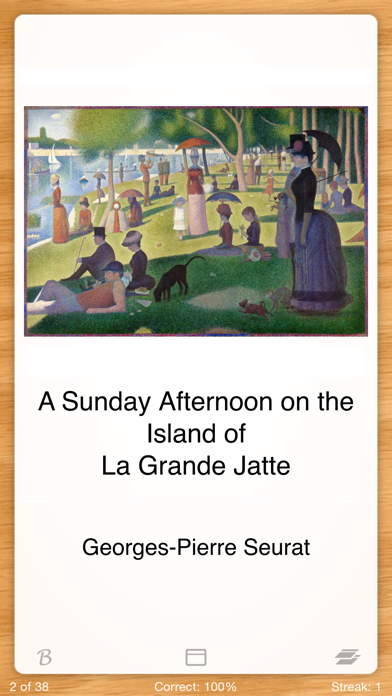
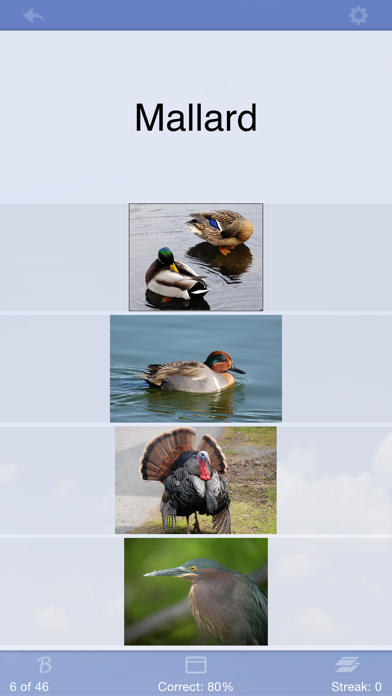
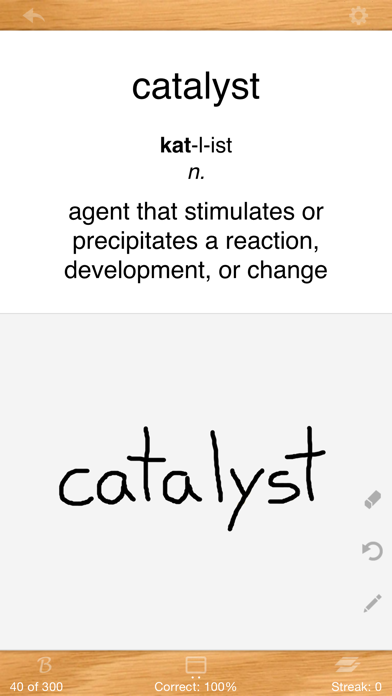
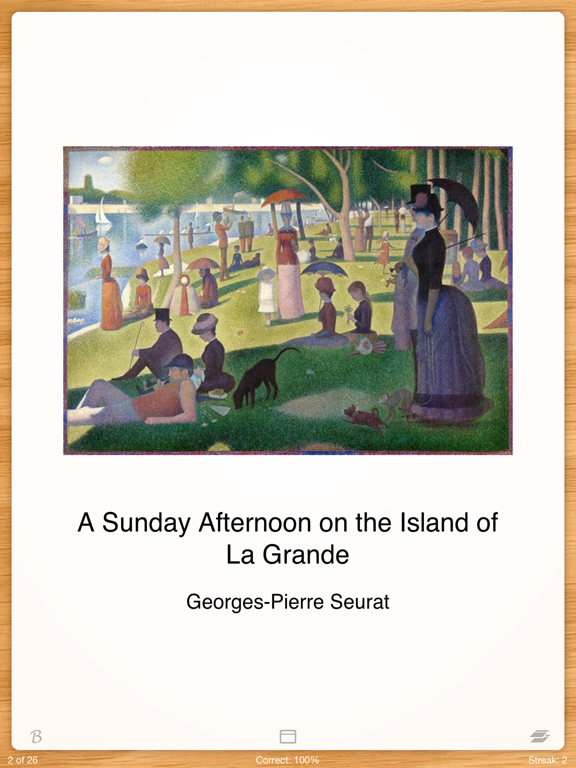
App Description
This is a free lite version which has a LIMIT of 6 decks and 6 cards per deck. The paid version does not have this restriction.
Flashcards Deluxe is an easy to use, yet powerful flashcard app which you can use to study just about anything you want. I use this app for my own Chinese studies, and am constantly improving it to make it better for myself and others.
Features:
• Two smart study modes that automatically focus more on the cards you miss: Leitner and a more advanced Spaced Repetition mode (similar to SuperMemo or Anki)
• Text to speech (TTS) audio in 18 languages (no internet connection needed to study)
• Multiple choice option
• Spelling tests (listen to audio and use keyboard to answer)
• Searchable listing of your cards that allows you to easily look up other terms as you study
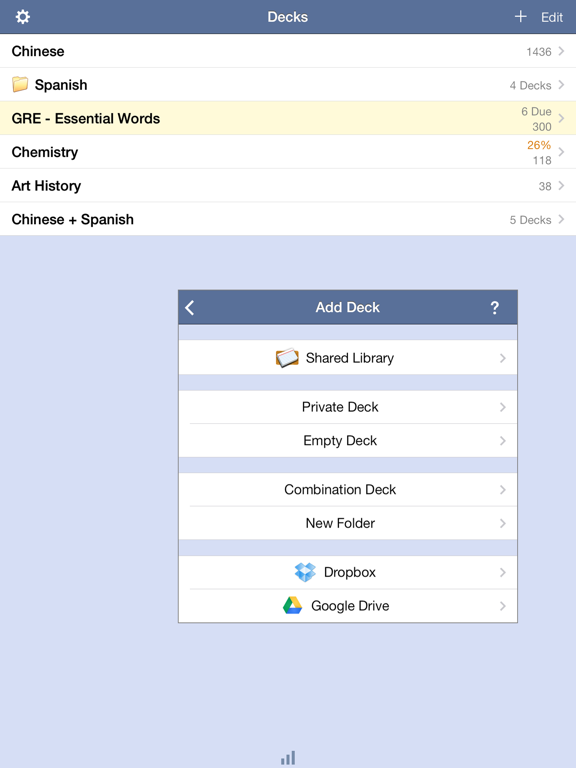
• Organize decks in folders and combine decks for studying
• Several flashcard color themes to choose from (sky, wood, chalkboard, etc.)
• Divide cards into categories
• 1 to 5 sided cards
• Include pictures and sounds. Zoom into pictures. Auto repeat sounds.
• 3 response levels: Wrong, I kind of know, I know really well (vs the standard correct/wrong) - for more efficient studying
• Easy navigation - swipe or tap to answer (customizable)
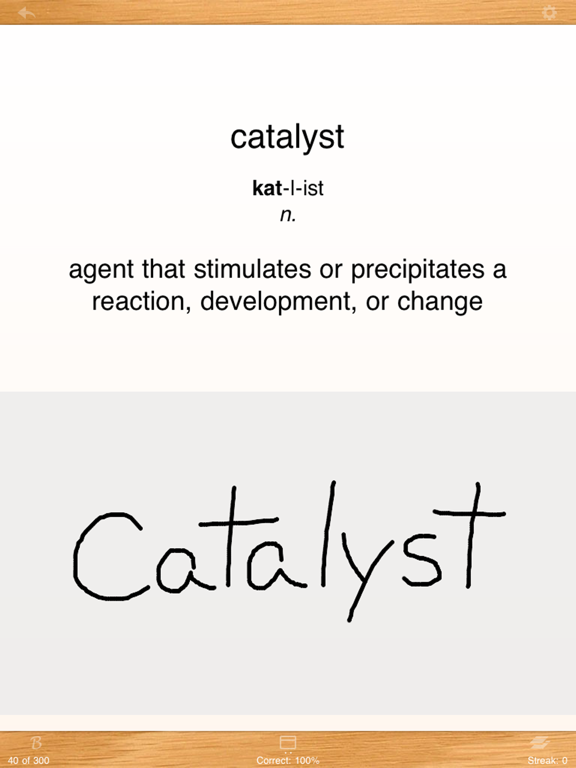
• Draw self-graded answer with your finger
• Automatically turn cards off after getting them correct a certain number/percentage of reviews
• Clean, efficient user interface, including full-screen and landscape viewing
• Custom text and background colors
• Browse mode that lets you easily navigate forward or back without keeping score
• Slideshow mode
• Large number of cards (10,000+) can be imported easily (full version)
• Backup your flashcards to your computer
• Supports Dropbox, Google Docs and USB transfers
• Very easy to get started, with lots of features and options for advanced users
• Great support! I promptly respond to any questions or feedback you may have. Use my website's public forum or email me.
You can create flashcards either on your computer or directly within the app. If you don't want to make your own, you can browse and download flashcards from the app's Shared Library.
Creating cards on your computer is an easy process of making a two column list of questions and answers in a text editor or spreadsheet, copy/pasting your list into our website, and then downloa