Skeleton System Pro III-iPhone
Skeleton System Pro III-iPhone Summary
Skeleton System Pro III-iPhone is a mobile iOS app in Medical by 3D4Medical from Elsevier. Released in May 2009 (17 years ago). It has 50 ratings with a 4.54★ (excellent) average. Based on AppGoblin estimates, it reaches roughly 170 monthly active users . Store metadata: updated May 13, 2021.
Store info: Last updated on App Store on May 13, 2021 .
4.54★
Ratings: 50
Screenshots
App Description
Developed by 3D4Medical in collaboration with Stanford University School of Medicine.
AS SEEN ON TV: This app is featured in Apple's iPad TV ad.
"Named by Apple as one of the top 5 medical iPad apps of 2011"
For a 2 minute overview of how this app works - please visit: http://applications.3d4medical.com/skeletal_pro.php
Skeletal System Pro contains hundreds of improvements - here are a few:
• 360 horizontal degree rotation of any body part - with a swipe of your finger.
• Rotate vertically for inferior and superior views.
• 94 animations of every movement of each articulation (e.g. flexion, extension, abduction, adduction, etc)
• 2 types of Quiz, Drag and Drop and Multi-choice.
• 596 audio pronunciations, for every label.
• Draw on any screen image and then share it through email, Facebook or Twitter.
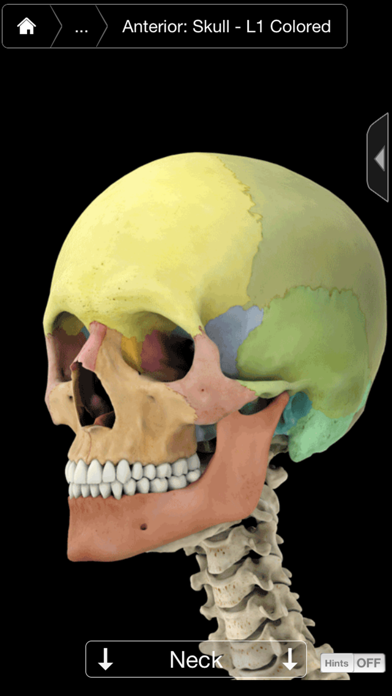
• Color mapping of the skull and pelvis bones.
OTHER NEW FEATURES:
• Graphical Hints: On screen hints that can be turned on or off, for a complete understanding of all the app's features.
• Interface: Completely rebuilt to allow for simple navigation.
• Mix layers: Make one layer semitransparent to compare against another layer.
• Public Notes: Post or browse through shared public notes.
OTHER FEATURES:
• Double Tap to Zoom - zoom into and identify any region, bone, skeletal area or ligament by tapping on the screen.
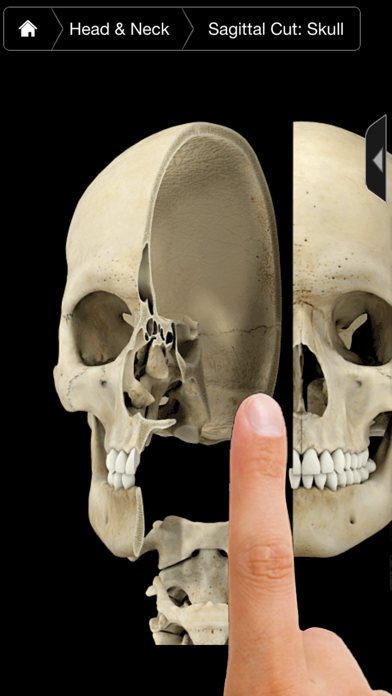
• Use your finger to Cut - slice skeletal areas for a coronal, sagittal and transverse cut view (where applicable) - use hints to learn how.
• Press the Scalpel - to add or remove up to 4 layers of connective tissue.
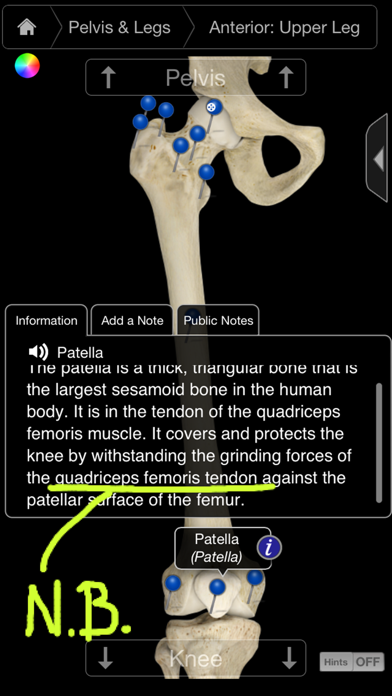
• Pins appear in both English and Latin.
• Double Tap again for additional Zooming - useful when there are multiple pins.
• Customize Pins - add your own pins and notes or add notes to existing pins.
• Customize the App - using the settings function the user can choose which pins appear within the app - customize to different levels, i.e. high school, nurses etc…
The Skeletal System Pro III - includes the most in depth 3D skeleton ever developed, the ability to rotate, cut and get superior/inferior views all with the simple stroke of the finger.
This app’s primary use is as a learning tool but can also be used as a fast and innovative reference tool by utilizing the index function which allows the user to select an item and the app will automatically zoom in and