iLogger

iLogger Summary
iLogger is a free, with in-app purchases iOS app in Productivity by Rick Maddy. Released in Jun 2009 (17 years ago). It has 31 ratings with a 4.68★ (excellent) average. Based on AppGoblin estimates, it reaches roughly 96 monthly active users and generates around $<10K monthly revenue (100% IAP / 0% ads). Store last updated Dec 11, 2024
iLogger SDKs Summary
App not yet scanned for SDKs.
4.68★
Ratings: 31
Screenshots
App Description
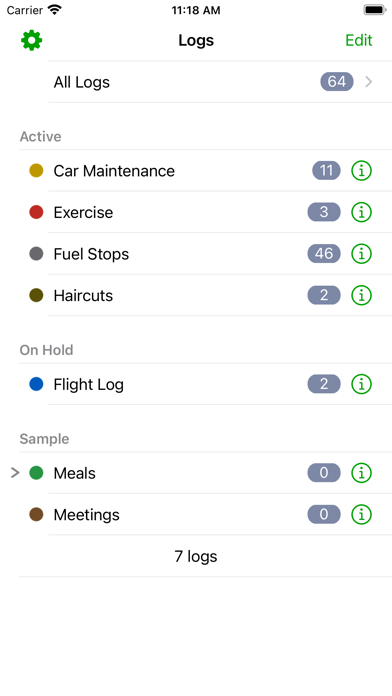
iLogger is the only app you will need to log and record all of your activities. If it happened, you can log it. User definable logs allow you to keep track of the events you want and how you want them. iLogger comes with sample logs to get you started quickly but you can set it up any way you desire to fit your needs.
NOTE: The free version is fully functional but it limits you to 15 entries. A single one-time in-app purchase will remove the restriction on the number of entries you can enter.
Here is a small list of things you can keep track of:
• Food / Diet / Calories
• Exercise / Fitness
• Running / Jogging / Biking / Hiking
• Car Maintenance
• Gas Mileage
• Consulting time / Work
• Project construction
• Trip Diary
• Flight Log
• Dive Log
• Swim Log
• Medical / Medication
• Sleep / Dreams
• Money
• Ham Radio
• Anything you want to keep track of
Quickly import your existing logs directly from your computer. You can also export your logs from iLogger directly to your own computer or via email. Built-in backup and restore to/from your own computer ensures you always have a copy of your data.
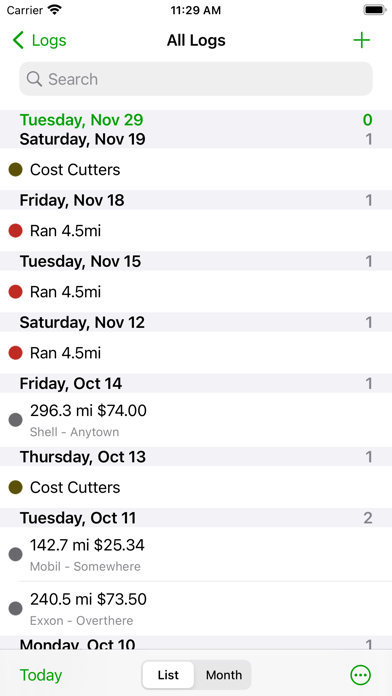
Quickly find your events using iLogger's powerful filtering, searching, and sorting capabilities.
Data entry is made easy with autofill and quick copy.
iLogger allows you to enter the following types of data:
• Text
• Note/Comment
• Date
• Time
• Duration
• Currency
• Count
• Numbers (Integer, Decimal)
• Yes/No
• Web Address
• Email Address
• Phone Number
• Location (GPS, address, city, etc.)
• Voice Memo
• Calculated (use basic math on other attributes and values)
• Lookup List (user defined list of values)
Store up to 20 photos for each of your entries. Use existing photos or take a photo with the built-in camera.
Share your data with others. Email logs to co-workers or friends and family. Other users of iLogger can import your shared logs directly simply by tapping a link in the email.
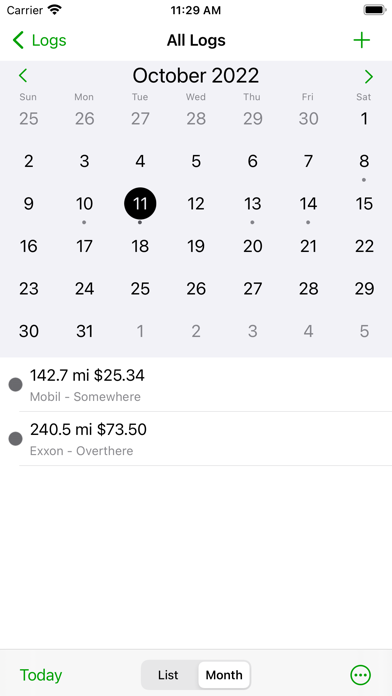
Customize entry lists to display exactly the data you want to see. Apply colors to logs or individual entries to make them stand out.
See a summary of the entry list you are viewing. Shows entry count and totals and averages of your data.
Generate a report of your logs viewable on your computer. Includes a print friendly version of your entries.
Protect access to your data with a passcode. Keep others out of yo